Definition and Meaning of Online Forms
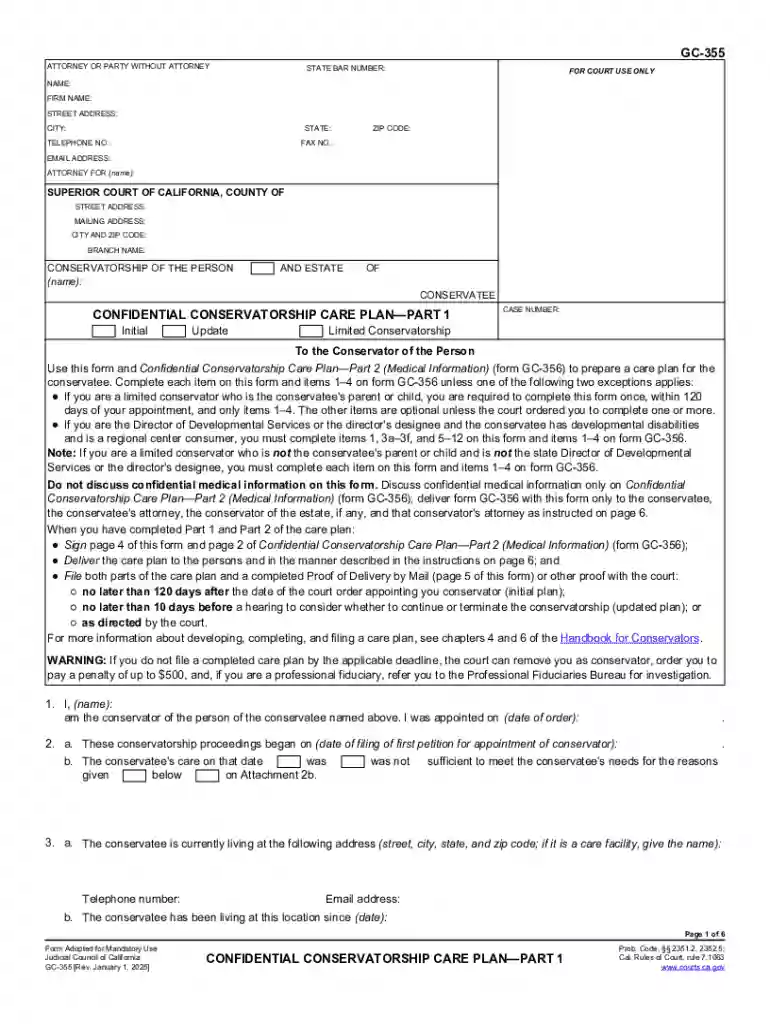
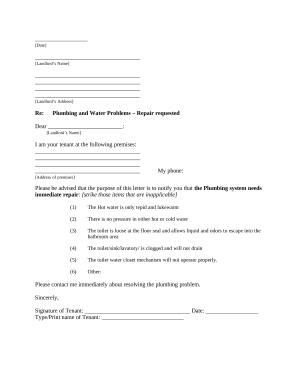
Online forms are digital versions of paper forms used for a wide range of applications, including data collection, surveys, registrations, and feedback submissions. They are designed to facilitate the seamless gathering and processing of information over the internet. Unlike traditional paper forms, online forms enable users to enter their responses directly into electronic fields, which can be customized with various input types like text boxes, radio buttons, checkboxes, and dropdown menus. This digital format not only reduces the time spent on data entry but also increases accuracy by minimizing human errors associated with manual form completions.
Advantages of Online Forms
- Efficiency: Accelerates data collection by allowing immediate form submission and processing.
- Accessibility: Forms can be filled out anytime and anywhere, given internet access.
- Cost-effectiveness: Eliminates the need for printing and physical storage, reducing costs associated with paper forms.
- Integration: Data collected can be easily integrated into databases and software systems for analysis or automated workflows.
Steps to Complete a Form Online
Completing an online form generally involves accessing a digital platform where the form is hosted, preparing required documentation, and following prompted steps to submit the form. Below is a typical process:
- Access the Form: Visit the website or platform hosting the form. Often, forms are shared via direct links in emails or embedded in web pages.
- Read Instructions: Thoroughly read any accompanying instructions or guidelines to ensure a clear understanding of what information is required.
- Enter Information: Input the necessary data into designated fields, ensuring accuracy in details like name, contact information, and other specifics.
- Attach Documents: If the form requires supporting documents, upload them as specified, adhering to file size and format constraints.
- Review: Carefully review all entered information for mistakes or omissions before proceeding.
- Submit: Follow the page prompts to submit the form. Confirmation of submission may include a receipt or email acknowledgment.
Common Pitfalls
- Skipping Instructions: Neglecting to read guidelines can lead to errors or incomplete submissions.
- Inaccurate Information: Errors in data entry require resubmission, delaying the process.
- Technical Difficulties: Lack of compatibility with specific browsers or devices can impede form completion.
Key Elements of Online Forms
Effective online forms are comprised of several critical components that enhance functionality and user experience. These elements ensure data is correctly captured and processed:
- Input Fields: Define the type of information users should provide (e.g., text fields for names, date pickers for dates).
- Labels and Descriptions: Clear, concise labels that describe the requirement for each input field and supplemental descriptions to help users understand complex questions.
- Validation and Error Messages: Automated checks and prompts that guide users to correct errors before submission.
- Design and Layout: User-friendly design that organizes information logically, with consistent styling for easy navigation.
Examples of Use
- Registration Forms: Used widely in events, courses, and new account setups.
- Feedback Surveys: Collect user opinions for product and service improvements.
- Application Forms: Integral for job applications, grant submissions, and educational admissions.
Legal Use of Online Forms
The legality of online forms in the collection and processing of data, especially personal data, is governed by several laws and regulations which vary by country and region. In the U.S., regulations such as the Electronic Signatures in Global and National Commerce (ESIGN) Act and various data protection laws like the California Consumer Privacy Act (CCPA) are pertinent.
Key Legal Considerations
- User Consent: Forms must include consent sections where users agree to data collection and the terms of use.
- Confidentiality and Data Protection: Measures need to be in place to protect collected data against unauthorized access.
- Accuracy and Truthfulness: Users are typically required to attest that the information they provide is true and accurate to the best of their knowledge.
Important Terms Related to Online Forms
Understanding terminologies associated with online forms is crucial for both creators and users. Here are a few key terms:
- Responsive Design: A design approach that makes forms usable on various devices, including smartphones and tablets.
- Captcha: A challenge-response test to determine whether the user is human, thus preventing automated fraud.
- Autosave: A feature that periodically saves user progress to prevent data loss.
Examples of Using Online Forms
Online forms are versatile tools utilized across numerous scenarios:
- Educational Admissions: Schools collect applications via detailed forms that standardize student submission processes.
- Healthcare Appointments: Patients can schedule appointments and provide preliminary medical information.
- Business Orders: Companies use order forms to streamline the purchasing process for customers.
Who Typically Uses Online Forms
Online forms are used by individuals and organizations across various sectors:
- Businesses: For employee onboarding, customer surveys, and order forms.
- Non-profits: For volunteer applications and donation collections.
- Educational Institutions: For enrollment applications and feedback surveys.
- Government Agencies: For census data collection and public registrations.
Software Compatibility for Online Forms
Online form platforms often offer compatibility with various software tools and systems, enhancing integration and functionality across different operations. Compatibility considerations include:
- API Integrations: Allow forms to directly communicate with external systems like CRM or ERP software.
- Format Support: Ensures that data from forms can be exported in compatible formats for software like Excel or specific database systems.
- Plugin Options: Enable functionalities like payment processing and conditional logic through third-party plugins.
Supported Software Tools
- CRM Tools: Salesforce, HubSpot
- Payment Gateways: PayPal, Stripe
- Data Analysis Tools: Google Analytics, Microsoft Power BI
By understanding these aspects of online forms, users can maximize their effectiveness, utilizing them for efficient data collection, secure information processing, and seamless integration with other technologies.