






Definition and Meaning
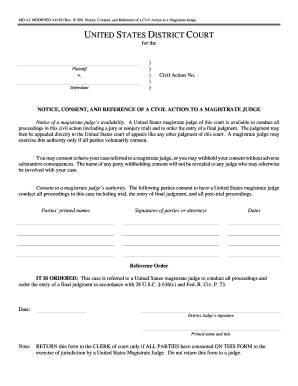
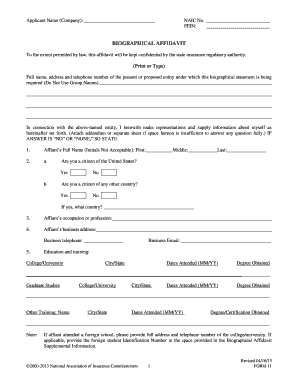
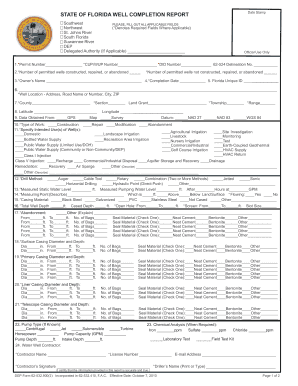
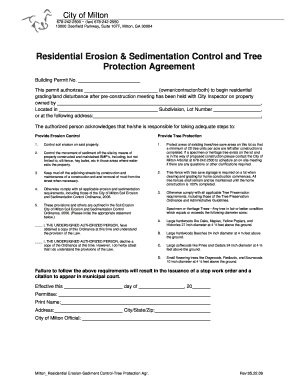
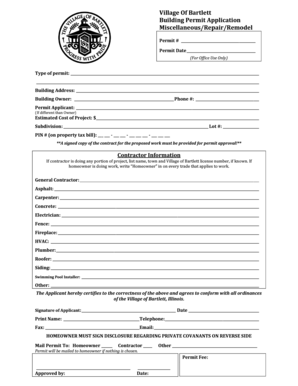
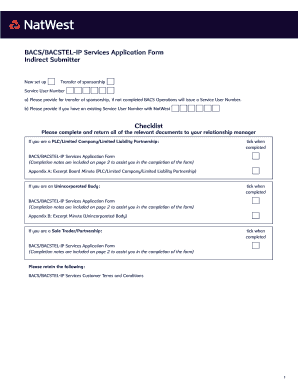
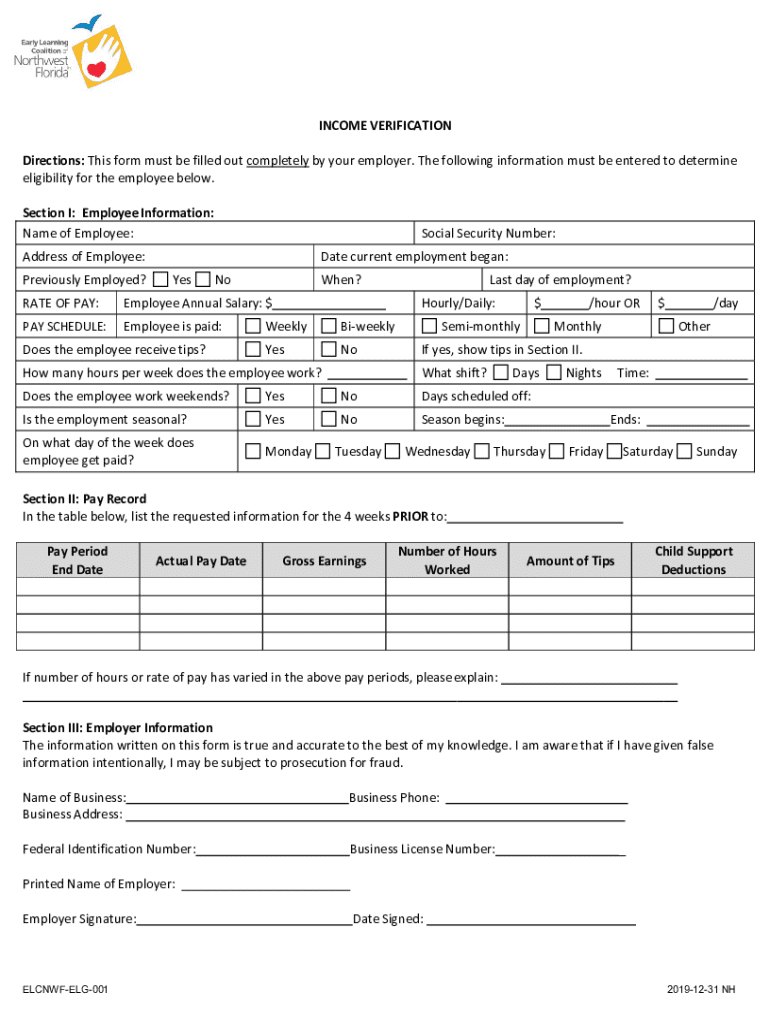
Forms that are filled online represent a digital alternative to traditional paper documents. The move to online forms streamlines processes, allowing users to input data directly into a digital format, which is then submitted electronically. This eliminates the need for physical paper, reduces errors associated with manual entry, and accelerates data processing. Online forms are commonly used across various sectors, including government services, educational institutions, and businesses, facilitating tasks such as applications, registrations, and information collection. Utilizing an online form ensures convenience and flexibility for users, as it can be completed from any location with internet access and typically offers features such as auto-completing fields and validation checks to improve accuracy.
How to Use the Form Online
Using an online form involves several intuitive steps designed to enhance user experience and efficiency. First, users will need to access the form through a web platform or a designated URL link. Once accessed, the interface generally guides users through a series of fields where specific information is required. These fields may include text boxes, dropdown selections, or checkboxes. Ensuring accuracy is crucial; thus, many platforms provide real-time validation to immediately flag errors or incomplete sections.
- Input data directly into the corresponding fields.
- Ensure all mandatory fields denoted by asterisks are completed.
- Review all entered information for accuracy before submission.
- Use built-in tools for assistance, such as tooltips or help icons, to clarify uncertainties.
Upon completing the form, a review screen often allows the user to verify all entries before final submission. Depending on the system, users may receive confirmation via email or a downloadable receipt of submission, which acts as proof that the form was processed.
How to Obtain the Form Online
To access an online form, users should follow specific procedures ensuring they reach the right location for download or fill-out. Access might occur through direct links provided by email, electronic notifications, or through a relevant website. Organizations offering forms online typically make them available in the "Forms" or "Resources" section of their sites.
- Navigate to the website of the organization issuing the form.
- Search for the relevant section labeled "Forms," "Resources," or similar.
- Use the website's search feature if available to locate the exact form needed.
- Click the link to either download a digital copy or open an interactive version directly within the web browser.
After locating the form, users should ensure they download it in a format compatible with their editing tools, such as PDF or DOCX, if they need to save a local copy. For fillable online forms, it suffices to have a reliable internet connection to interact with the document directly.
Steps to Complete the Form Online
Completing an online form requires several methodical steps to ensure thorough and accurate information is captured.
- Start by logging in if registration is required, ensuring secure access.
- Open the form and read any instructions or FAQs associated with it.
- Enter personal details, ensuring all fields are filled correctly.
- For fields that involve multiple-choice options, select the most accurate answer.
- Attach necessary documentation or supporting files through upload features.
- Use the preview tool available to review all entries for any omissions or inaccuracies.
- Finally, submit the form by following any on-screen steps. A confirmation screen typically appears to affirm successful submission.
The review step is essential to prevent errors that might necessitate resubmission or delays, particularly for time-sensitive forms.
Key Elements of the Form Online
Online forms are typically composed of several critical segments that ensure the effective collection of necessary data. These segments are designed with user input and clarity in mind, making them accessible and easy to understand.
- Header Information: This section typically includes the form's title, version number, and the organization issuing it.
- User Instructions: Clear instructions or guidelines explaining how to fill out the form properly.
- Data Fields: Sections to enter personal or requested information, such as name, address, and contact details. These fields may vary significantly depending on the form's purpose.
- Validation: Real-time checks that highlight if a field has errors or missing entries.
- Submission Confirmation: A section that details what a successful submission entails, often providing contact information for support if issues arise post-submission.
Understanding these components ensures users are fully prepared to complete the form accurately and efficiently.
Legal Use of the Form Online
Completing forms online may involve legal considerations, especially for official documents that require a signature or involve contractual or regulatory obligations. Many platforms incorporate digital signature capabilities to enable legally binding agreements, and these are often compliant with acts such as the ESIGN Act in the U.S.
- Ensure the platform providing the form adheres to relevant legal standards and compliance regulations.
- Digital signatures collected through secure protocols have legal standing equivalent to traditional handwritten signatures.
- For sensitive documents, additional security measures, such as password protection or encryption, ensure data integrity and confidentiality.
Being aware of these aspects reassures users engaging with forms that their submissions are secure and legally acknowledged.
Examples of Using the Form Online
Practical applications of online forms demonstrate their versatility and necessity in various contexts:
- Job Applications: Employers frequently use online forms to collect applications and resumes from prospective candidates, streamlining hiring processes.
- Tax Filings: Government agencies provide e-filing capabilities for submitting tax returns, offering convenience and faster processing.
- Educational Institutions: Schools and universities deploy online forms for admissions, registration, and grading processes, optimizing data collection and record-keeping.
These examples highlight the efficiency gained across different sectors, underscoring the practicality of adopting online forms for diverse operations.
Digital vs. Paper Version
The digital form online and its paper counterpart have distinct characteristics that affect usability and processing:
- Accessibility: Digital forms are accessible anytime and anywhere with internet access, whereas paper forms require physical distribution.
- Processing Speed: Submissions are instant with digital forms, reducing turnaround time compared to mailing physical forms.
- Data Handling: Online forms often have automated validation and error-checking mechanisms, minimizing manual errors typical in paper-based forms.
- Environmentally Friendly: Digital platforms reduce paper waste, aligning with sustainability initiatives.
While both serve similar functions, digital forms provide inherent advantages in accessibility, efficiency, and eco-friendliness, prompting many organizations to favor this method of data collection.