
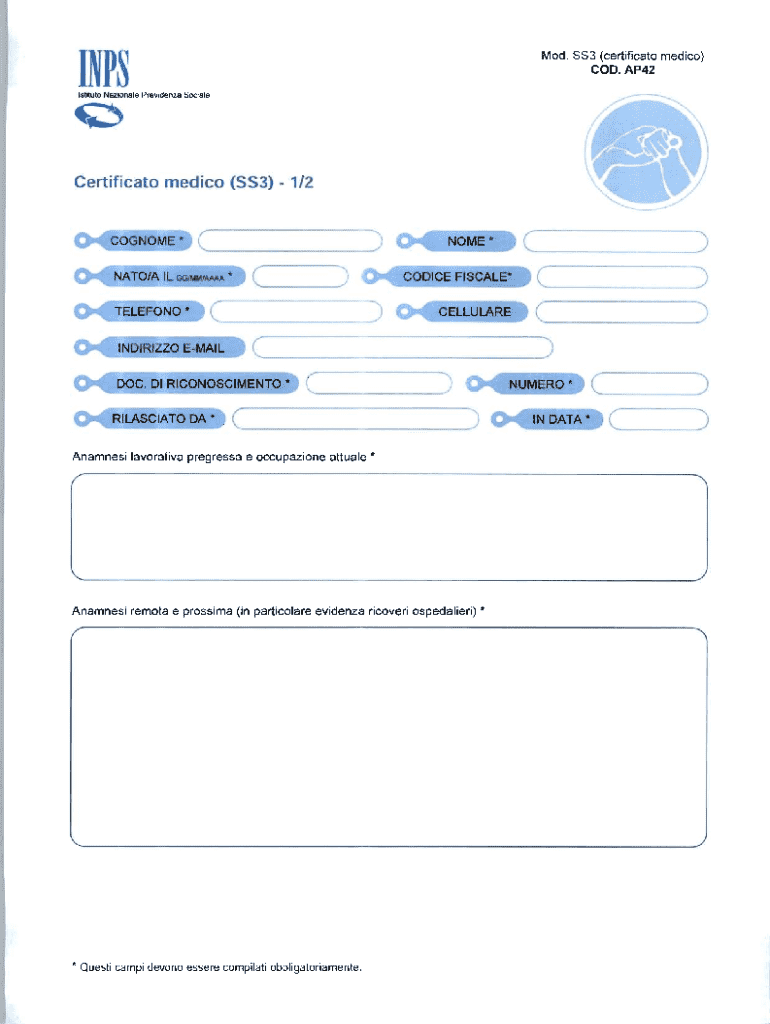







Definition and Meaning
The term "form online" generally refers to digital forms that can be accessed, completed, and submitted via the internet. These forms are designed to streamline processes by eliminating the need for physical paperwork. Unlike traditional paper forms, online forms often incorporate features such as auto-fill, field validation, and interactive elements, which help users input accurate information easily. The shift to digital forms has become widespread across various domains, including education, healthcare, finance, and government, due to the efficiency, accessibility, and enhanced data collection methods they offer.
Features of Online Forms
- Interactivity: Online forms can include drop-down menus, checkboxes, and date pickers to facilitate user-friendly interactions.
- Data Validation: Built-in checks ensure information is entered correctly, reducing errors.
- Conditional Logic: Form fields can dynamically change based on user input, streamlining the completion process.
- Integration: These forms can be linked with databases, applications, and other systems to automate data entry and analysis.
How to Use the Form Online
Using a form online is generally straightforward, but there are best practices to follow to ensure efficiency and accuracy. Users should begin by accessing the form through a secure, verified website. Carefully review instructions provided for each section of the form.
- Preparation: Gather all necessary documents and information required for the form.
- Access: Navigate to the form’s webpage, ensuring the URL is secure (usually indicated by a padlock symbol).
- Complete Sections: Fill out each field in sequence, paying close attention to required fields.
- Review: Double-check all input for accuracy before submission.
Platform-Specific Instructions
- For platforms like DocHub, users can leverage tools such as document importing from cloud storage, annotation, and fillable fields to enhance usability and efficiency.
Steps to Complete the Form Online
- Log In: Access the form by logging into a secure portal, using credentials that are often provided via email or text.
- Form Filling: Begin by entering personal information, followed by specific data requested by the form.
- Use Auto-Fill Options: If available, utilize auto-populate features to save time.
- Attach Documents: Upload any required documentation, ensuring that file types and sizes meet the specified criteria.
- Validate Entries: Most forms will highlight errors or missing fields; follow up on these prompts attentively.
- Submit and Confirm: Once all fields are complete, click the submit button and ensure you receive a confirmation message or email.
Why You Should Use Forms Online
Using online forms comes with several advantages:
- Convenience: Forms can be accessed and completed from anywhere, at any time.
- Efficiency: Automation reduces the time taken to fill out forms and process submissions.
- Cost-Effectiveness: Reduces paper use, lowering associated expenses.
- Data Management: Allows for easier storage and retrieval of information, aiding in organizational efficiency.
- Enhanced Security: With SSL encryption and authentication protocols, data is often safer than with paper counterparts.
Who Typically Uses the Form Online
Online forms are utilized by a broad scope of industries and individuals. They are popular among:
- Businesses: For client intake forms, orders, and feedback collection.
- Educational Institutions: For applications, surveys, and evaluations.
- Government Agencies: For registrations, permits, and compliance documentation.
- Healthcare Providers: For patient information, consent forms, and scheduling.
- Individuals: For job applications, online purchases, and event registrations.


Important Terms Related to Online Forms
Understanding specific terminology may enhance user comprehension and usage:
- Field: An input area for entering data.
- Captcha: A security measure to distinguish between human users and bots.
- SSL Encryption: A security protocol ensuring data is encrypted during transmission.
- OAuth 2.0: An open-standard authorization that provides secure delegated access.
- PDF: Portable Document Format, a popular file type for forms.
Key Elements of an Online Form
Online forms generally contain several fundamental elements:
- Title and Instructions: Clearly label the form and provide guidance on how to fill it in.
- Input Fields: Areas where information is entered, ranging from text boxes to radio buttons.
- Mandatory Fields: Essential fields that must be completed before submission.
- Submission Button: The final step to sending your form; often accompanied by a confirmation.
Additional Elements
- Attachments: Option to upload supplementary files.
- Progress Tracker: Indicates completion status on multi-page forms.
Examples of Using Online Forms
Various industries implement online forms in innovative ways:
- E-commerce: Uses online forms for order submissions and customer feedback.
- HR Departments: Facilitate onboarding through online application forms and surveys.
- Legal: Digital contracts and agreements are processed through online forms, allowing for e-signatures.
Through the functionality offered by services like DocHub, the transition from traditional paper forms to dynamic online forms is made seamless, offering countless applications and benefits.




