






Definition and Meaning of Form Online
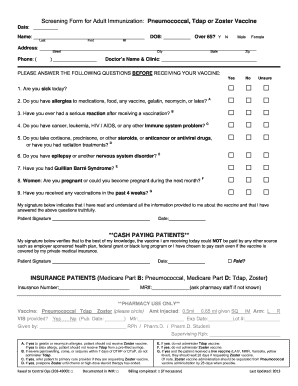
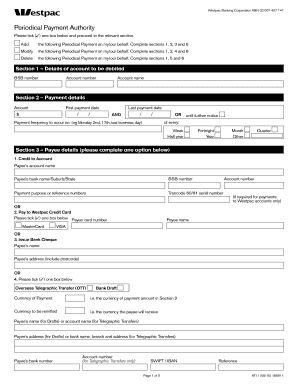
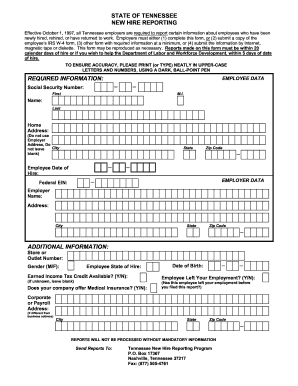
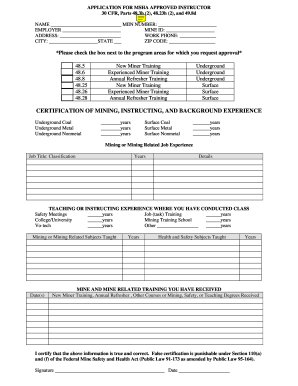
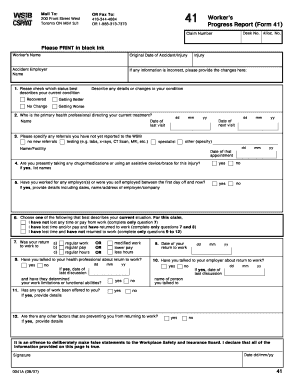
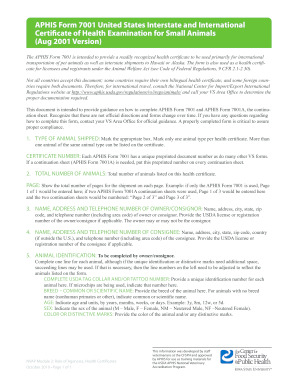
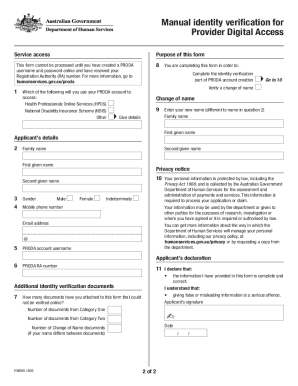
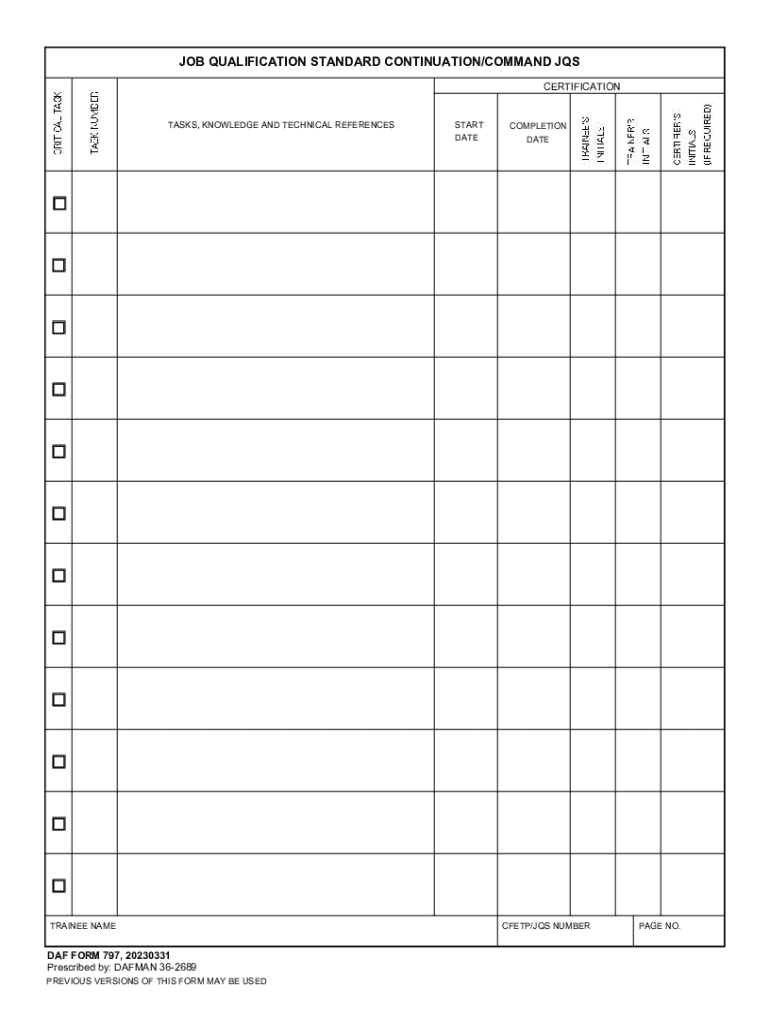
An "online form" refers to a digital version of traditional paper forms that users can fill out over the internet. It is designed to collect data electronically, facilitating efficient data entry, processing, and submission. These forms can be used across a variety of contexts, from job applications and surveys to tax documents. Moving forms online ensures that data is saved in a centralized, accessible location and can be easily managed and retrieved.
The online format of forms is critical in today's digital era as it allows for quick adjustments, such as updates to fields, texts, or sections. This convenience aids in keeping forms current and relevant. Moreover, online forms can often be integrated with software applications that further process the data, such as spreadsheets, customer relationship management (CRM) systems, or databases.
How to Use the Form Online
To successfully fill out a form online, start by accessing the form through a web link or a designated platform. Users must have access to an internet-enabled device to proceed.
- Open the web page where the form is hosted.
- Read any instructions or guidelines provided at the beginning of the form. This ensures comprehension of the requirements and process.
- Enter requested information into each field. Most forms will have designated fields for text input, selections (like drop-downs and checkboxes), and others for signatures.
- Verify all entered data for accuracy before submission. This step is critical to avoid any issues or rejections.
- Click the submit button when completed.
Many forms provide immediate confirmation upon submission while others might follow up with an email or additional instructions. Forms that require signatures often incorporate e-signature technology, streamlining the process without needing paper printouts.
Steps to Complete the Form Online
Completing an online form generally consists of several key steps, ensuring the task is straightforward and intuitive. Here are the primary steps involved:
-
Identify the Form Requirements: Before starting, review the fields and sections of the form to understand what information is necessary.
-
Collect Necessary Information: Gather any documents, personal details, or other data required for completion.
-
Fill Out the Form: Begin entering information into each field according to the specified requirements. Use the tab key to quickly navigate between fields.
-
Attach Supporting Documents: If the form requires attachments (such as images, PDFs, or other documents), make sure all uploads are completed within the form interface.
-
Review and Edit: Double-check that all information is filled in correctly. Many platforms offer a review page before final submission.
-
Submit the Form: Once reviewed, submit the form via the platform's submission button. Confirmation of submission is usually displayed immediately.
Why Should You Form Online
Adopting online forms offers numerous benefits:
- Convenience: Forms can be accessed and completed from anywhere, using most internet-enabled devices.
- Efficiency: Reduces paper use, manual data entry errors, and processing times.
- Flexibility: Allows updates and changes to fields and information promptly.
- Data Security and Accuracy: Digital forms are less prone to physical damage and can incorporate validation rules to ensure data accuracy.
These advantages demonstrate why many organizations encourage or mandate moving traditional processes to an online platform, aligning with digital transformation goals.
Important Terms Related to Form Online
When dealing with online forms, understanding key terms is essential:
- Field: An individual element on a form where data is entered, such as text boxes or checkboxes.
- Placeholder Text: Temporary text within a field that provides an example of what to enter.
- Validation Rules: Constraints added to fields to ensure correct data entry (e.g., email format verification).
- Form Submission: The point at which a completed form is sent to the designated party for processing.
- Captcha: A form element used to prevent automated submissions by requiring human verification.
Legal Use of the Form Online
Online forms must comply with privacy laws and regulations, such as the General Data Protection Regulation (GDPR) or the California Consumer Privacy Act (CCPA) if applicable. These laws dictate how data is collected, stored, and managed, prioritizing user rights and data protection.
When forms involve legally binding agreements, they must incorporate secure e-signature solutions to ensure compliance with acts like the Electronic Signatures in Global and National Commerce Act (ESIGN Act) in the U.S.
Examples of Using the Form Online
Online forms have diverse applications, making them suitable for:
- Job Applications: Streamline candidate information collection and processing.
- Customer Feedback Surveys: Facilitate gathering customer opinions and insights efficiently.
- Event Registrations: Manage sign-ups, participant tracking, and logistics with ease.
- Tax Forms: Simplify the filing process with automated calculations and error reduction.
Real-world scenarios illustrate how organizations from HR departments to tax agencies utilize online forms to enhance their operations.
Form Submission Methods: Online, Mail, and In-Person
Depending on the process requirements, users can submit forms through several methods:
- Online: This is the most common and efficient method, utilizing internet platforms for instant submission and confirmation.
- Mail: A traditional yet slower method involving physical forms being mailed to the intended recipient.
- In-Person: Involves submitting printed forms directly at an office or designated location, ensuring receipt verification.
Choosing the appropriate submission method depends on personal preference, the form's nature, and specific directives from the receiving entity.
Software Compatibility
For those using accounting and business management software like QuickBooks or TurboTax, it's essential that the platform supports online form integration. This functionality enables seamless data transfer from forms into accounting ledgers or tax reports, ensuring accuracy and efficiency.
Ensuring software compatibility with online forms allows for automated processing and a reduction in manual data entry, thus preventing potential errors and saving time during financial reporting or tax preparations.