
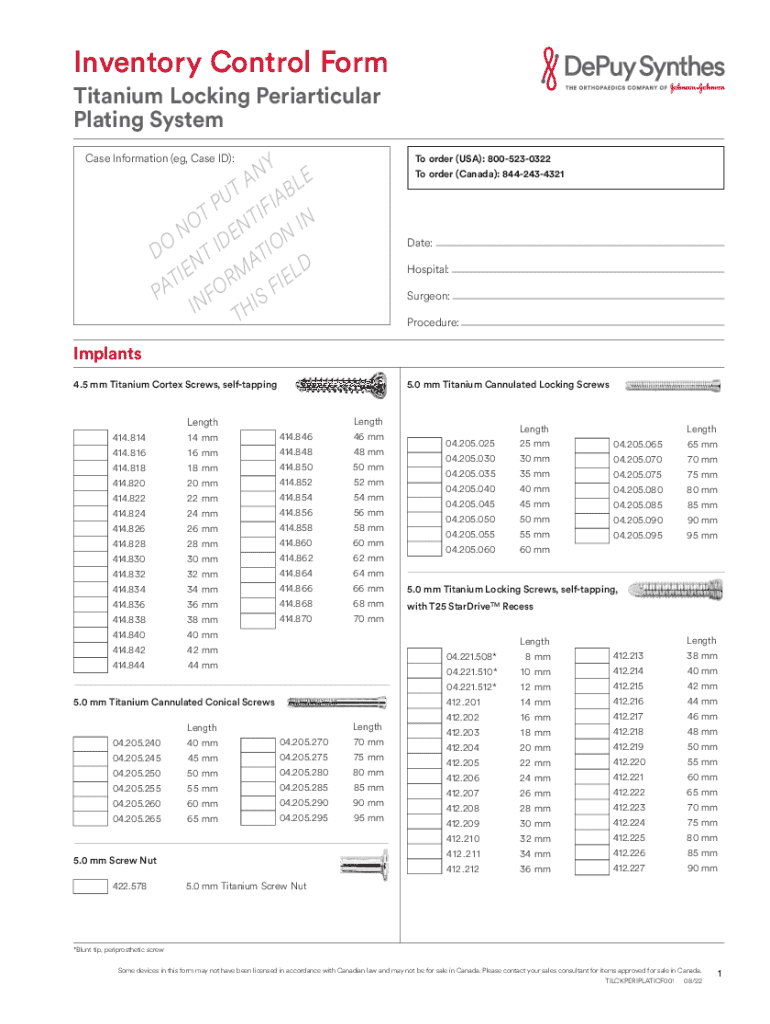







Definition and Meaning
The term "form online" typically refers to digital forms that can be completed and submitted via the internet. These forms replace traditional paper documents and offer a streamlined method for data collection and submission. Users can access, fill out, and submit these forms from any device with internet access, ensuring a more convenient and efficient process compared to their paper counterparts. Online forms can range from simple contact forms to complex government applications, depending on their intended purpose.
Variety of Online Forms
- Contact Forms: Used by businesses to collect inquiries from their website visitors.
- Surveys and Feedback Forms: Gather opinions or feedback from users on various topics.
- Registration Forms: Used for event sign-ups, account creation, or class registrations.
- Application Forms: Detailed forms for job applications, loans, or government services.
Steps to Complete the Form Online
Completing a form online involves several straightforward steps that typically ensure all necessary information is accurately captured. The following instructions provide a comprehensive guide for users:
- Access the Form: Navigate to the website hosting the form. This could be a government portal, business site, or educational institution's webpage.
- Read Instructions Carefully: Before filling out any fields, read all instructions to understand the requirements and what information is needed.
- Fill Out Required Fields: Enter information into each field carefully. Required fields are often marked with an asterisk (*) and must be completed before submission.
- Review Your Entries: Double-check all information for accuracy. Ensure names, dates, and numeric entries match official records.
- Attach Supporting Documents: If the form requires additional documents, upload or attach them in the designated section.
- Submit the Form: Once satisfied with the entries, click the 'Submit' button. Some forms may provide a confirmation or receipt number.
Common Features of Online Forms
- Auto-save: Saves progress to prevent losing data if the session is interrupted.
- Input Validation: Immediately checks for errors in the entered data.
- Progress Indicator: Shows completion status, especially useful for multi-page forms.
Legal Use of the Form Online
Many forms completed online, especially those for legal and governmental purposes, bear the same legal weight as their paper counterparts. It's crucial to ensure the form is filled out accurately and completely to meet legal standards.
Important Legal Considerations
- Confidentiality: Protecting personal information is essential. Ensure forms are submitted over secure platforms with encryption.
- Digital Signatures: Many forms require electronic signatures, which are legally binding under the ESIGN Act and UETA.
- Compliance: Verify compliance with jurisdictional requirements, as laws governing online form submission can vary by state.
Key Elements of the Form Online
When navigating a form online, several components are essential to ensure a smooth submission process:
- Title & Purpose: Clearly states the form's intent and what it aims to achieve.
- Section Headers: Break down the form into logical parts, such as personal information, financial data, and declarations.
- Input Fields: Spaces where users provide their responses. These include text boxes, dropdowns, checkboxes, and radio buttons.
- Instructional Prompts: Offer guidance for specific sections to assist users in answering questions accurately.
Navigational Aids
- Next/Previous Buttons: Allow moving between different sections of a multi-page form.
- Help Icons: Provide additional explanations or support for complex questions.
- Save Option: Enables users to save entries partway through and return to finish later.
Important Terms Related to Form Online
Understanding specific terminology is crucial for successfully completing and submitting forms online. Definitions of commonly used terms can aid in better clarity and compliance:
- Form ID: A unique identifier assigned to each form type, such as W-9 for tax documentation.
- Filer: The individual or entity completing and submitting the form.
- Submission Confirmation: Documentation or number provided after a form is submitted, serving as proof of submission.
- Data Encryption: A method for securing sensitive information shared over internet platforms.
Practical Examples
- Form ID: The DS-11 form specifically for passport applications.
- Submission Confirmation: An email receipt confirming a grant application submission.
State-Specific Rules for the Form Online
Rules for filling out forms online can vary across different states, especially when related to legal or governmental processes. It is crucial to be mindful of regional regulations.
Variations to Consider
- Tax Filings: State tax forms may have unique sections or additional data requirements not present at the federal level.
- Business Registrations: Entity formation forms can differ, with states enforcing varied documentation and procedural mandates.
- Licensing Requirements: Professional licenses need state-specific information to ensure compliance with local laws.
Form Submission Methods: Online vs. Traditional
Forms can generally be submitted through various methods, and each has its advantages and limitations. While online submissions are more convenient, paper forms remain an option for those who may not have internet access.
Comparison of Methods
-
Online Submission:
- Faster processing times.
- Immediate confirmation of receipt.
- Eco-friendly as it reduces paper usage.
-
Paper Submission:
- No need for internet access.
- Physical copies can be retained for personal records.
- May incur mailing costs and require longer processing times.
Situational Examples
- Government Forms: Tax forms are commonly submitted online but also mailed in via traditional post.
- University Applications: Institutions may permit both online and paper submissions to accommodate various applicant needs.
Software Compatibility
Ensuring your form can be accessed and filled out using popular software platforms can make the process more seamless. Compatibility with systems like Google Workspace or Adobe Reader may be necessary for viewing or editing documents.
Compatible Platforms
- Google Workspace: Offers the ability to fill out forms directly through Google Docs or Sheets.
- Adobe Acrobat: Ideal for editing PDFs and importing document templates.
- DocHub: Integrates with Google Drive for seamless editing and submission processes.




