Definition & Meaning of the DATE Form
The DATE form is a document used in various contexts, often serving specific legal, financial, or organizational functions. This form can be a requirement for multiple processes such as tax filing, legal applications, or school admissions. Each application of the DATE form necessitates specific information, typically comprising dates, signatures, and relevant personal or business details, to verify and record necessary data.
Key Elements of the DATE Form
- Identification Information: Depending on the form’s purpose, identification info such as name, social security number, or taxpayer identification number is required.
- Specific Dates: Crucial dates pertinent to the form's purpose, like the date of filing or a specific event, must be precisely recorded.
- Signatures: Legally binding signatures may be required to validate the form. For electronic submissions, a digital signature might suffice.
- Supporting Data: Additional information, such as financial figures or personal circumstances, might be necessary to support the form’s objective.
How to Use the DATE Form
Using the DATE form involves understanding its specific requirements, as these can vary significantly depending on its application. Here's a general process for utilizing such forms:
- Review Requirements: Thoroughly read the instructions accompanying the form to grasp what information is necessary.
- Collect Necessary Data: Gather all pertinent information and documents, such as identification numbers and relevant dates.
- Complete the Form: Fill out each section meticulously, ensuring accuracy in every detail.
- Check for Errors: Double-check all entries to catch any mistakes that could lead to complications or delays.
- Submit the Form: Follow the submission guidelines, whether online, by mail, or in person.
Steps to Complete the DATE Form
Completing the DATE form demands attention to detail and compliance with specific requirements:
- Download or Access the Form: Obtain the form from the official source, whether it's a government website or a professional service like DocHub.
- Fill Out Information Blocks: Enter required data into each section:
- Include necessary dates and personal details.
- Ensure data entered is current and accurate.
- Attach Supporting Documents: Attach any required documentation, such as a copy of identification or proof of eligibility.
- Add Signatures: Apply any necessary signatures. For digital forms, use electronic signature tools.
- Final Review: Go over the entire form, ensuring all sections are complete and accurate.
- Submit: Depending on instructions, submit the form electronically or via traditional mail, ensuring adherence to submission deadlines.
Why Should You Use the DATE Form?
Utilizing the DATE form might be a legal, organizational, or financial necessity. It is critical for:
- Compliance: Many legal and tax processes require this form for compliance, preventing penalties or legal issues.
- Record-Keeping: It provides a record of transactions, legal acts, or official communications.
- Accuracy: It ensures precise documentation of events or transactions, reducing errors in reporting.
- Efficiency: Streamlines processes by offering a standardized method for capturing necessary information.
Legal Use of the DATE Form
The DATE form’s usage often intersects with legal requirements, especially in contexts like tax filing or legal applications:
- Compliance With Laws: The form often fulfills statutory requirements, ensuring adherence to laws and regulations.
- Legal Documentation: It provides evidence of compliance or completion of a necessary legal process.
- Audit Trail: Maintains a verified record that can be referenced in legal defenses or audits.
State-Specific Rules for the DATE Form
States might have unique requirements or variations of the DATE form, reflecting different legal and administrative requirements:
- Form Variants: Some states may have distinct versions, necessitating specific information unique to regional laws.
- Submission Guidelines: Methods and deadlines for submission can vary based on state legislation.
- Mandatory Fields: Certain fields might be compulsory in one state but optional in another, requiring careful attention to the form instructions.
Examples of Utilizing the DATE Form
Real-world scenarios illustrate how the DATE form functions within different contexts:
- Tax Filing: The DATE form might be part of a packet for submitting annual tax returns, capturing data crucial for calculating tax liabilities.
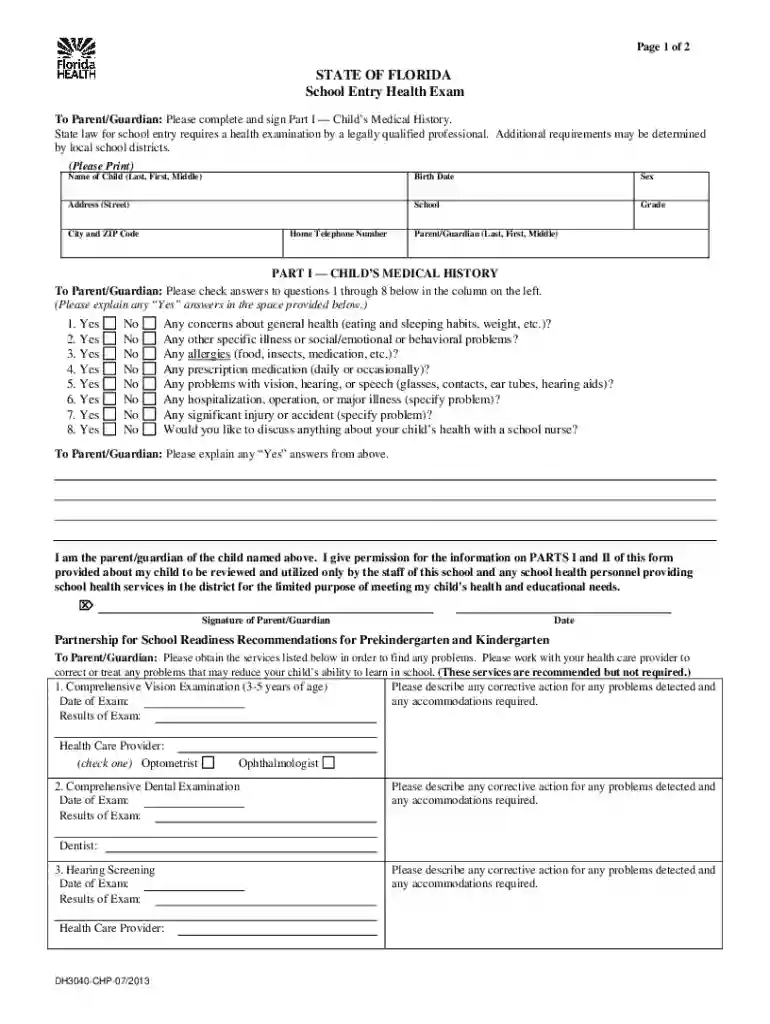
- School Admissions: In education, it could be a component of enrollment paperwork ensuring compliance with health and educational requirements.
- Legal Applications: It might be used for processing legal documents or agreements, ensuring all parties have agreed to terms on a specific date.
Form Submission Methods
Submitting the DATE form might vary based on format and associated requirements:
- Online Submission: Digital forms can be completed and submitted through government or institutional websites, offering speed and efficiency.
- Mail: Traditional submission involves mailing physical forms, which may require additional time for processing.
- In-Person: Certain forms might need to be submitted directly at an office to ensure proper verification.
Understanding these detailed elements of the DATE form ensures that users can fulfill legal and procedural requirements effectively, maintaining compliance and ensuring the accuracy of their documentation.