
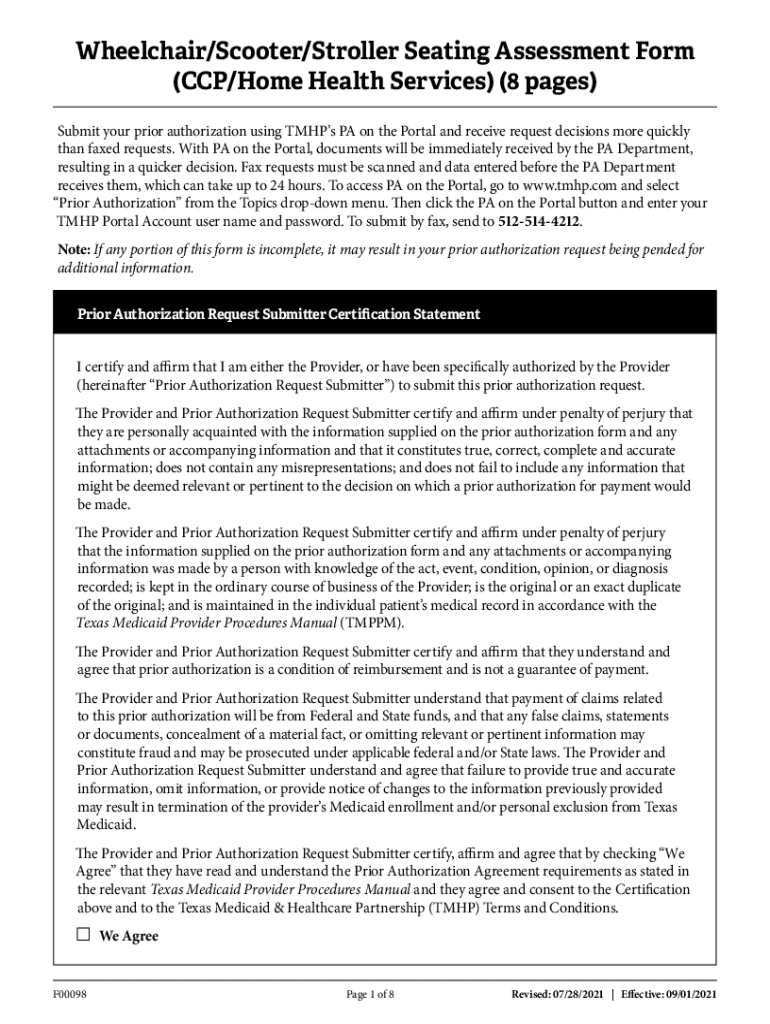







Definition & Meaning
The term "form online" refers to digital documents accessible and fillable via internet platforms, designed for various purposes such as applications, surveys, authorizations, and assessments. These forms can be created, edited, and submitted entirely through online interfaces, ensuring efficiency, flexibility, and ease of access. Unlike traditional paper forms, online forms provide instant data capture and often include built-in functionalities like automatic calculations and real-time validation to enhance accuracy and user experience.
Practical Examples
- Tax Forms: Individuals can complete and submit tax-related forms online, streamlining the submission process and reducing the likelihood of errors due to automatic validation features.
- Job Applications: Many companies utilize online forms to collect employment information, allowing applicants to input data directly on the company’s website.
How to Use the Form Online
Using an online form typically involves accessing the form through a digital platform, filling in the required information, and submitting it electronically. This process usually follows these steps:
- Access the Form: Visit the platform hosting the form, such as a government website or a document management service like DocHub.
- Fill in the Details: Enter the requested information into the designated fields, ensuring accuracy and completeness.
- Review and Edit: Double-check the form for any errors or omissions and make any necessary adjustments.
- Submit: Once satisfied, submit the form by clicking the designated "Submit" button, which sends your filled form to the intended recipient.
Real-World Scenario
An individual completing a job application form online might need to fill out personal information, previous employment history, and educational background. The platform will guide the user through each section, concluding with a submission step.
Steps to Complete the Form Online
Completing an online form involves a series of structured steps that vary slightly depending on the form’s complexity and the platform used:
- Registration/Login: Some platforms require users to register or log in before accessing forms to ensure data security and personalization.
- Document Uploads: If necessary, upload supplementary documents such as identification proofs or references.
- Field Input: Enter information into text boxes, select options from drop-down menus, and tick checkboxes for applicable entries.
- Signature Capture: Use digital signature tools to sign the form if required, ensuring legal compliance.
- Review: Utilize built-in reviews or drafts to check for completeness and accuracy before submission.
- Submission Confirmation: Upon submission, receive a confirmation receipt or email indicating successful submission.
Detailed Example
Consider a student applying for a scholarship online. The form would include sections for personal information, academic qualifications, financial details, and essays, each requiring thorough checks before submission.
Legal Use of the Form Online
Online forms are legally recognized tools for documenting agreements, applications, and authorizations. Their legal validity often hinges on adherence to specific electronic signature laws, privacy acts, and data protection regulations.
Legal Compliance Factors
- ESIGN Act: In the United States, the Electronic Signatures in Global and National Commerce Act provides a legal framework that affirms online forms with electronic signatures are as legally binding as traditional paper forms with handwritten signatures.
- Data Protection: Platforms must comply with applicable data protection laws such as the General Data Protection Regulation (GDPR) in the EU when handling personal data.
Key Elements of the Form Online
Online forms share several key elements that facilitate effective data collection and submission:
- Interactive Fields: Includes text boxes, checkboxes, radio buttons, and dropdown menus for various data inputs.
- Validation Checks: Automated systems to ensure data entered meets required formats (e.g., email or phone number formats).
- File Uploads: Options to attach additional documents or proof of identity.
- Digital Signatures: Tools to add legally recognized electronic signatures.
- Submission Confirmation: Acknowledgments to assure users their form has been successfully received.
Example Components
For a taxation form online, elements include sections for personal identification, financial information, deductions, and credits, all integrating validation and supplementary document uploads.
Required Documents
Completing an online form often requires attaching additional documents to substantiate the information provided. Examples of such documents include:
- Identity Proof: Passports or driver’s licenses for verification.
- Financial Statements: Bank statements or tax returns for financial disclosures.
- Supporting Documents: Certificates or licenses relevant to the form’s purpose.
Case in Point
An entrepreneur applying for a business loan online must upload financial statements and business licenses to validate their application claims.
Form Submission Methods (Online / Mail / In-Person)
Submitting forms can be done through various methods, each with its own advantages:
- Online Submission: The fastest and most convenient method, permitting immediate sending and instant receipt confirmation.
- Mail Submission: Preferred for distributing physical documents or when dealing with institutions that require paper documentation.
- In-Person Submission: Beneficial for complex applications needing direct interaction or additional verification.
Comparative Analysis
Online submissions provide superior speed and convenience over traditional methods, significantly reducing processing times and improving accessibility for individuals unable to submit documents physically.
Software Compatibility (TurboTax, QuickBooks, etc.)
Compatibility with software solutions like TurboTax and QuickBooks enhances the usability and management of online forms, especially in financial contexts.
- Tax Software Integration: Online forms are often seamlessly integrated into tax preparation software, facilitating automatic data population and error-checking.
- Accounting Software Links: Platforms like QuickBooks can integrate with online forms to streamline bookkeeping and report generation.
Example Integration
Connecting an online tax form with TurboTax automates data transfer and validation, ensuring calculations are accurate and submissions meet legal standards.
Content in these blocks adheres strictly to the guidelines provided, offering comprehensive, in-depth insights into various aspects of online forms, structured with appropriate headings and balanced content formats.




