Definition and Meaning of "Form Online"
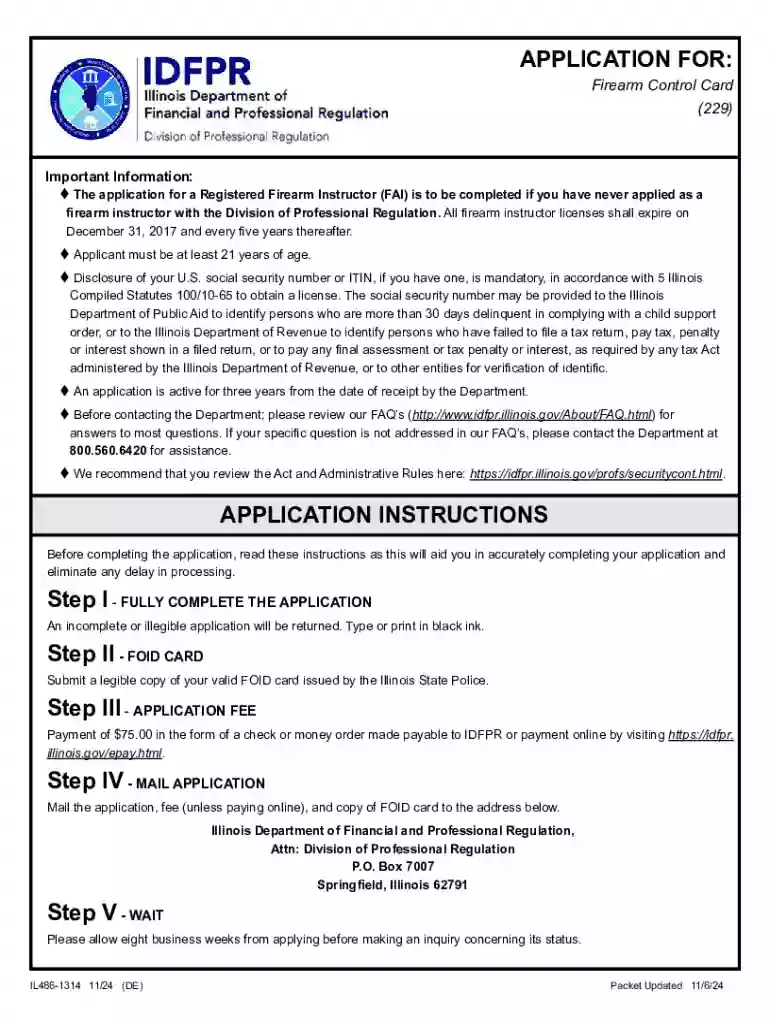
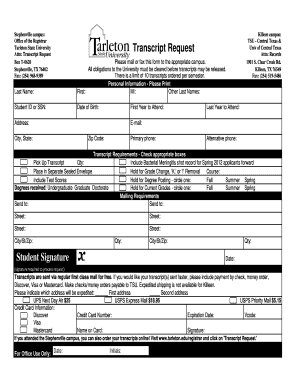
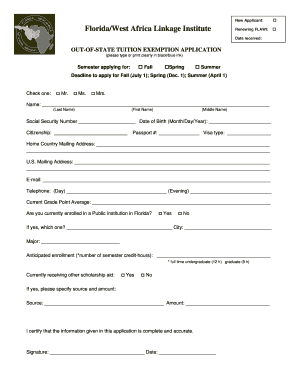
The term "form online" refers to digital documents that are designed to be filled out and submitted over the internet. These forms serve various purposes, providing individuals and organizations a convenient way to input data, apply for services, or complete legal requirements without the need for physical paperwork. Online forms can range from simple contact forms on websites to complex application processes that require extensive information and documentation.
Types of Online Forms
- Application Forms: Used for job applications, college admissions, or membership registrations.
- Tax Forms: Include documentation like the W-4 or 1040 for income taxes.
- Surveys and Feedback: Collect user feedback or conduct market research.
- Legal Documents: Digital agreements or contracts requiring electronic signatures.
How to Use Forms Online
Using online forms involves several straightforward steps, each designed to make the process user-friendly and efficient. Here’s how you can effectively interact with these digital forms:
Accessing the Form:
- Locate the form on the relevant website or portal.
- Ensure compatibility of your device and browser to avoid technical issues.
Filling Out the Form:
- Enter your data accurately, following the specified format.
- Use dropdown menus and checkboxes where applicable for ease of input.
Submitting the Form:
- Review all entered information carefully before submission.
- Click the submit button to send your responses electronically.
Tips for Efficient Form Usage
- Save Progress: Utilize any available options to save your progress, especially for lengthy forms.
- Check for Confirmation: After submission, check for a confirmation message or email to ensure successful form completion.
Steps to Complete the Form Online
Completing forms online typically follows a structured process to ensure accuracy and completeness. Here’s a detailed step-by-step guide:
Preparation:
- Gather all necessary information and documents required for the form.
- Verify any identification requirements or proof of eligibility beforehand.
Filling Procedure:
- Begin with your personal details, ensuring they match official records.
- Ensure each section is completed as per the form instructions, paying attention to mandatory fields.
Verification:
- Double-check each entry for accuracy and completeness.
- Use the preview function, if available, to review the entire form before submission.
Final Submission:
- Submit the form by following the indicated procedure, which may involve clicking a button or following a link.
- Note down any reference or confirmation number provided, which might be necessary for future correspondence.
Why You Should Form Online
Online forms offer numerous advantages over their paper counterparts, making them an attractive option for both users and organizations:
- Convenience and Accessibility: Forms can be accessed and completed from anywhere with internet connectivity, eliminating the need for physical presence or mail handling.
- Efficiency: Automates data collection, reducing the time needed for manual processing and ensuring that information is immediately available for further action.
- Cost-Effective: Reduces costs associated with printing, mailing, and storage of physical forms.
- Environmental Impact: Eliminating paper usage contributes to sustainability efforts by conserving resources.
Key Elements of Filling Forms Online
Understanding the essential components of completing an online form can improve accuracy and efficiency:
- Input Fields: Spaces where users enter their data or select options. May include fields for names, email addresses, dates, and more.
- Mandatory vs. Optional Fields: Mandatory fields are required for form submission, while optional fields provide additional information.
- Validation Rules: These ensure data is entered in the correct format, such as email addresses and phone numbers.
Common Features
- Autosave Functionality: A feature that prevents data loss by saving input automatically at intervals.
- Help Sections: Hover-over tips or help icons that offer guidance on how to fill out each section correctly.
Legal Use and Compliance of Forms Online
The legal implications of using online forms are significant, especially when they involve electronic signatures or sensitive data:
- Legally Binding Signatures: Many online forms allow for electronic signatures, which are legally recognized under laws such as the ESIGN Act in the United States.
- Data Privacy: Forms must comply with data protection regulations, ensuring all personal information is handled securely.
- Terms and Conditions: Users are often required to agree to specific terms related to the data usage and form’s intended purpose.
Security Measures
- Encryption: Ensures that data transmitted through online forms is secure from unauthorized access.
- Authentication Protocols: Help verify the identity of the person completing the form, adding a layer of security.
Required Documents for Online Form Submission
Depending on the nature of the form, certain supporting documents might be required:
- Identification: Such as a driver's license or passport for verification purposes.
- Financial Documentation: Bank statements or income reports when financial information is necessary.
- Proof of Eligibility: Related documents that verify eligibility criteria, such as a work visa or a tax identification number.
Submission Guidelines
- File Formats Accepted: Common formats include PDF, JPEG, and PNG for uploads.
- File Size Limits: Most platforms have restrictions on the maximum size of files that can be uploaded, so users need to ensure their documents meet these requirements.
Submission and Confirmation of Online Forms
Submitting an online form is typically a straightforward process, but it’s important to follow any specific instructions provided to ensure proper submission:
Reviewing the Form:
- Confirm all entries are correct and all mandatory fields are completed.
- Check any attachments are included and appropriately labeled.
Submission Process:
- Click the “Submit” button, and wait for the confirmation screen to appear.
- Note down any reference number or confirmation code displayed.
Post-Submission:
- Save or print the confirmation for your records.
- If you receive a confirmation email, archive it for future reference.
Follow-Up Actions
- Track Status: Use any available options on the platform to check the status of your form submission.
- Respond to Inquiries: Be ready to address any follow-up queries or provide additional documentation if requested by the form recipient.