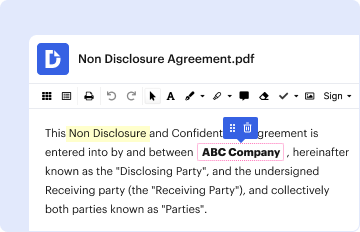
Type text, add images, blackout confidential details, add comments, highlights and more.
02. Sign it in a few clicks
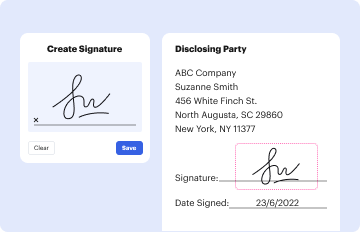
Draw your signature, type it, upload its image, or use your mobile device as a signature pad.
03. Share your form with others
Send it via email, link, or fax. You can also download it, export it or print it out.
How to use or fill out Proxy Registration Request for Student Studying Abroad with our platform
Ease of Setup
DocHub User Ratings on G2
Ease of Use
DocHub User Ratings on G2
Click ‘Get Form’ to open the Proxy Registration Request for Student Studying Abroad in the editor.
Begin by entering your name and ID number at the top of the form. This information is essential for identification purposes.
Select your home school from the provided options: Arts & Sciences, Business, or Jepson. This helps the Registrar's Office understand your academic background.
Fill in your advisor's name and your primary major. If you have additional majors or minors, list them in the designated section.
Specify the institution abroad and country where you will be studying. This information is crucial for processing your request.
Indicate your return date and expected graduation date to provide context for your registration needs.
List the courses you wish to take in order of preference, ensuring to include alternatives if possible. This maximizes your chances of being registered successfully.
Finally, read through the terms at the bottom of the form, sign it, and ensure all necessary approvals are obtained before submission.
Start using our platform today to easily complete and submit your Proxy Registration Request!
Fill out Proxy Registration Request for Student Studying Abroad online It's free
Cookie consent notice
This site uses cookies to enhance site navigation and personalize your experience.
By using this site you agree to our use of cookies as described in our Privacy Notice.
You can modify your selections by visiting our Cookie and Advertising Notice.