




Here's how it works

01. Edit your cvs minute clinic tb test form online
Type text, add images, blackout confidential details, add comments, highlights and more.

02. Sign it in a few clicks
Draw your signature, type it, upload its image, or use your mobile device as a signature pad.

03. Share your form with others
Send printable 2 step tb test form via email, link, or fax. You can also download it, export it or print it out.
How to use or fill out step tb forms with our platform

- Click ‘Get Form’ to open the step tb form in the editor.
- Begin by filling in the Facility Name or Physician’s Office and Phone number at the top of the form. Ensure that all information is printed clearly for easy readability.
- Next, enter the Facility or Physician’s Office Address, Student Name, Date, and Date of Birth (D.O.B). This information is crucial for identification purposes.
- Indicate whether you have previously had a positive result from a PPD skin test by selecting 'YES' or 'NO'. If 'YES', remember to attach a chest X-ray report from within the past 5 years.
- For each PPD skin test administered, fill out the details including Site (Left/Right), Manufacturer, Lot #, Expiration Date, and Administered by (with full signature).
- After administration, circle the days for reading (M – T – W – TH – F – S) and record the PPD skin test result in mm induration.
- Finally, ensure that both PPD Reader signatures and dates/times are completed before submitting the form to Becky Lauffer as indicated.
Start using our platform today to easily fill out your step tb forms online for free!
Fill out step tb forms online
It's free
Security and compliance
At DocHub, your data security is our priority. We follow HIPAA, SOC2, GDPR, and other standards, so you can work on your documents with confidence.
Learn more


Related forms
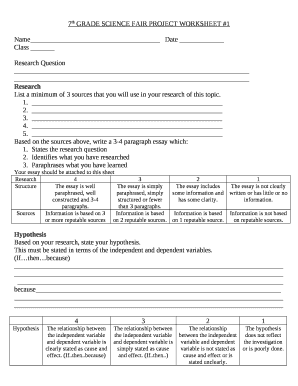
Science fair board template pdf
The document is a worksheet for 7th grade students to guide them through the process of preparing a science fair project ...
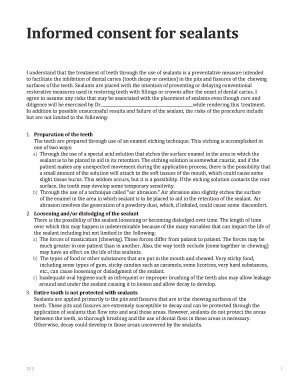
Informed consent for sealants
The document outlines the informed consent for dental sealants, a preventive treatment aimed at inhibiting tooth decay i ...

PDF short-term rental disclosure statement - Honolulu
The document is a Short-Term Rental Disclosure Statement from the Department of Planning and Permitting for the City & C ...

LEQVIO (inclisiran) Provider Claim Reimbursement Request
The document is a reimbursement request form for the LEQVIO® (inclisiran) Co-pay Program, detailing the process for heal ...
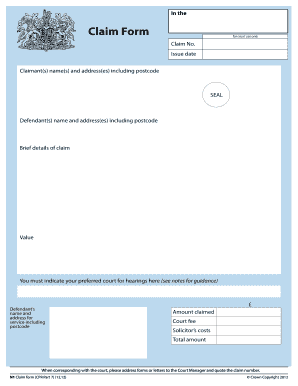
N1 claim form
The document is a court claim form (N1 Claim form) used for initiating legal claims. It includes sections for claimant a ...

560-021 Oversize Overweight Vehicle Single Trip Permit
The document is an application form for a Single Trip Permit for oversize or overweight vehicles, issued by the Commerci ...

Form W-9 Payer's Request for Taxpayer Identification Number and Certification
The document is a Form W-9 from the State of Rhode Island, which requests taxpayers to provide their Taxpayer Identifica ...

SPECIAL OLYMPICS MARYLAND RELEASE AND WAIVER OF LIABILITY
The document is a Waiver and Release Agreement for participants in the Special Olympics Maryland MSP Polar Bear Plunge. ...