




Here's how it works

01. Edit your tda hardship withdrawal online
Type text, add images, blackout confidential details, add comments, highlights and more.

02. Sign it in a few clicks
Draw your signature, type it, upload its image, or use your mobile device as a signature pad.

03. Share your form with others
Send tda hardship withdrawal application via email, link, or fax. You can also download it, export it or print it out.
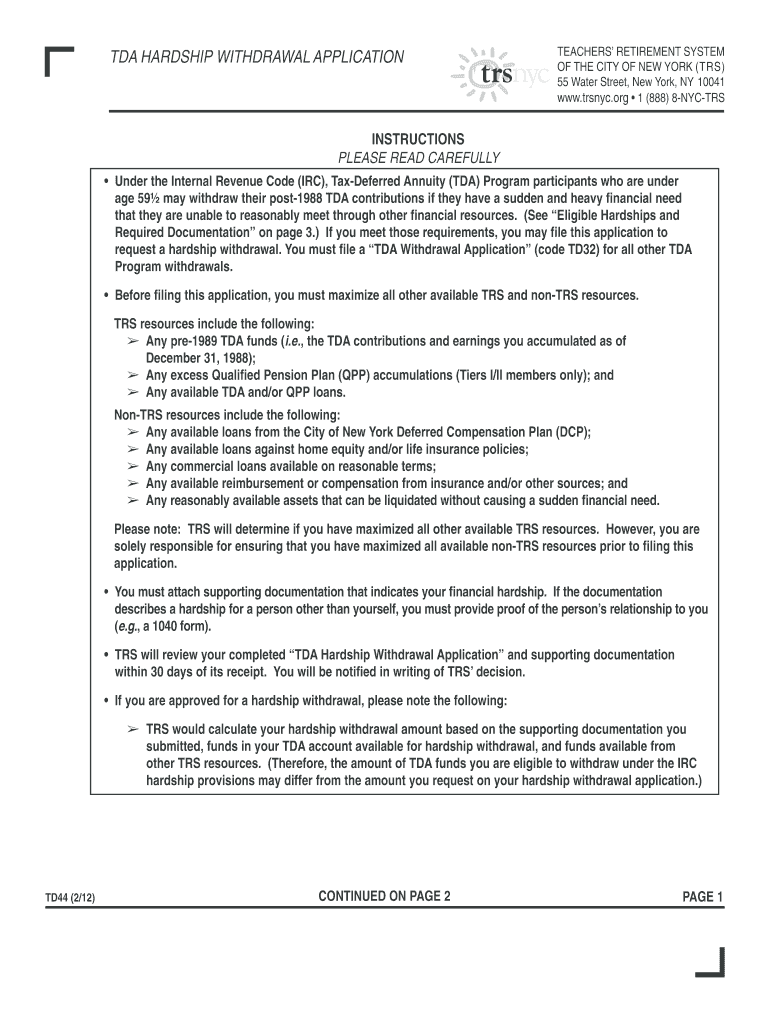
How to use or fill out TDA Hardship with our platform

- Click ‘Get Form’ to open the TDA Hardship Withdrawal Application in the editor.
- In Part A, provide all required personal information including your name, address, and Social Security number. Ensure accuracy as this information is crucial for processing.
- In Part B, describe your sudden and heavy financial need in detail. Attach any necessary documentation that supports your claim, such as medical bills or eviction notices.
- Complete Part C by checking all applicable boxes regarding your available resources. This section is essential to demonstrate that you have maximized other financial options before applying.
- Select your preferred method of receiving the withdrawal in Part D—either via mail or Electronic Fund Transfer (EFT) if eligible.
- In Part E, choose a withholding option for federal income tax purposes. Initial your choice to confirm.
- Sign and date the application in Part F. Remember that TRS cannot process your application without a valid signature and date.
- Finally, ensure that the application is notarized as required in Part F to validate your submission.
Start using our platform today to complete your TDA Hardship Withdrawal Application easily and for free!
Fill out tda hardship online
It's free
It's free
See more tda hardship versions
We've got more versions of the tda hardship form. Select the right tda hardship version from the list and start editing it straight away!
| Versions | Form popularity | Fillable & printable |
|---|---|---|
| 2012 | 4.8 Satisfied (135 Votes) |
Security and compliance
At DocHub, your data security is our priority. We follow HIPAA, SOC2, GDPR, and other standards, so you can work on your documents with confidence.
Learn more




