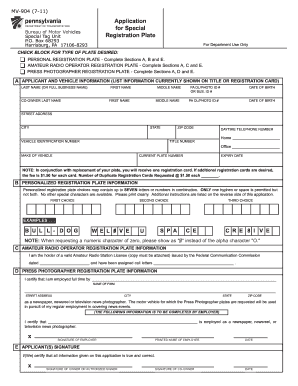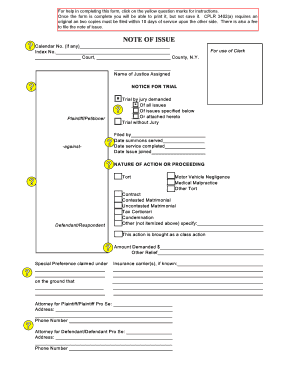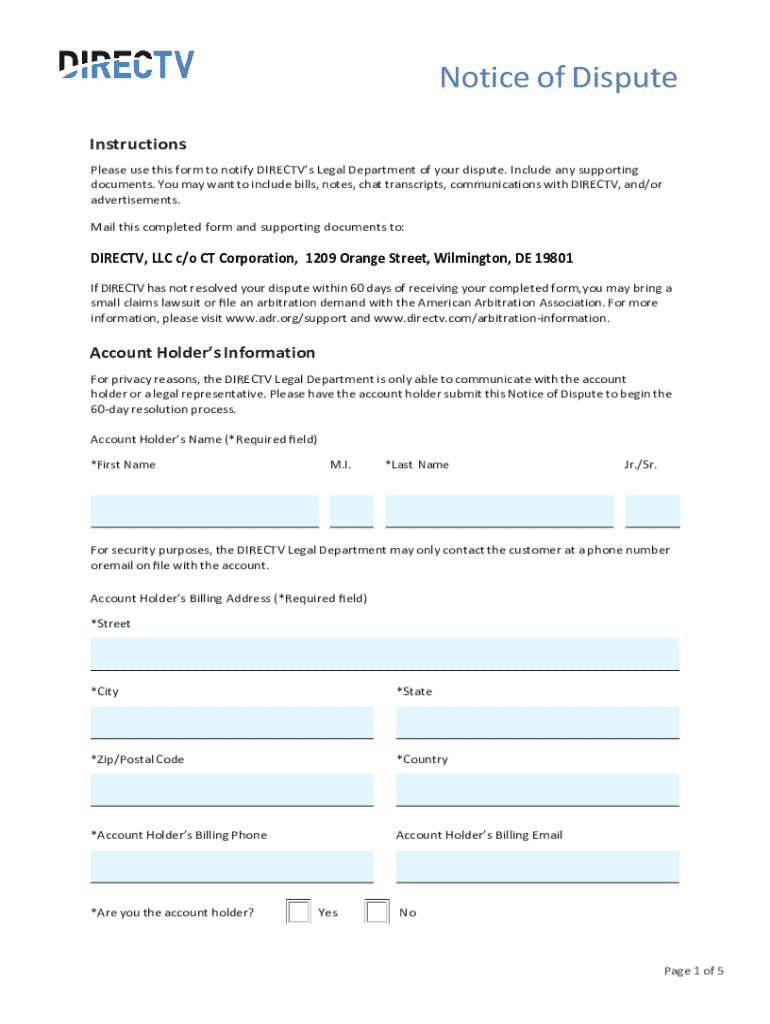







Definition and Meaning of Form Online
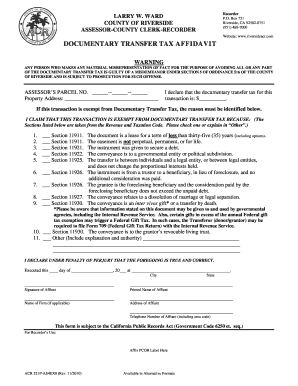
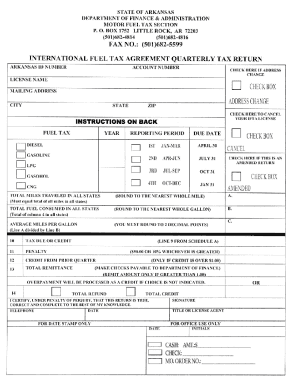
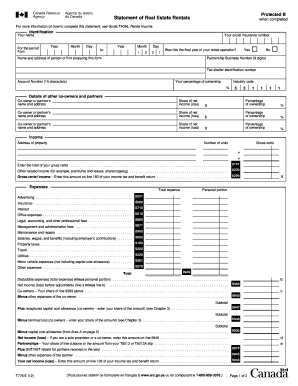
In today's digital age, a "form online" typically refers to an electronic document that can be filled out and submitted via the internet. These forms replace traditional paper documents and aim to streamline processes such as applications, registrations, and requests for information. The use of online forms enhances accessibility, allowing users to complete them on a variety of devices, from desktop computers to smartphones. The concept of form online encompasses a wide range of document types, including tax forms, legal agreements, job applications, and more, making it an essential tool for both individuals and organizations.
How to Use the Form Online
Utilizing an online form involves a straightforward process that begins with accessing the form. Users typically need an internet connection and a compatible web browser. Once accessed, users can fill in required fields by typing information directly into the form. These fields may include text boxes for names, addresses, and contact information; checkboxes for multiple-choice questions; and dropdown menus for selecting specific options. Many forms also allow for digital signatures, ensuring that everything from consent to legally binding documents can be completed online. After checking for accuracy and completeness, the form can be submitted with a simple click of a button.
How to Obtain the Form Online
Access to an online form is usually provided through a specific website or platform. Organizations often include direct links to these forms on their official websites, enabling users to download, fill out, and submit forms electronically. In other cases, forms might be shared via email invitations or accessed through a secure portal that requires login credentials. Some platforms, like DocHub, offer tools to directly import forms from cloud storage services, making the process seamless. Accessibility is key, ensuring that users can easily locate and begin using the forms needed.
Steps to Complete the Form Online
-
Access the Form: Navigate to the website or platform hosting the form, and click on the appropriate link to open it.
-
Fill in Personal Information: Enter necessary details in the fields provided, such as name, address, and contact information.
-
Provide Supplemental Details: Answer any additional questions or provide extra information as required by the form.
-
Review and Attach Documents: Check all entered information for accuracy. Attach any necessary documents if the form requires supplementary files.
-
Sign Electronically: Use a digital signature tool to sign the form. This can involve typing your name, drawing a signature, or uploading an image of your handwritten signature.
-
Submit the Form: Once all information has been reviewed and all required data provided, submit the form through the platform's submission button.
-
Confirmation: After submission, you may receive a confirmation notice or email verifying that your form has been successfully submitted.
Why Should You Form Online?
Filling out forms online offers numerous advantages over traditional methods. The most significant benefit is increased efficiency—users can fill out and submit forms from anywhere with internet access, reducing the need for physical travel or mailing. Online forms also reduce errors, as they often include validation checks that alert users to missing or incorrect information, enhancing data accuracy. Additionally, electronic submissions are typically processed faster than paper versions, leading to quicker responses and outcomes. Security features, such as encryption and digital signatures, ensure that sensitive information remains protected throughout the process.
Who Typically Uses the Form Online
The versatility of online forms means they are used by a broad demographic. Individuals in personal and professional settings utilize online forms for a range of purposes, from applying for jobs and registering for events to filing taxes and completing legal documents. Businesses use them for employee onboarding, data collection, and contract management. Government agencies offer online forms for public services, such as permit applications and dispute filings. As technology continues to evolve, almost any task that requires data collection or information processing can benefit from the use of online forms.


Key Elements of the Form Online
An online form typically includes several key components:
-
Form Fields: These are spaces provided for users to enter information. Fields can vary in type, including text boxes for free-text input, radio buttons for selecting one option, checkboxes for multiple selections, and dropdown menus for pre-defined choices.
-
Instructions: Clear guidance on how to fill out the form is critical to ensure users complete it correctly.
-
Validation Rules: Built-in mechanisms that verify entered data against set criteria to reduce errors.
-
Digital Signature Capability: Allows for electronic authentication of the document, making agreements legally binding.
-
Submit Button: Facilitates the electronic transmission of the completed form to the receiving party.
Including these elements ensures that forms are user-friendly, efficient, and capable of collecting and processing data effectively.
Required Documents for Form Online
Completing an online form often necessitates the submission of various supporting documents. These can include identification documents, such as driver's licenses or passports, proof of address, financial statements, or previous legal documents, depending on the nature of the form. Uploading these documents usually involves scanning and converting them into digital formats like PDF, DOC, or JPG, which can then be easily attached to the form. Ensuring that these documents are ready and accessible at the time of form filling can prevent delays in submission and processing.
Form Submission Methods (Online / Mail / In-Person)
While online submission is increasingly the preferred method due to its convenience, some forms may also offer alternative submission options:
-
Online: The most efficient method, facilitated by direct submission through a web platform. Online submission often provides instant confirmation and expedites processing.
-
Mail: Although less common, some organizations may still accept printed versions of online forms sent through traditional mail.
-
In-Person: In certain cases, especially where identity verification is necessary, forms may need to be delivered and presented in person.
Understanding the available submission options and selecting the best method based on the form's requirements and personal preferences is crucial for a successful application process.