01. Edit your form online
Type text, add images, blackout confidential details, add comments, highlights and more.

Type text, add images, blackout confidential details, add comments, highlights and more.

Draw your signature, type it, upload its image, or use your mobile device as a signature pad.

Send it via email, link, or fax. You can also download it, export it or print it out.
The term "form online" generally refers to any document or template that can be accessed, filled out, and submitted via the internet. This digitization facilitates ease of access and submission, enabling users to engage with various forms related to legal, financial, or personal matters without the need for physical paperwork. Online forms can range from simple survey templates to complex tax or legal documents. They are designed to streamline processes by reducing manual entry errors and accelerating data collection and processing times.
Using an online form involves a series of straightforward steps. First, users need to access the form, typically through a website or digital platform like DocHub. After opening the form, users can begin entering information directly into the interactive fields. Many platforms provide tools for adding electronic signatures, selecting options from drop-down menus, and inputting digital elements like dates or checkmarks.
Completing forms online typically involves specific actions tailored to the form's requirements. This sequence ensures that users provide all necessary information accurately and efficiently.
Filling out forms online provides numerous advantages, such as increased efficiency and convenience. By moving the form-filling process online, users can:
Understanding common terms related to online forms helps demystify the process for new users:
Online forms often come with specific legal implications, especially when involving signatures, contracts, or compliance documents. Adhering to relevant legislation, such as the Electronic Signatures in Global and National Commerce (ESIGN) Act in the U.S., ensures that online forms are legally binding. Platforms implementing authentications and encryption provide additional trust and security in handling sensitive information. Users are encouraged to read any terms of service or compliance documents related to the form's legal standing.
Understanding the components of an online form enhances the user experience and ensures accurate completion. Typical elements include:
Ensuring data security is critical in the digital environment. Online form platforms typically integrate multiple layers of protection to maintain user trust and confidentiality:
Certain online forms must comply with state regulations, which can affect how they're completed or submitted. Users should be aware of state-specific differences, as these can impact eligibility, required documentation, or submission deadlines. For example, legal forms might need notarization in some states or additional identification credentials. Consulting state guidelines for specific forms can ensure compliance and prevent any legal complications.
Online forms are indispensable tools across numerous sectors and applications. Examples include:
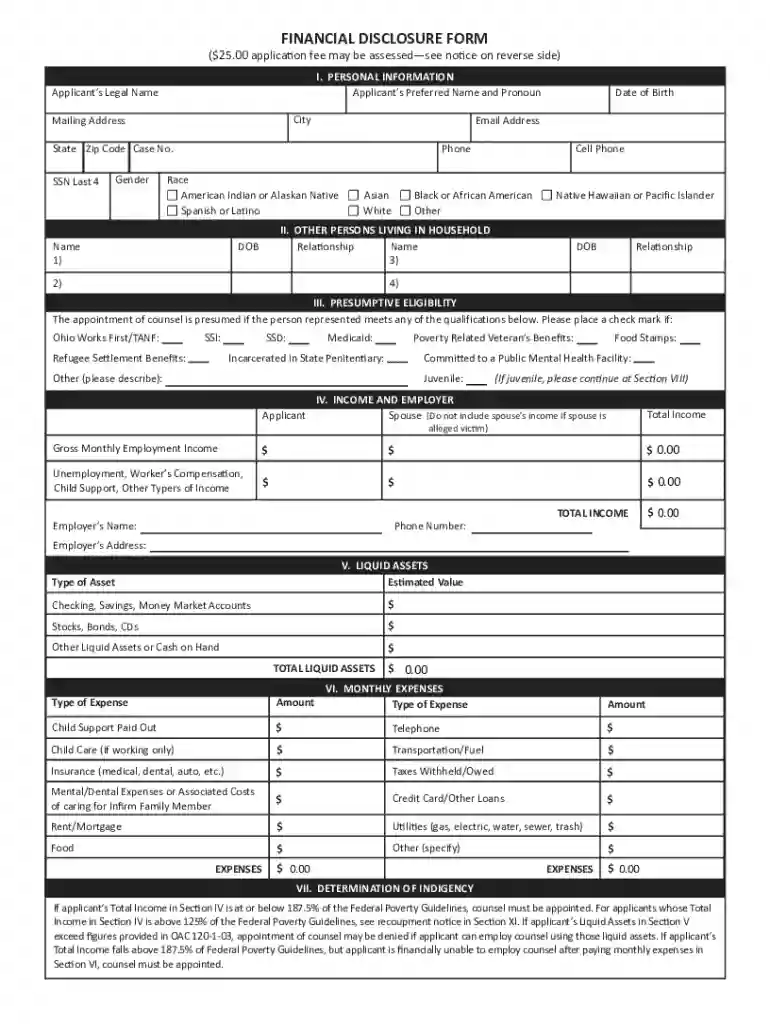
We've got more versions of the Ohio Financial Disclosure Form form. Select the right Ohio Financial Disclosure Form version from the list and start editing it straight away!
At DocHub, your data security is our priority. We follow HIPAA, SOC2, GDPR, and other standards, so you can work on your documents with confidence.