






Definition & Meaning
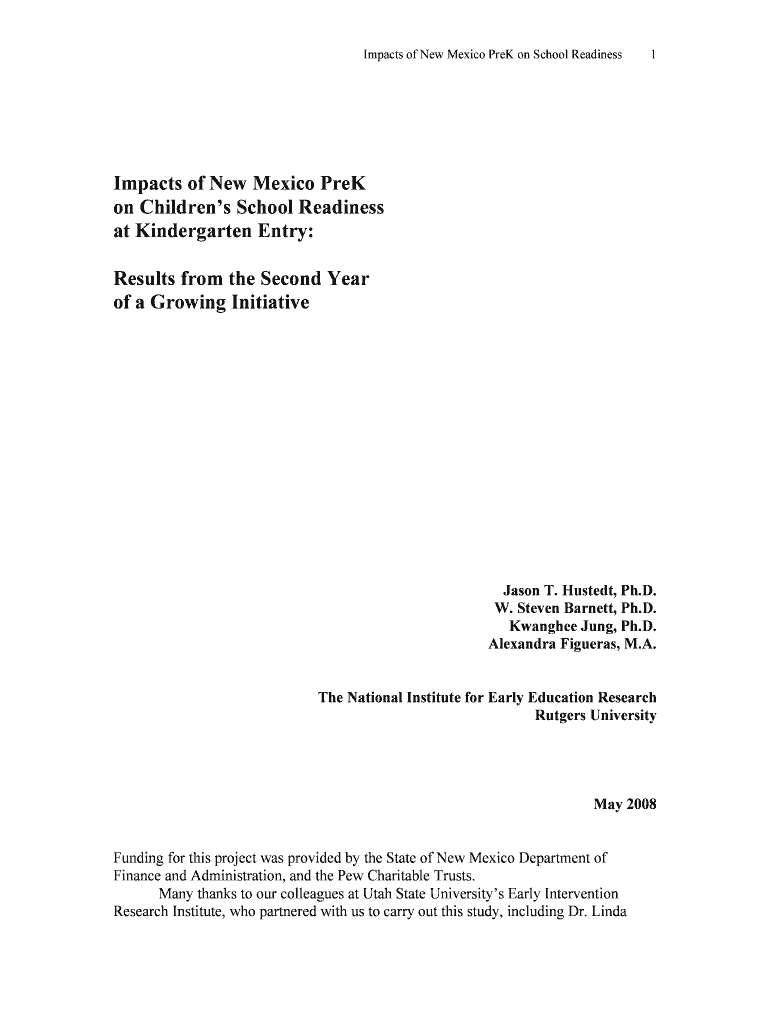
The "NM Year 3 RDD report revised 05-1 30 08 doc" is a document that analyzes the impacts of the New Mexico PreK initiative on school readiness at kindergarten entry. This report is critical for educators, policymakers, and researchers interested in understanding the role of early childhood education programs. It uses a regression-discontinuity design to evaluate academic skills in children, aiming to provide insights into educational outcomes influenced by pre-kindergarten participation.
Importance of Regression-Discontinuity Design
- Purpose: This statistical method is used to estimate the effects of interventions by assigning a cut-off point, helping to make causal inferences from observational data.
- Application in the Report: The design helped assess the academic skills of kindergartners involved in the PreK program, providing reliable results on the program's effectiveness.
Significance for New Mexico PreK
- Policy Impact: Findings support the expansion and improvement of early childhood education initiatives, reinforcing the importance of such programs on child development.
- Educational Outcomes: Highlights significant improvements in receptive vocabulary, math, and literacy skills among participants, contributing to the state’s educational strategies.
Key Elements of the NM Year 3 RDD Report
Understanding the components of the NM Year 3 RDD report is essential for stakeholders who work with early childhood education policies and program evaluations.
Sections of the Report
- Introduction & Background: Overview of the New Mexico PreK program, including its goals and implementation strategies.
- Methodology: Detailed explanation of the regression-discontinuity design and how it was applied in the study.
- Findings: Presentation of data on vocabulary, math, and literacy improvements, quantifying the program's impact.
- Discussion: Interpretation of results, including implications for policy and further research recommendations.
Data Sources
- Participants: Data was collected from 924 kindergartners from the 2 cohort.
- Metrics: Measurement of academic skills such as vocabulary and math scores to assess school readiness.
How to Use the NM Year 3 RDD Report
This document is primarily used for research and policy-making purposes, facilitating informed decisions in educational planning.
Intended Users
- Educators: To adapt teaching strategies and curricula based on the report’s insights.
- Policymakers: To shape educational policies and funding decisions.
- Researchers: To conduct further studies or replicate the study’s methodology for similar educational interventions.
Steps to Complete NM Year 3 RDD Report Processes
Utilizing this report effectively involves certain steps, from data interpretation to implementation of recommendations.
- Review and Analyze: Examine the data and results presented in the report.
- Consult Stakeholders: Engage with educators, administrators, and parents to discuss findings.
- Plan Actions: Create an action plan to address areas identified for improvement in educational outcomes.
- Implement Changes: Apply recommendations in educational settings and monitor progress.
- Evaluate Impact: Conduct follow-up studies to assess the long-term effects of implemented changes.
Supporting Tools
- DocHub: For document review and collaboration among multiple users in educational settings.
State-Specific Rules for NM Year 3 RDD Report Usage
Given that the report discusses New Mexico-specific education policies, understanding state-specific regulations and requirements is crucial.
Compliance with State Regulations
- Report Usage: Align findings with state education department guidelines to enhance compliance.
- Funding Allocation: Based on results, funding can be optimized to support areas needing improvement.
Legal Use of NM Year 3 RDD Report
Ensuring the report is utilized within legal bounds is essential for stakeholders involved in data-driven decision-making.
Compliance Considerations
- Data Privacy: Adhering to privacy laws when handling participant information is a priority.
- Intellectual Property: Properly cite and reference when using data and insights from the report to avoid plagiarism.
Examples of Using the NM Year 3 RDD Report
Practical applications of the report’s findings demonstrate its utility in real-world educational settings.
Case Studies
- District 1: Implemented tailored reading programs based on the report, leading to a noticeable improvement in literacy scores.
- PreK Expansion Initiative: Leveraged findings to secure additional funding for expanding early childhood education access to underserved communities.
Versions or Alternatives to the NM Year 3 RDD Report
While the NM Year 3 RDD report is a comprehensive resource, alternative evaluations or supplemental reports can provide additional insights.
Additional Resources
- State Department Reports: Offer annual updates and statistics on state educational outcomes.
- Peer-Reviewed Journals: Include studies replicating or building on the regression-discontinuity approach for educational evaluation.