Definition and Meaning of "Form Online"
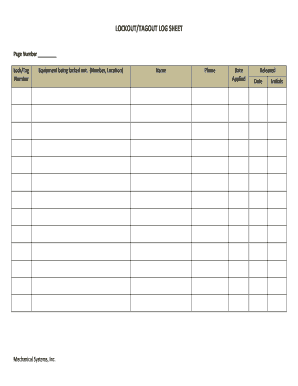
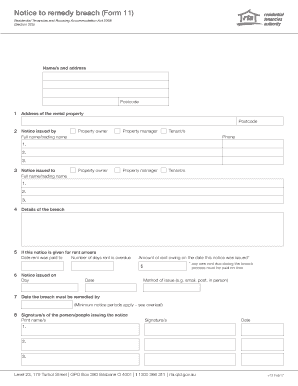
An "online form" is an interactive web-based tool used to capture and transmit user data over the internet. Unlike traditional paper forms, online forms are designed for digital interaction, which significantly streamlines data collection processes. These forms can be found in various formats and purposes, such as applications, surveys, registrations, and feedback forms. By using an online form, organizations can improve efficiency and accessibility, making it easier for users to submit and retrieve information without the need for physical documentation.
Advantages of Online Forms
Online forms offer a range of benefits over their paper counterparts:
- Accessibility: Users can access and fill out forms from any device with internet connectivity.
- Efficiency: Data is instantly transmitted and stored, reducing the time spent on manual entries and processing.
- Adaptability: Forms can be easily modified in response to user feedback or changing requirements.
Common Use Cases
Online forms are utilized across numerous domains, including:
- Educational institutions for enrollment and feedback.
- Businesses for customer inquiries and service requests.
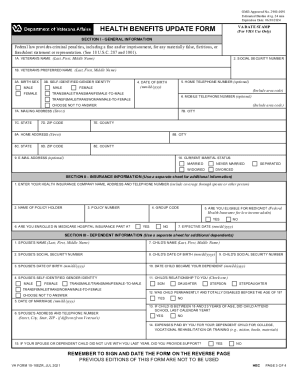
- Healthcare providers for patient intake and medical history forms.
How to Use the Form Online
Using an online form typically involves a straightforward process that enhances user experience. Here’s a step-by-step guide on how to effectively utilize these forms:
-
Accessing the Form: Visit the designated website where the form is hosted. This could be a direct link shared via email, a button on a webpage, or an embedded form within a site.
-
Filling Out Required Information: Enter the necessary data in provided fields. Most forms will have mandatory and optional fields clearly marked. Pay attention to any instructions or error messages that guide you in correcting mistakes.
-
Review and Submit: Once all required fields are filled, review your information for accuracy. Submit the form by clicking on the appropriate button. Confirmation messages or emails often follow upon successful submission.
Tips for Efficient Use
- Save Progress: For lengthy forms, ensure there is an option to save your progress and resume later.
- Use Autofill: Utilize browser features that auto-fill personal information to save time.
Steps to Complete the Form Online
Completing an online form effectively requires understanding each section and providing accurate information. Follow these detailed steps to ensure a seamless experience:
-
Start by Reading Instructions: Before filling out any fields, read all the instructions provided. This will often include guidelines on what information is required and how to format responses.
-
Provide Personal Information: Enter personal details, such as name, address, and contact information. Ensure accuracy and consistency with official documents.
-
Enter Specific Data: Depending on the form, there may be fields requiring detailed information such as employment history, qualifications, or references.
-
Attach Necessary Documents: If the form requires supporting documents, ensure they are properly scanned and uploaded in the required format.
-
Double-Check Entries: Before submitting, review all fields to catch any errors or omissions.
-
Submit the Form: Click the submit button, and ensure you receive a confirmation of submission. Some platforms might provide a reference number or email confirmation for your records.
Important Terms Related to Form Online
Understanding key terminology related to online forms is crucial for proper navigation and completion. Here are some critical terms:
- Mandatory Field: A required field that must be filled before submitting the form.
- Captcha: A tool used to verify that the form is being completed by a human, aiding in security.
- Dropdown Menu: A list of options from which users can select a particular choice.
Glossary
- Field Validation: A system that checks entries for correctness before accepting them.
- Form Builder: Software or application that helps in creating and managing online forms.
Key Elements of the Form Online
Certain elements are standard in most online forms and understanding them facilitates a smoother experience:
- Input Fields: Areas where users enter data. Types include text boxes and check boxes.
- Submit Button: The option to send the completed form to its destination.
- Confirmation Page: Displays once the form is successfully submitted to confirm receipt.
Form Functionalities
- Auto-Save Feature: Allows users to save incomplete forms and return later to finish them.
- Mobile Optimization: Ensures forms are usable on mobile devices for broader accessibility.
Software Compatibility for Form Online
When using online forms, it’s essential to consider the software compatibility for optimal performance:
- Web Browsers: Forms are typically compatible with major browsers such as Chrome, Firefox, and Safari.
- Integrations: Some forms interface with software like Google Workspace for direct data import/export.
Cross-Device Functionality
-
Desktop vs. Mobile: Ensure forms are responsive to function smoothly on both desktops and mobile devices.
-
API Integration: Many forms can integrate with third-party applications for enhanced functionality.
Examples of Using the Form Online
Online forms are versatile and used in numerous scenarios, such as:
- Job Applications: Simplifies applying for positions by gathering all relevant info in one place.
- Surveys and Feedback: Collects responses efficiently from a broad audience.
- Event Registrations: Manages attendee information seamlessly, reducing administrative workload.
Real-World Applications
- Medical Forms: Patients fill in medical history forms before consultations.
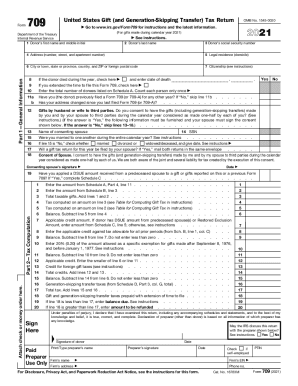
- Government Submissions: Tax forms and permits can often be completed online.
Legal Use of the Form Online
Online forms often carry legal implications, especially when they involve agreements or confirmation of facts:
- Electronic Signatures: Forms that require signatures can be legally binding under the ESIGN Act.
- Data Privacy: Ensure the form complies with data protection laws, safeguarding user information.
Adherence to Regulations
- GDPR Compliance: If forms collect EU citizen data, adherence to GDPR is necessary.
- HIPAA Compliance: For medical forms, compliance ensures patient data protection.