




01. Edit your form online
Type text, add images, blackout confidential details, add comments, highlights and more.

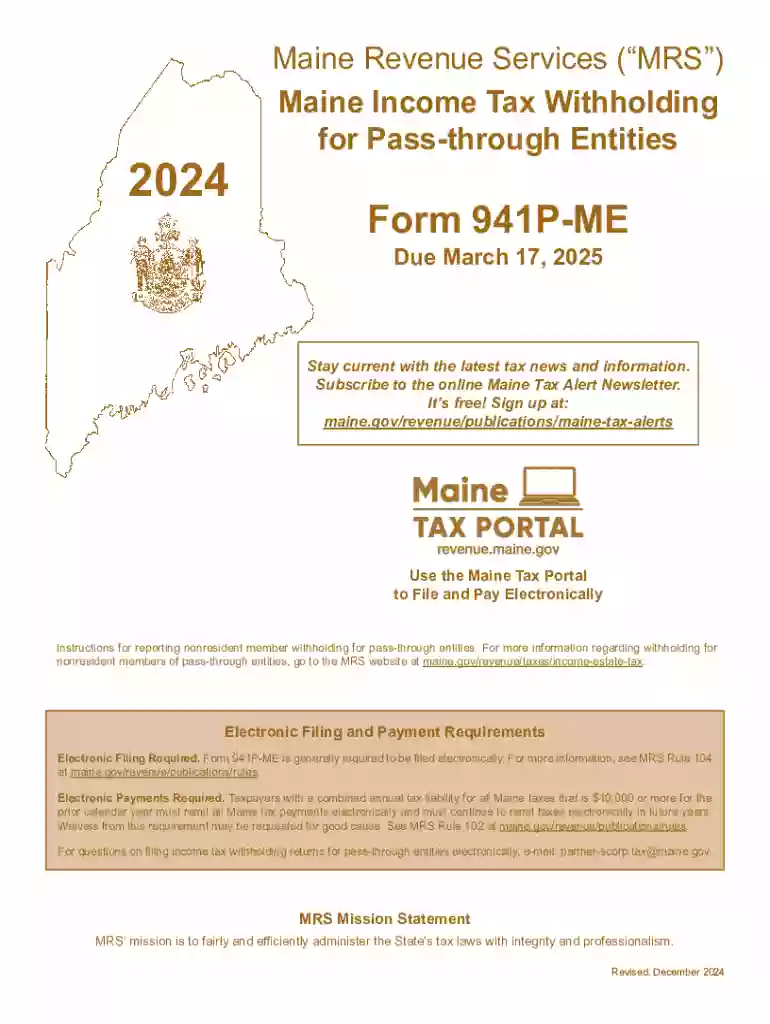
Type text, add images, blackout confidential details, add comments, highlights and more.

Draw your signature, type it, upload its image, or use your mobile device as a signature pad.

Send it via email, link, or fax. You can also download it, export it or print it out.
Understanding "form online" involves recognizing its role as a digital tool designed to facilitate various administrative, legal, or transactional processes via electronic platforms. Forms online serve to streamline tasks that traditionally required paper and in-person submissions, offering flexibility, speed, and convenience. In contexts like document signing or data collection, these forms provide structured fields for user input, ensuring data accuracy and completeness. This digital transformation of forms spans multiple industries, including finance, legal, healthcare, and government, adapting layouts and requirements according to the specific use case or regulatory needs.
Using an online form typically requires access to a digital device with internet connectivity. Begin by navigating to the relevant website or platform hosting the form. Users must follow a series of steps that may include creating an account or logging in if it involves sensitive data or requires identity verification. Upon accessing the form, users fill it out by entering the requested information in designated fields. Many online forms offer interactive elements, such as dropdown menus or checkboxes, to ease data entry and minimize errors. Upon completion, users can often review and edit their entries before submitting.
Online forms consist of essential components designed to gather and process information effectively:
Utilizing forms online can have significant legal implications, especially if they involve contracts, agreements, or sensitive data. It is essential to understand that:
Numerous scenarios illustrate the use of forms online:
Online forms are often designed to be compatible with various software programs, enhancing their utility and integration capabilities:
Depending on the nature of the online form, additional documentation may need to be uploaded during the process:
We've got more versions of the Maine Pass-through Entity Withholding Form 941P-ME form. Select the right Maine Pass-through Entity Withholding Form 941P-ME version from the list and start editing it straight away!
| Versions | Form popularity | Fillable & printable |
|---|---|---|
| 2025 | 4.7 Satisfied (55 Votes) | |
| 2024 | 4.1 Satisfied (30 Votes) | |
| 2023 | 4.5 Satisfied (25 Votes) | |
| 2022 | 4.7 Satisfied (58 Votes) | |
| 2021 | 4.8 Satisfied (58 Votes) | |
| 2020 | 4.3 Satisfied (168 Votes) | |
| 2019 | 4.3 Satisfied (96 Votes) | |
| 2018 | 4.4 Satisfied (148 Votes) | |
| 2017 | 4 Satisfied (25 Votes) | |
| 2016 | 4.3 Satisfied (186 Votes) |
At DocHub, your data security is our priority. We follow HIPAA, SOC2, GDPR, and other standards, so you can work on your documents with confidence.
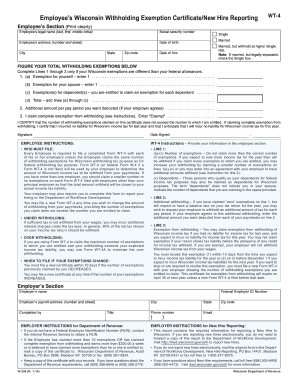
Withholding from Pass-Through Entities on Non-Resident Members (941P-ME) Composite Filing of Maine Income Tax for Nonresident Owners (1040C-ME); PartnershipRead more
Partnerships and S corporations with Maine-source income must file Form 941P if they have any members that are not residents of Maine.


