Definition & Meaning
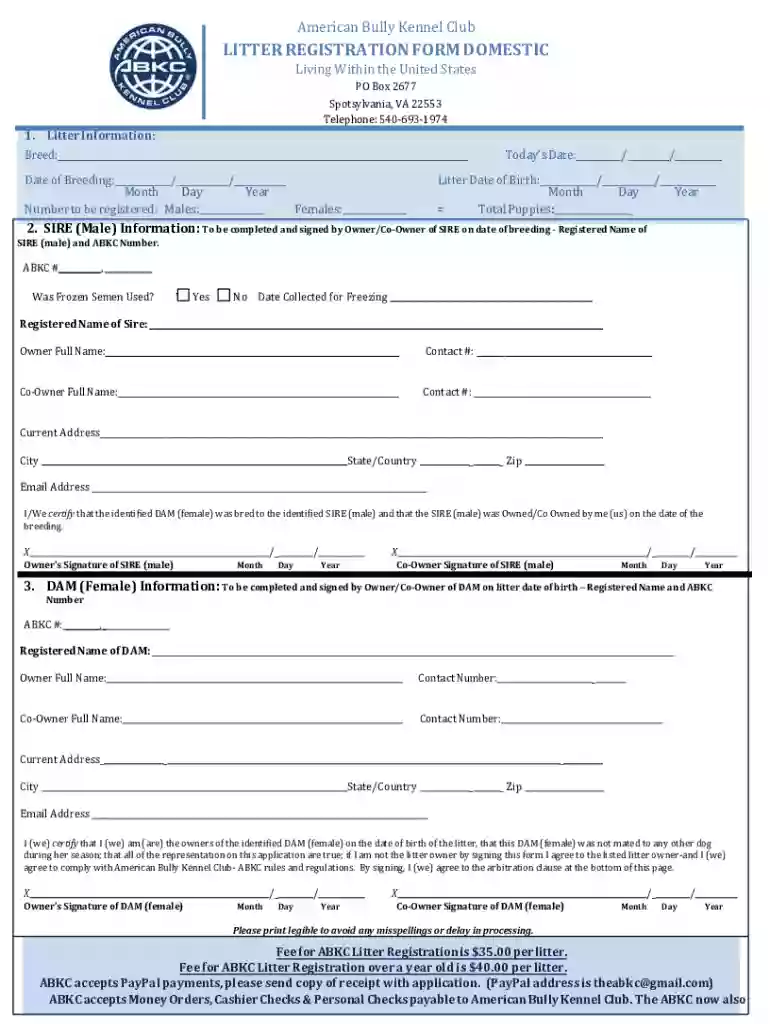
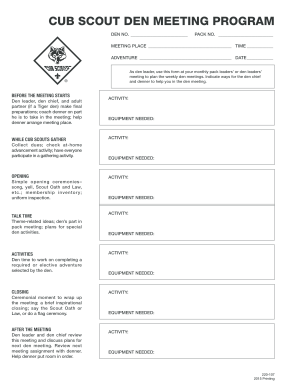
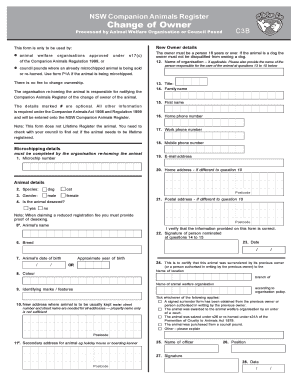
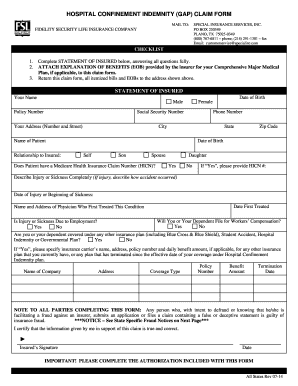
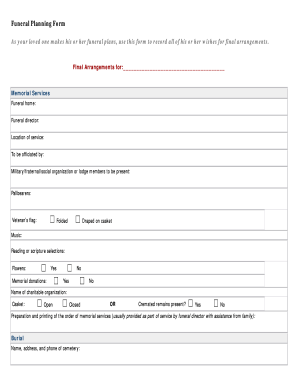
Understanding the concept of "form online" is pivotal for effectively managing digital documents and workflows. An online form is an electronic document that can be filled out and submitted over the internet. These forms serve diverse purposes, from basic information collection to complex data submissions for business or legal processes. Online forms leverage technology to streamline operations, reduce paperwork, and enhance accessibility across various platforms.
Practical Applications
- Online forms can be used for applications, surveys, registrations, and order placements.
- They offer real-time data capture, allowing for immediate analysis and decision-making.
- Integration with automated workflows can trigger subsequent actions, such as email notifications or database updates.
Digital Transformation
The digital nature of online forms supports the broader shift toward digital transformation in businesses. This technology enhances efficiency by reducing manual data entry and minimizing errors caused by human intervention.
How to Use the Form Online
Using an online form effectively involves understanding its digital interface and the specific steps required for completion. Online forms typically include form fields for text input, selections, and file attachments.
Step-by-Step Process
- Access the Form: Locate the form online via the provider's website or a shared link.
- Input Information: Fill in each required field accurately. This may include personal details, addresses, and other relevant data.
- Attach Documents: If necessary, upload supporting documents directly into the form.
- Review Entries: Double-check all inputted information for accuracy and completeness.
- Submit the Form: After verifying all inputs, submit the form by clicking the designated button. Confirmation is usually provided immediately.
Tips for Successful Use
- Ensure you have a stable internet connection to prevent data loss.
- Familiarize yourself with the form requirements beforehand to gather all necessary information and documents.
Steps to Complete the Form Online
Completing an online form efficiently requires a thorough understanding of each section and the specific details it demands.
Detailed Instructions
- Preparation: Gather all necessary information and documents based on the form guidelines.
- Form Navigation: Use the interface to move between different sections of the form. Some platforms allow you to save progress and return later.
- Data Entry: Enter data consistently and according to specified formats. For example, use the correct date format (MM/DD/YYYY) where applicable.
- Validation: Some forms have validation checks to ensure information is correctly formatted. Address any errors that arise during this process.
- Final Review: Conduct a comprehensive review to ensure all fields are completed and no information is missing.
- Submission Confirmation: Once submitted, look for a confirmation notice to ensure the form has been received successfully.
Common Challenges
- Incomplete mandatory fields, which may prevent submission.
- Compatibility issues with certain web browsers or devices.
Key Elements of the Form Online
Several critical components make up an online form, each designed to facilitate efficient data collection and processing.
Structural Components
- Input Fields: Text boxes, dropdowns, radio buttons, and checkboxes collect specific types of data.
- Instructions: Provides clarity on how to fill out the form and specify guidelines.
- Validation Protocols: Ensure all required fields are completed and data types are correct.
- Submission Button: A designated button confirms and sends data to the host server.
User Experience
A well-designed form offers an intuitive and straightforward user experience, minimizing confusion and errors by clearly guiding users through the process.
Legal Use of the Form Online
Online forms often have legal implications, particularly in contexts like contracts, registrations, or applications. The legality of electronic forms stems from their compliance with relevant laws and regulations.
Compliance and Regulations
- ESIGN Act: In the United States, electronic signatures on forms are legally binding under the Electronic Signatures in Global and National Commerce Act.
- Data Protection Laws: Compliance with privacy laws such as GDPR or CCPA is crucial, especially when handling sensitive personal information.
Ensuring Compliance
- Implement secure authentication measures and encryption to protect data integrity.
- Ensure users are aware of the terms and conditions before submitting forms.
Required Documents
Specific online forms may necessitate supplementary documentation to validate or support the data entered within the form.
Common Documentation
- Identification: Personal ID, such as a driver's license or passport, may be required for verification purposes.
- Financial Records: Bank statements or tax documents might be needed for financial-related forms.
- Supporting Proofs: Documents that substantiate claims or information provided on the form, such as proof of address.
Preparing Documentation
- Scan and save documents in an acceptable format (usually PDF or JPEG) to facilitate uploading during the form submission process.
- Ensure quality and clarity in scanned documents to prevent any delays or requests for resubmission.
Examples of Using the Form Online
Online forms are utilized across various sectors for different purposes, showcasing their versatility.
Real-World Scenarios
- Human Resources: Employee evaluation forms and timesheet submissions.
- Healthcare: Patient intake forms and consent forms for medical procedures.
- Education: Enrollment forms and course feedback surveys.
- Finance & Banking: Loan applications and account opening forms.
Case Studies
Tech companies often utilize online forms for gathering user feedback or bug reports, streamlining the customer support process and enhancing product development efforts.
Software Compatibility
The compatibility of online forms with various software is crucial for seamless integration into existing workflows.
Integrations
- Document Editors: Compatibility with tools like Google Docs or Microsoft Office for editing and handling large data sets.
- Financial Software: Integration with platforms like QuickBooks or TurboTax for tax-related forms enhances efficiency.
- Customer Relationship Management (CRM): Synchronization with CRM software like Salesforce to capture leads from form submissions.
Navigating Compatibility Challenges
- Test forms on multiple browsers and devices to ensure consistent functionality.
- Regularly update software to maintain compatibility and security.