Speakout upper intermediate tests answer key 2026

Get Form
speakout upper intermediate tests answer key Preview on Page 1

Here's how it works

01. Edit your speakout upper intermediate tests answer key online
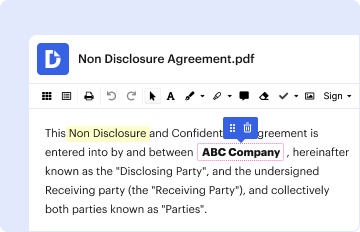
Type text, add images, blackout confidential details, add comments, highlights and more.
02. Sign it in a few clicks
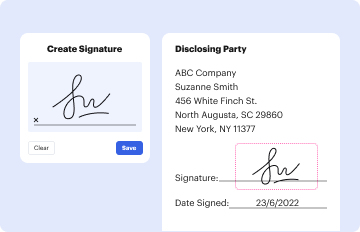
Draw your signature, type it, upload its image, or use your mobile device as a signature pad.
03. Share your form with others
Send speakout upper intermediate test answer key via email, link, or fax. You can also download it, export it or print it out.

How to use or fill out speakout upper intermediate tests answer key with our platform

Form edit decoration
9.5
Ease of Setup
DocHub User Ratings on G2
9.0
Ease of Use
DocHub User Ratings on G2
  1. Click ‘Get Form’ to open the speakout upper intermediate tests answer key in the editor.
  2. Begin by reviewing the sections of the document, which include grammar, vocabulary, pronunciation, and functions. Each section contains specific tasks that require your input.
  3. For the grammar section, complete sentences with appropriate articles or verb forms as indicated. Use our platform's text fields to enter your answers directly.
  4. In the vocabulary section, match words or phrases as instructed. Utilize drag-and-drop features for ease of use.
  5. Proceed to the pronunciation section where you can underline stressed syllables using highlighting tools available in our editor.
  6. Finally, review your answers and make any necessary adjustments before saving or exporting your completed document.

Start using our platform today for free to enhance your learning experience with seamless document editing!

be ready to get more

Complete this form in 5 minutes or less

Get form