






Definition and Meaning
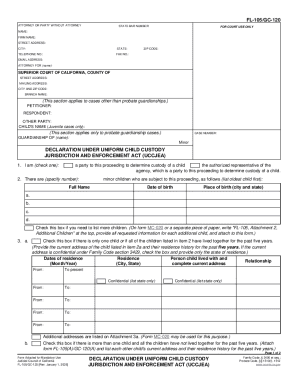
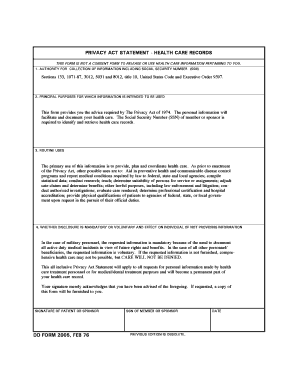
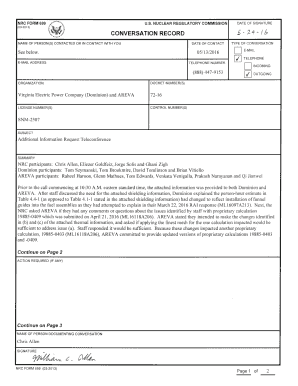
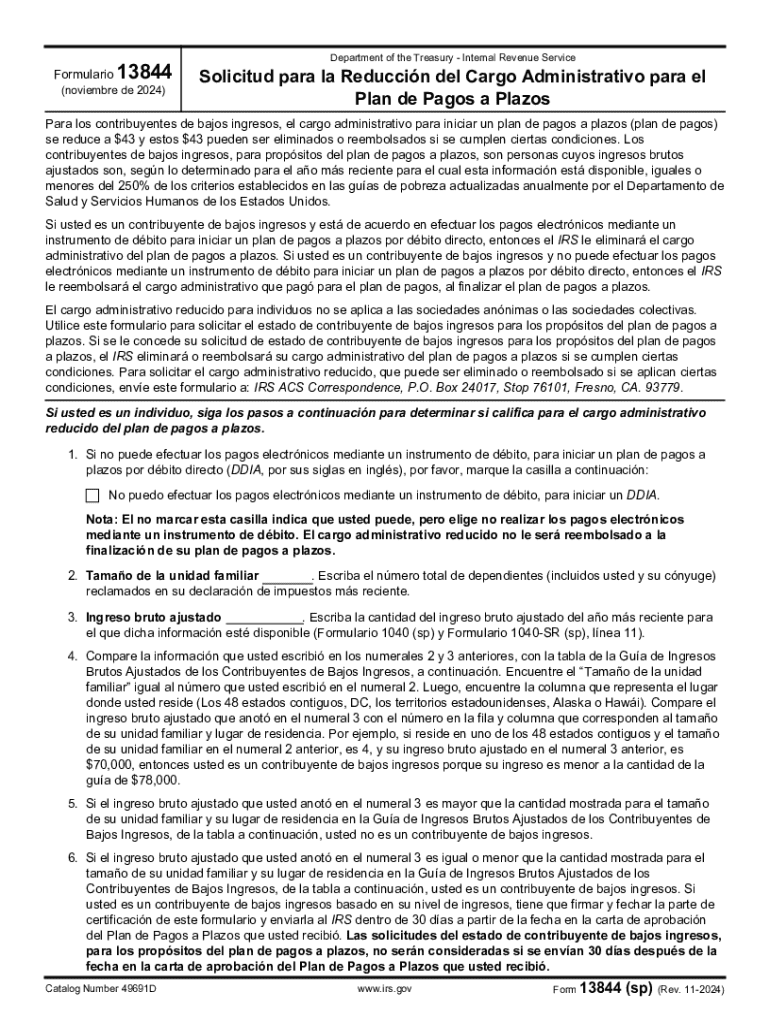
The "Tax Clinic Client Intake Form Fill-in - SPANISH" is a specialized document used primarily for gathering essential tax-related information from clients who prefer Spanish as their language of communication. This form serves as an introductory document in tax clinics and aims to streamline the process of client enrollment and information collection. It captures vital data such as personal identification details, income levels, dependents information, and other relevant financial details necessary for accurate tax processing and advice.
Key Elements of the Form
The form typically includes sections for:
- Personal Information: Name, address, contact details, and social security number.
- Income Details: Employment history, sources of income, and income amounts.
- Dependents: Information about family members who are financially dependent.
- Specific Requests: Any specific assistance or guidance the client is seeking.
- Consent and Acknowledgment: Section for the client’s signature, indicating consent to process their information.
Steps to Complete the Tax Clinic Client Intake Form Fill-in - SPANISH
Completing the form accurately is crucial for tax assistance. Here’s a step-by-step guide:
- Gather Required Documents: Ensure you have ID, tax documents, and income proofs.
- Fill Out Personal Information: Start with basic details such as name, address, and contact.
- Provide Income Information: Detail all sources of income, including unemployment benefits if applicable.
- List Dependents: Add information about dependents, including their social security numbers.
- Specify Requests: Mention any particular tax issues or concerns.
- Review and Sign: Double-check the information, then sign the form.
Important Terms Related to the Form
Understanding specific terms is crucial for accurately completing and understanding the form:
- Taxpayer Identification Number (TIN): A unique identifier used for tax purposes.
- Gross Income: Total income before deductions.
- Exemptions: Deductions allowed from taxable income for dependents.
Who Typically Uses the Form
This form is primarily used by Spanish-speaking individuals or families seeking tax assistance. It is commonly used in community tax clinics, non-profit organizations, and legal-aid societies that provide tax-related assistance to:
- Low-income individuals or families.
- Non-English speakers who primarily communicate in Spanish.
- Immigrants or recent arrivals needing guidance on U.S. tax requirements.


Legal Use of the Form
The Tax Clinic Client Intake Form has specific legal implications as it collects sensitive personal and financial information:
- Confidentiality: The information provided is confidential and protected under privacy laws.
- Authorization: Clients authorize the service provider to access and process their data.
- Tax Reporting Compliance: Ensures compliance with U.S. regulations by accurately reporting income and deductions.
Required Documents
To complete the form accurately, clients should have the following documents ready:
- Government Issued ID: Such as a driver’s license or passport.
- Previous Year’s Tax Returns: For reference.
- Income Documentation: Like W-2s, 1099 forms, and other income proofs.
- Dependents' Information: Social security numbers and birth certificates for dependents.
Filing Deadlines and Important Dates
Recognizing important tax filing dates is crucial to avoid penalties:
- Filing Season: Begins January 1st and ends April 15th (adjusted if it falls on a weekend or holiday).
- Extensions: Can be requested before the April deadline.
- Post-Deadline Amendments: Allowed but may incur penalties.
Form Submission Methods
There are several ways to submit the completed form, depending on the clinic’s processes:
- Online Submission: Via a secure portal if available.
- In-Person Drop-Off: At designated tax clinics or community centers.
- Mail: Sending completed forms to the specified address.
Software Compatibility
Digital management of the form is supported by software like:
- TurboTax and QuickBooks: For managing tax-related data.
- DocHub: For digital editing and signing.
Software Integration with DocHub
When using DocHub, you can seamlessly edit and sign the form digitally. Importing directly from cloud storage or desktop allows quick access to the document. The platform supports adding text, annotations, and electronic signatures effortlessly.