




Definition and Meaning
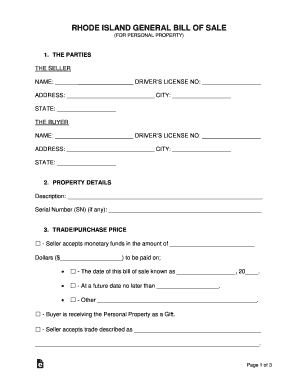
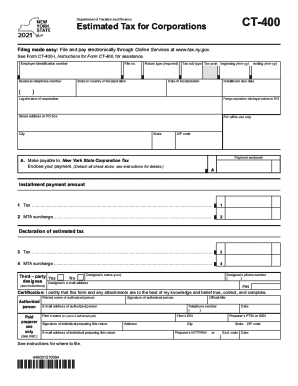
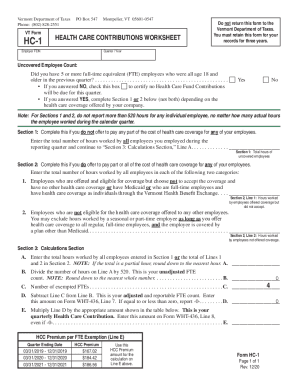
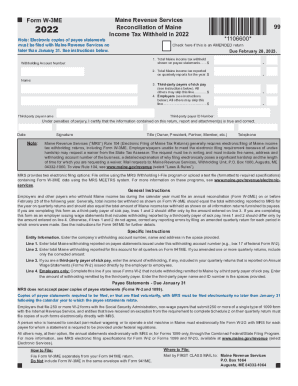
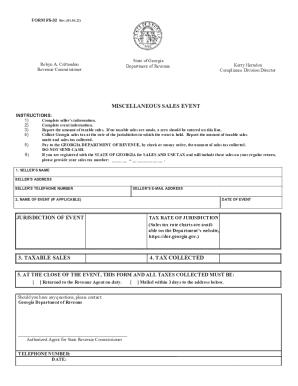
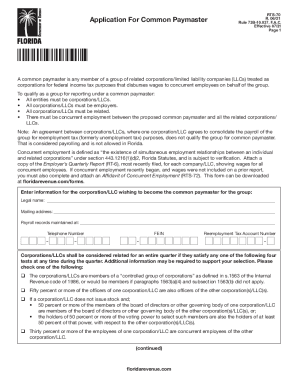
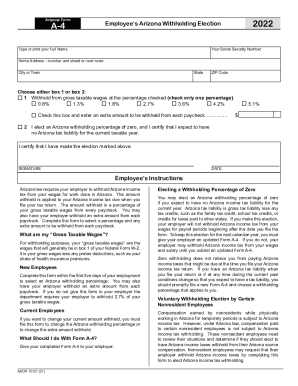
The term "form online" typically refers to electronic documents that users can fill out and submit through the internet. It includes a wide range of forms, such as tax forms, legal documents, applications, and financial affidavits. These forms are designed to simplify the data collection process by allowing users to enter information directly into designated fields, which can then be collected and processed digitally. This method not only increases efficiency but also reduces the likelihood of errors compared to traditional paper forms.
How to Use the Form Online
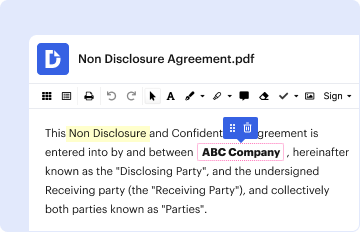
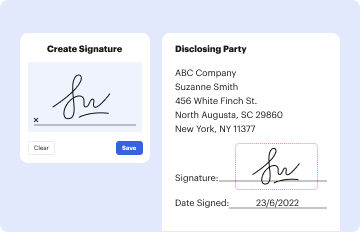
Using forms online involves several straightforward steps. First, access the form by visiting the website or platform hosting it. Once you've located the form, you can either download it for offline completion or fill it out directly on the web page. Most online forms use interactive fields to guide users. Once filled, it's crucial to review all information for accuracy before submitting. Some platforms, like DocHub, provide tools to sign, annotate, and share these forms easily with others.
- Find the form online through a specific website or digital platform.
- Fill out the form using interactive fields like text boxes and checkboxes.
- Review the entered information for accuracy.
- Submit the form electronically or save it for later use.
Steps to Complete the Form Online
- Download or Access the Form: Begin by downloading the form or accessing it directly on the website.
- Fill In Required Information: Use the interactive fields to input the necessary information.
- Review for Accuracy: Double-check all entered data to ensure it is correct.
- Save or Submit: Save your work as needed, or proceed to submit the form online.
- Receive Confirmation: After submission, a confirmation message or email typically follows to acknowledge receipt.
Key Elements of the Form Online
- Interactive Fields: Forms generally feature fields like text boxes, dropdown menus, and checkboxes for user input.
- Guidelines and Instructions: Important for guiding the user on how to correctly fill out the form.
- Legal Disclaimers: Often included to inform users of the legal implications of the form.
- Submission Details: Information on where and how to submit the form after completion.
Legal Use of the Form Online
Online forms are often used for legal purposes and must comply with relevant regulations and standards. For instance, electronic signatures collected through platforms like DocHub adhere to the ESIGN Act, ensuring that signed forms are legally binding. Additionally, users might need to adhere to privacy and data protection laws, which mandate the secure handling and transmission of personal information.
- ESIGN Act Compliance: Ensures that electronic signatures are legally recognized.
- Data Protection Laws: Users must ensure that personal data is securely handled during form transmission.
- Authentication: Forms may require verification methods to ensure authenticity of the submitted information.
Important Terms Related to Form Online
- Digital Signature: An electronic form of a signature that verifies the signer's identity.
- Interactive Template: A pre-designed form layout that users can fill out electronically.
- Encryption: Methods, such as SSL, used to protect data transmitted online.
- OAuth Authentication: A protocol that ensures secure user authentication.
Software Compatibility
Online forms may be compatible with various software applications to enhance the completion and submission process. Platforms like TurboTax and QuickBooks often integrate seamlessly with online forms, allowing users to import necessary data directly from these applications. This interoperability simplifies tasks like tax filing and financial reporting.
- TurboTax Integration: Useful for tax forms to import and export tax data smoothly.
- QuickBooks: Facilitates financial forms completion by pulling data directly from accounting records.
- DocHub Integration: Supports importing, editing, and signing forms within its platform.
Examples of Using the Form Online
Online forms are versatile and applicable in numerous situations. For instance, the International Student Financial Affidavit of Support form for California State University Fullerton allows students to provide proof of funding online. Similarly, business owners use online tax forms to submit financial details to the IRS. These examples demonstrate the diverse use of online forms across different sectors.
- University Admissions: To collect student financial information and documentation.
- Tax Filing: For individuals and businesses to submit their annual tax returns.
- Job Applications: Many companies offer online application forms for potential candidates.