




01. Edit your form online
Type text, add images, blackout confidential details, add comments, highlights and more.

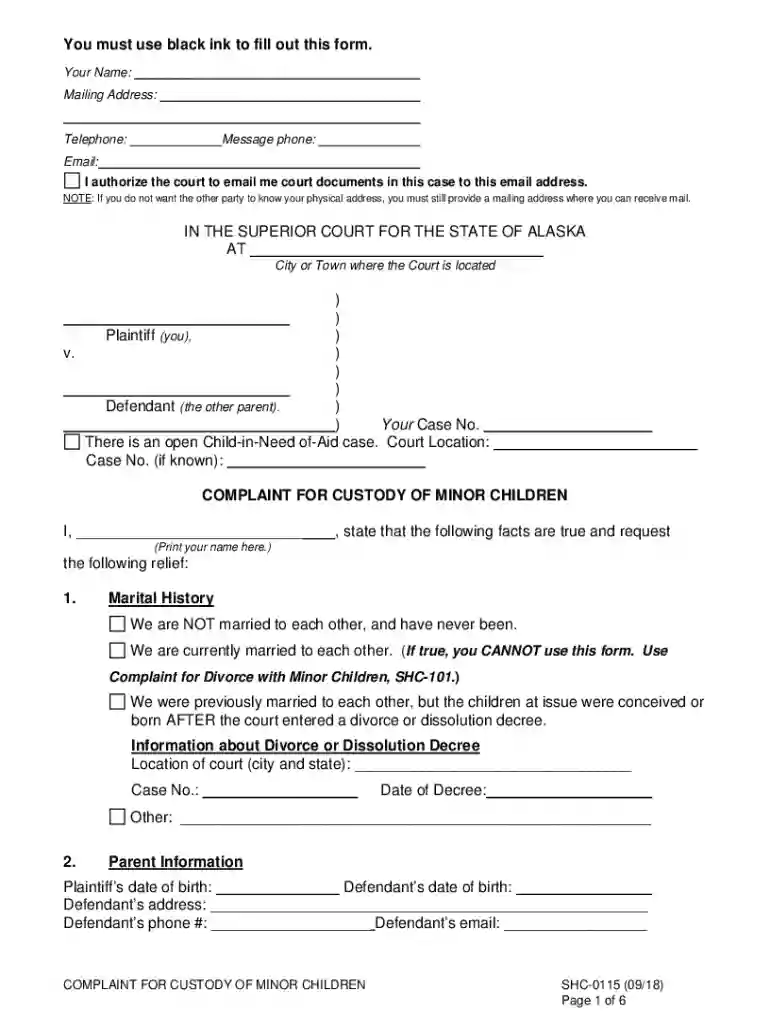
Type text, add images, blackout confidential details, add comments, highlights and more.

Draw your signature, type it, upload its image, or use your mobile device as a signature pad.

Send it via email, link, or fax. You can also download it, export it or print it out.
The term "form online" refers to any digital document that can be completed and submitted through the internet. These may include legal forms, tax documents, applications, and surveys that once were filled out on paper. Online forms are designed to streamline administrative processes, making it quicker and easier for individuals and businesses to manage their obligations and requests. They often include interactive features that guide the user through completion, ensuring that all required fields are filled and reducing the likelihood of errors.
To use a form online, users typically follow a straightforward process. First, the form must be accessed through the relevant website or document management platform, such as DocHub. Once the form is opened, users can enter data directly into the form fields. Many platforms provide features like auto-fill, drop-down menus, and real-time validation to simplify data entry. Users can save progress if the platform supports session storage, allowing them to return later to complete the form. Finally, completed forms are usually submitted directly through the platform with options for electronic signature if required.
Various individuals and organizations benefit from using forms online. Businesses use them for administrative processes, such as tax filings and permit applications. Individuals might use online forms to submit personal data for things like job applications or educational enrollments. Government agencies also favor online forms for public services, allowing constituents to engage with services from their devices, minimizing the need for physical paperwork.


Navigating online forms effectively often involves understanding specific terms:
Online forms can hold the same legal weight as traditional paper documents when used correctly. This is provided the forms comply with specific regulation standards, such as the Electronic Signatures in Global and National Commerce Act (ESIGN), which grants legitimacy to electronic records and signatures. Legal compliance may require documentation security measures such as encryption, identity verification, and records of consent to protect user data.
Effective online forms typically include several critical components. Properly structured forms ensure complete data capture, reducing errors and omissions. Common elements include:
When using or creating online forms that pertain to regulations, consider state-specific rules. Legislative differences can impact how forms are structured and which elements are mandatory, especially concerning tax forms, legal applications, and business filings. Companies may need to adjust forms to meet regional legal requirements, ensuring compliance across various jurisdictions within the United States.
Understanding these components and utilizing platforms like DocHub effectively can significantly optimize document processing workflows for anyone engaging in online form use.
We've got more versions of the Complaint for Custody of Minor Children form. Select the right Complaint for Custody of Minor Children version from the list and start editing it straight away!
At DocHub, your data security is our priority. We follow HIPAA, SOC2, GDPR, and other standards, so you can work on your documents with confidence.

The form of complaint is appropriate if there is one plaintiff, one defendant, and the custody of one child is sought or the custody of several children isRead more
Complete a Complaint for Custody (CC-DR-004) to ask to the court to grant you custody. Custody is a civil action in which a clerk collects $165.
Step-by-step: how to file a custody petition Confirm the right court. Engage a lawyer or appear in person. Draft the petition. Attach documents and an


