




01. Edit your wt 7 2024 online
Type text, add images, blackout confidential details, add comments, highlights and more.

Type text, add images, blackout confidential details, add comments, highlights and more.

Draw your signature, type it, upload its image, or use your mobile device as a signature pad.

Send wt 7 form 2024 via email, link, or fax. You can also download it, export it or print it out.
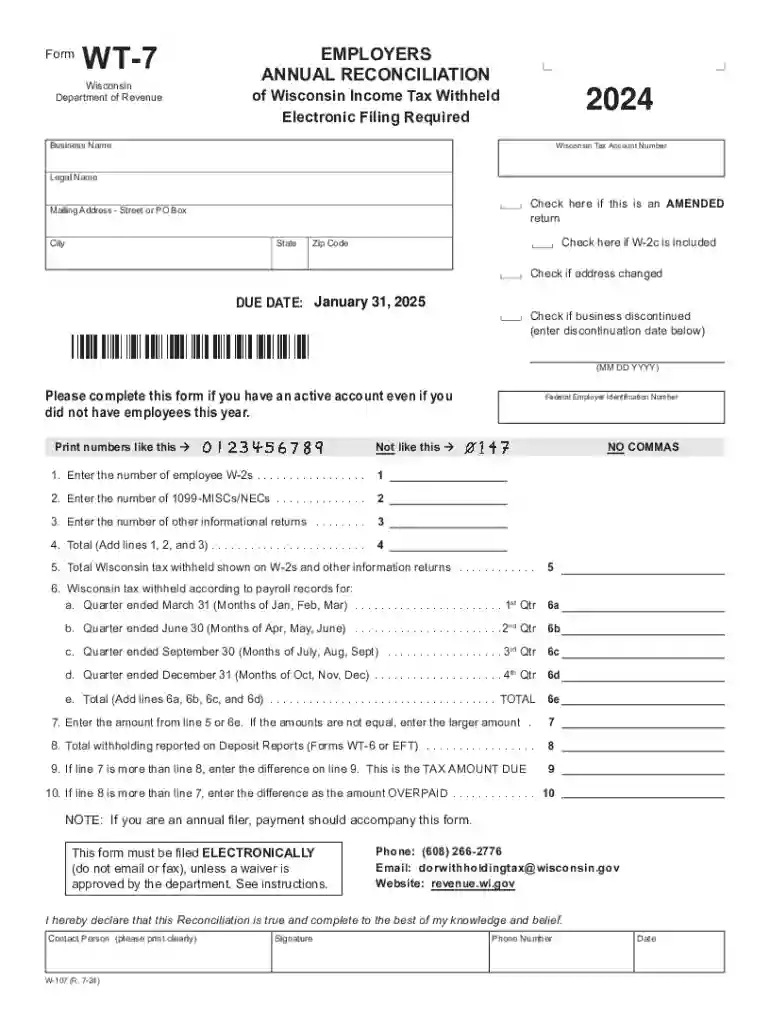
The 2024 W-107 Form WT-7, commonly referred to as the Wisconsin Employer's Annual Reconciliation of Wisconsin Income Tax Withheld, serves as a critical document for businesses operating within Wisconsin. Its primary function is to facilitate the annual reconciliation of income tax withheld from employees' wages. Employers must provide a comprehensive summary of the total income tax withheld during the year and compare it with the tax amounts reported in W-2 and 1099 forms.
Businesses utilize this form to maintain accurate financial records, ensuring compliance with state tax requirements and avoiding potential legal implications from misreporting.
Completing the W-107 Form WT-7 is a meticulous process that requires attention to detail to ensure accurate reporting. Below is a step-by-step guide to help you through the process:
Gather Required Information
Complete Employer Information
Report Withholding Amounts
Reconciliation Process
Submit By the Deadline
Accessing and preparing the W-107 Form WT-7 can be straightforward if you know where to look and what steps to follow.
Timely submission of the W-107 Form WT-7 is essential to avoid legal consequences.
Understanding specific terms associated with the W-107 Form can demystify its completion.
An employer calculating the exact tax withheld versus reported on an employee's W-2 form to ensure alignment.
While the W-107 Form WT-7 is state-specific to Wisconsin, local legislation and rules can further influence its details.
Wisconsin may revise tax withholding rules annually, making staying updated a priority for businesses.
Failing to submit the W-107 Form WT-7 accurately and on time can result in significant legal and financial ramifications.
We've got more versions of the wt 7 2024 form. Select the right wt 7 2024 version from the list and start editing it straight away!
| Versions | Form popularity | Fillable & printable |
|---|---|---|
| 2025 | 4.8 Satisfied (40 Votes) | |
| 2024 | 4.6 Satisfied (26 Votes) | |
| 2022 | 4.1 Satisfied (31 Votes) | |
| 2021 | 4.8 Satisfied (85 Votes) | |
| 2020 | 4.4 Satisfied (299 Votes) | |
| 2017 | 4.3 Satisfied (194 Votes) | |
| 2016 | 4.3 Satisfied (164 Votes) | |
| 2015 | 4.4 Satisfied (551 Votes) | |
| 2014 | 4 Satisfied (29 Votes) | |
| 2011 | 4.1 Satisfied (43 Votes) | |
| 2009 | 4 Satisfied (38 Votes) | |
| 2003 | 4 Satisfied (56 Votes) |
At DocHub, your data security is our priority. We follow HIPAA, SOC2, GDPR, and other standards, so you can work on your documents with confidence.
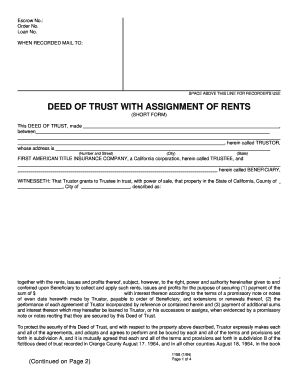
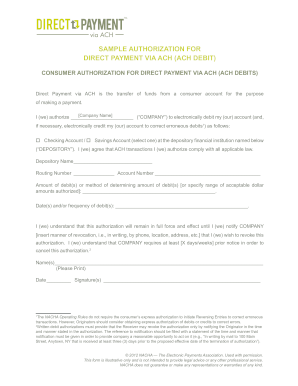
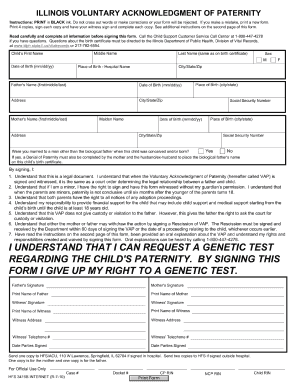


WT-7 (Fill-In Form) Employers Annual Reconciliation of Wisconsin Income Tax. Instructions for Preparing the Employers Annual Reconciliation of Wisconsin
Annual Reconciliation of Wisconsin Income Tax Withheld from Wages (Form WT-7) data to DOR via an electronic file over the Internet. Phone: (608) 266-2776


