01. Edit your form online
Type text, add images, blackout confidential details, add comments, highlights and more.

Type text, add images, blackout confidential details, add comments, highlights and more.

Draw your signature, type it, upload its image, or use your mobile device as a signature pad.

Send it via email, link, or fax. You can also download it, export it or print it out.
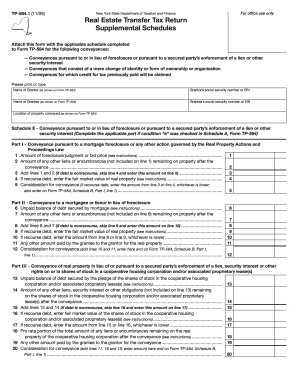
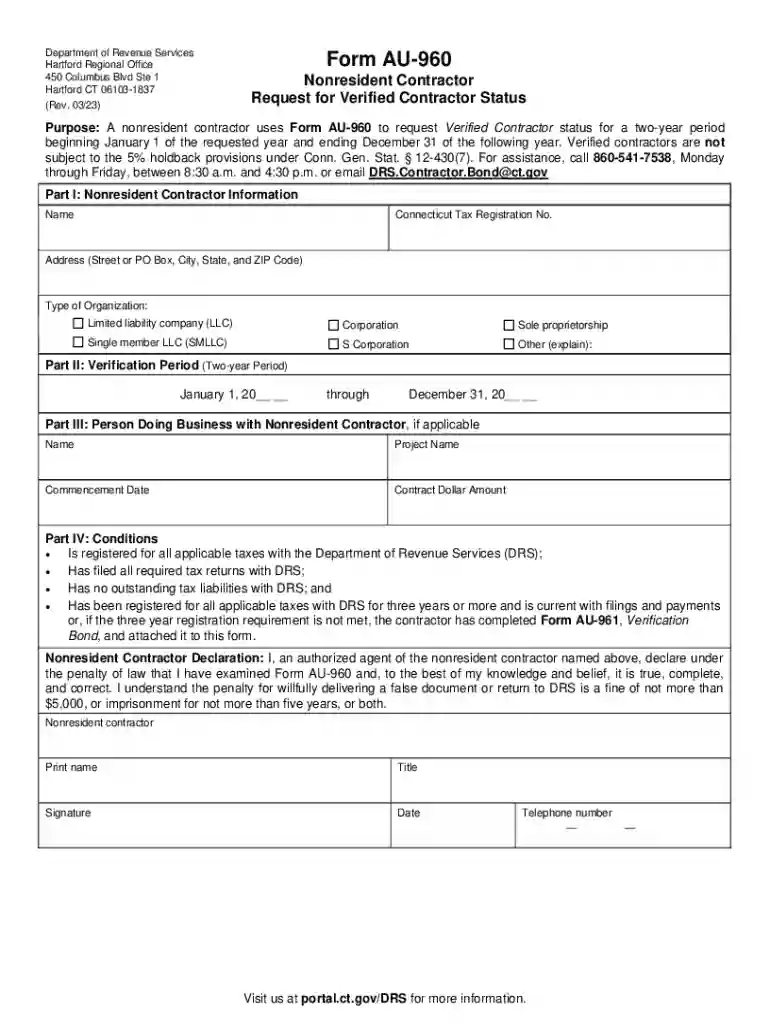
The Connecticut Department of Revenue Services (DRS) in Hartford CT is the state agency responsible for administering tax laws and collecting revenue for the State of Connecticut. This agency ensures that taxes are collected in a fair, efficient, and transparent manner, keeping the financial backbone of the state robust. By managing tax filings and ensuring compliance, the DRS facilitates public services and infrastructure developments. The DRS covers a range of tax types, including but not limited to income tax, sales tax, and business taxes. Businesses and individuals must engage with the DRS to fulfill their tax obligations.
To interact with the Connecticut DRS, taxpayers can utilize various tools and services provided by the agency. The DRS offers an online platform, myconneCT, enabling users to file and pay taxes, request extensions, and access tax-related information easily. Alternatively, forms and submissions can be processed via traditional mail if required. The agency also offers phone support and in-person assistance at their Hartford office for more complex inquiries or issues that require direct interaction. Utilizing these services appropriately helps ensure compliance with state tax laws and minimizes errors or penalties.
To obtain forms, guidelines, or assistance from the Connecticut DRS, users can visit their official website or contact their office directly. The website hosts a plethora of downloadable forms, detailed guides, and instructions about tax filing and compliance procedures. Hard copies of forms can also be requested via mail or picked up at the DRS office for those who prefer physical documentation.
Completing necessary filings with the Connecticut DRS involves several key steps. Initially, individuals or businesses should determine the specific tax obligations applicable to them based on their income, type of business, or other relevant factors. Following this, they must gather all required documentation and complete the appropriate forms.
When filing taxes through the Connecticut DRS, certain core elements must be included. These elements ensure that the filings are complete and processed without delay. Accuracy in these areas also reduces the risk of penalties for non-compliance.
Understanding the unique statutes and regulations within Connecticut is crucial for compliance. Different taxes may have specific exemptions or rates that apply only within the state.
Engagement with the Connecticut DRS can vary considerably depending on whether the taxpayer is an individual, a small business, or a corporation. Each example illustrates different interaction points and challenges:
Failing to comply with Connecticut state tax laws can result in significant penalties. These range from monetary fines to more severe legal actions in cases of deliberate tax evasion.
Understanding each aspect of interacting with the Connecticut DRS ensures that taxpayers remain compliant and avoid the complications associated with non-compliance.
We've got more versions of the Connecticut Department of Revenue ServicesHartford CT form. Select the right Connecticut Department of Revenue ServicesHartford CT version from the list and start editing it straight away!
At DocHub, your data security is our priority. We follow HIPAA, SOC2, GDPR, and other standards, so you can work on your documents with confidence.