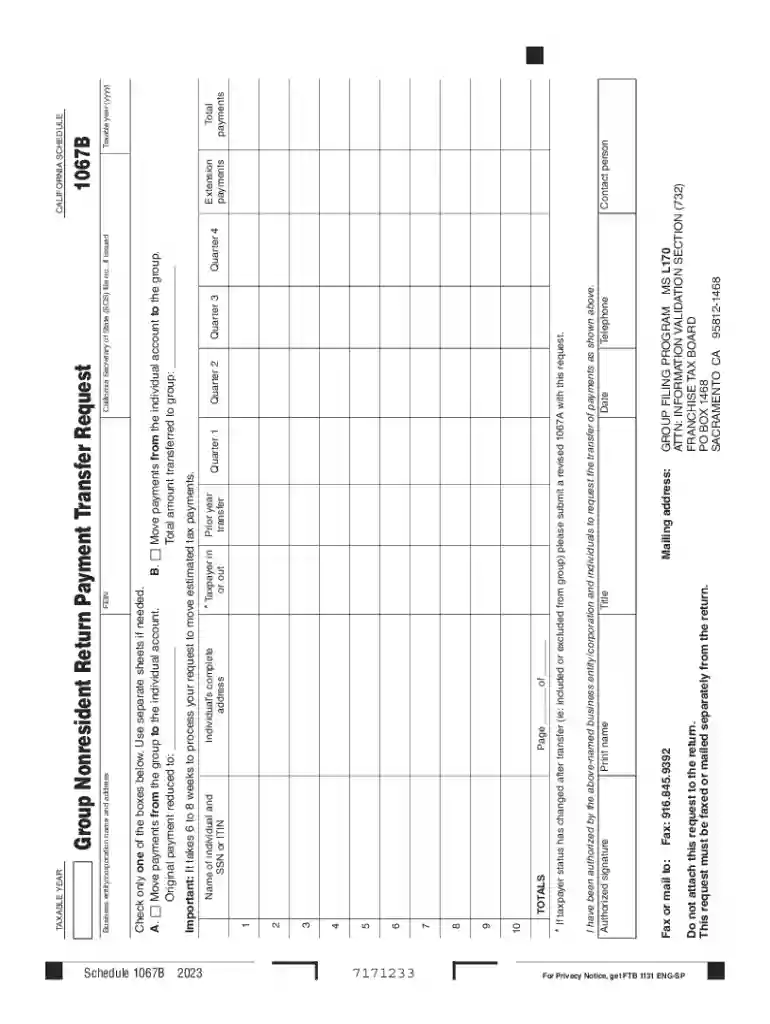
California Schedule 1067B 2026

Get Form
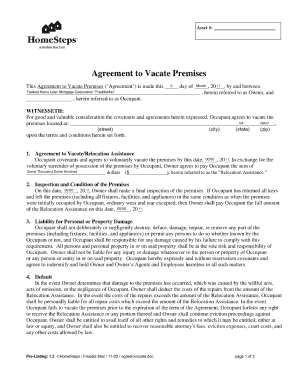
California Schedule 1067B Preview on Page 1

Here's how it works

01. Edit your form online
Type text, add images, blackout confidential details, add comments, highlights and more.

02. Sign it in a few clicks
Draw your signature, type it, upload its image, or use your mobile device as a signature pad.

03. Share your form with others
Send it via email, link, or fax. You can also download it, export it or print it out.

Definition & Meaning

The term "form online" refers to electronic documents that users can access and fill out via an internet connection. These online forms are digital versions of traditional paper forms and serve a variety of functions including applications, surveys, and data collection. The primary advantage of using forms online is the convenience and efficiency they offer, allowing users to fill out and submit necessary information from the comfort of their own home or office without the need for physical paperwork. This can significantly streamline processes for individuals and organizations alike.

A major component of forms online is their adaptability to different formats and requirements. They are typically coded with fields that can be structured to capture specific data, such as text, numbers, dates, or selections from dropdown menus. The digital nature of forms online also means they are often aligned with automated data processing systems, enhancing the speed and accuracy with which information is captured and utilized.

How to Use the Form Online

To use a form online, start by accessing the digital form through a web browser. Here are the basic steps usually involved:

  1. Access the Form: Open the form via a hyperlink provided in an email, website, or cloud storage service.
  2. Identify Required Fields: Review the form to understand which fields need to be filled out. Required fields are often marked with an asterisk.
  3. Input Information: Type into text boxes, select options from dropdown menus, and utilize checkboxes as needed.
  4. Add Digital Signatures: If necessary, affix a digital signature using inbuilt tools that allow for drawing, typing, or uploading a signature.
  5. Review Entries: Double-check the completed form for accuracy and thoroughness before submission.
  6. Submit the Form: Click 'Submit' to send the form to the designated recipient or server. A confirmation message will often appear to verify successful submission.

Forms online often have built-in validation to ensure that information entered meets specific criteria, reducing the likelihood of errors before submission.

Steps to Complete the Form Online

The process of completing an online form involves several distinct steps that ensure accuracy and compliance with any applicable instructions:

  1. Read Instructions Carefully: Understand any guidelines or instructions provided with the form to avoid incorrect entries or omissions.
  2. Gather Necessary Information: Before starting the form, compile all necessary documents and details that might be requested.
  3. Start Filling Out the Form: Enter the required information into each field. Use clear and concise language where freeform entries are allowed.
  4. Save Progress: If the form platform allows, periodically save your progress to avoid data loss in case of connectivity issues.
  5. Final Review and Edit: Carefully review each section for completeness and accuracy, making any necessary revisions.
  6. Submit: Once satisfied with your entries, submit the form. Note any confirmation or receipt number for your records.

Online platforms sometimes offer instructional prompts guiding users through fields that may require more detailed information.

Why Should You Form Online

Using online forms offers several compelling advantages:

  • Efficiency: Completing forms online eliminates the time delay associated with mailing paper forms, enabling faster processing.
  • Accessibility: Forms can be accessed from any device with an internet connection, allowing users to complete them from virtually anywhere.
  • Environmentally Friendly: Reduces paper use, contributing to less paper waste and a lower environmental footprint.
  • Cost-Effective: Reduces costs associated with printing, postage, and manual data entry.
  • Accuracy: Built-in validations and error-checking help minimize data entry mistakes and omissions.

These benefits demonstrate why many individuals and businesses prefer transitioning to digital forms.

Key Elements of the Form Online

Critical elements of an online form often include the following components:

  • Title and Description: A clear title that describes the form's purpose alongside a brief description or set of instructions.
  • Data Fields: Sections for user inputs, such as text boxes, dropdown lists, checkboxes, and date selectors.
  • Required Fields Indicator: Marks or symbols noting which fields are mandatory for form completion.
  • Submit Button: A clickable function that sends the entered data to the form's database or recipient upon completion.
  • Security Features: Encryption mechanisms to ensure data privacy and secure transmission.
  • Help Sections: Some forms include tooltips or explicit guidance to help clarify complex sections.

The arrangement and availability of these elements can vary depending on the form's complexity and the purpose it serves.

Legal Use of the Form Online

Online forms are often utilized for formal and legal purposes, necessitating compliance with specific regulations:

  1. Data Protection Requirements: Adherence to laws like the California Consumer Privacy Act (CCPA) or the General Data Protection Regulation (GDPR) if the form collects personal information.
  2. Electronic Signature Legality: Compliance with the ESIGN Act, ensuring that electronic signatures on forms are legally recognized.
  3. Record Retention: Some forms, particularly in finance and healthcare, must be stored and archived according to legal standards for a specified duration.
  4. Audit Trails: Maintaining a record of form submissions, changes, and authorizations to provide accountability and transparency in legal contexts.

These regulations ensure that online forms are utilized responsibly and ethically in various professional environments.

Software Compatibility

Integration with various software tools maximizes the functionality of online forms:

  • Cloud Storage Services: Compatibility with platforms like Google Drive and Dropbox allows easy importing and exporting of forms and data.
  • Productivity Suites: Integration with Google Workspace or Microsoft Office aids in seamlessly managing documentation workflows.
  • Accounting Software: Online forms can be linked with software like QuickBooks or TurboTax for accounting and tax purposes, enabling smooth data transfer and reconciliation.

Compatibility with existing software solutions enhances the user experience by streamlining operations and reducing redundancies.

State-by-State Differences

Various states in the U.S. might have unique requirements for online forms, especially for legal or governmental purposes:

  • Identification Verification: Some states may require additional identity verification steps.
  • Specific Fields: State-specific fields might be mandated, such as local compliance codes or identifiers.
  • Electronic Signature Recognition: Laws regarding electronic signatures may vary, affecting how forms are executed digitally in different states.

When completing an online form with jurisdictional requirements, users should verify the specific mandates relevant to their location to ensure full compliance.

be ready to get more

Complete this form in 5 minutes or less

Get form

Got questions?

We have answers to the most popular questions from our customers. If you can't find an answer to your question, please contact us.
Contact us
Use docHub eSignature to fill out a PDF form and sign it Sign up for a free docHub account to fill and sign PDFs. Some PDF forms are fillable and some arent.
How to Create a Request Form Define Your Use Case and Requirements. Start Building Your Form. Add and Customize Form Fields. Personalize the Form Design. Set Up Notifications and Approvals. Publish and Share Your Form. Test and Manage Submissions.
To convert a PDF to fillable online, upload your document to docHub. docHub online editor instantly converts any PDF document to a fillable format online. You can fill your PDF with our various tools and features. To fill the form with text, choose the Text button and start typing.
An online form is an electronic application in which data is entered by the person filling it out for recording and further processing via predefined data fields. Such electronic forms can be found, for example, on websites or as attachments in e-mails.
Electronic forms are online web pages or electronic documents designed to capture, validate, and submit data in forms processing. Electronic forms (eforms) provide a series of fields where data is collected, often using a Web browser.

Security and compliance

At DocHub, your data security is our priority. We follow HIPAA, SOC2, GDPR, and other standards, so you can work on your documents with confidence.

Learn more
ccpa2
pci-dss
gdpr-compliance
hipaa
soc-compliance
be ready to get more

Complete this form in 5 minutes or less

Get form

People also ask

Online forms are used to achieve the following: Collect customer data as part of sales and marketing processes. Process financial details during checkout, especially on ecommerce stores. Respond to customer support tickets. Request information and signatures in contracts and proposals.
Online Application Form means the electronic sign-up form which is available on the Companys website (the websites) and which a prospective Client has to complete in order to become the Companys Client.

Related links