




01. Edit your 2023 form 100 instructions online
Type text, add images, blackout confidential details, add comments, highlights and more.

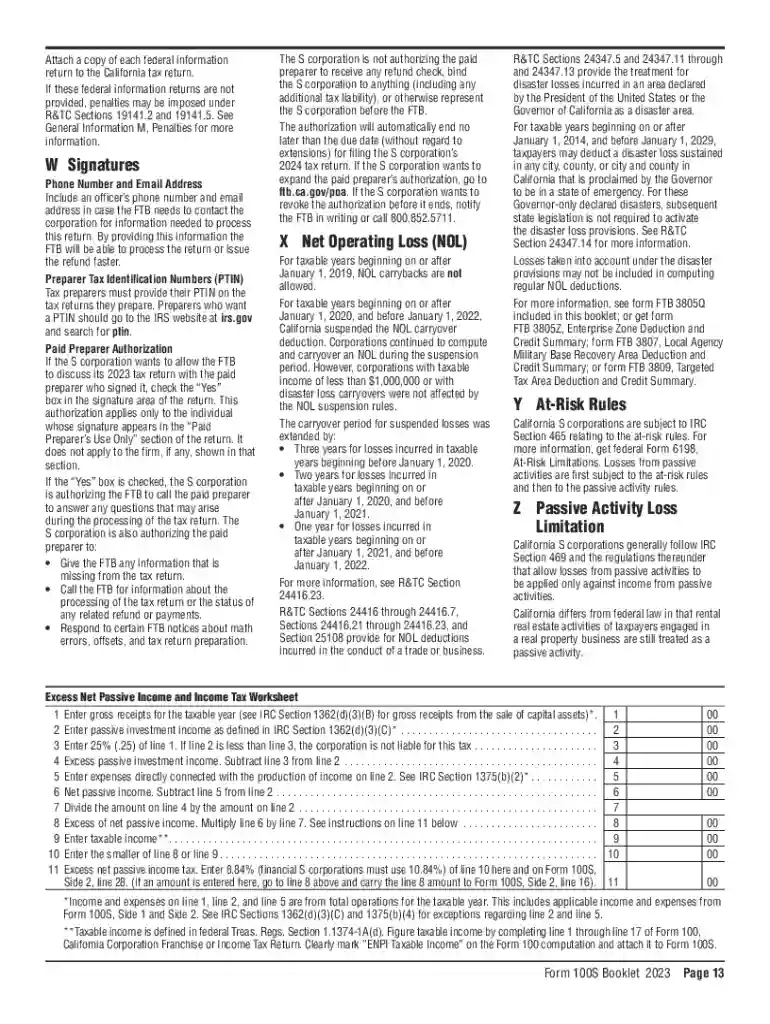
Type text, add images, blackout confidential details, add comments, highlights and more.

Draw your signature, type it, upload its image, or use your mobile device as a signature pad.

Send ca form 100s 2023 via email, link, or fax. You can also download it, export it or print it out.
The term "Instructions for Schedule B C D H (100S) - e-Form RS Login" refers to a specific set of guidelines and procedures related to the electronic submission and management of Schedule B, C, D, and H forms through the California S Corporation tax filing system. Schedule 100S encompasses various financial declarations pertinent to an S Corporation, including capital gains, shareholder income allocations, and depreciation. These instructions guide users on how to properly fill out the forms using the e-Form RS login system, ensuring compliance with California state tax regulations.
Access the e-Form RS System: Begin by logging into the California Franchise Tax Board's electronic filing system using your e-Form RS credentials. Ensure your login details are correct to avoid delays.
Navigate to the Appropriate Schedule: Identify which schedules (B, C, D, or H) are pertinent to your S Corporation's tax situation. Each schedule corresponds to different financial disclosures or calculations.
Follow Specific Instructions: Carefully read the instructions provided for each schedule. These guidelines include detailed steps on filling out forms, documenting expenses, and reporting income accurately.
Utilize the PDF Guides: Access PDF versions of the instructions for additional reference and detail. This can help in understanding complex sections that might need further clarification.
Data Verification and Submission: Before submission, review all entered information for accuracy. With the form completed, submit it electronically through the e-Form RS system.
Identify Required Schedules: Determine which components (B, C, D, H) are necessary for your tax filing. Each has unique requirements that relate to different aspects of your corporation's finances.
Gather Necessary Documents: Collect financial records, shareholder information, and previous tax returns. Documentation should support the figures and claims made on each schedule.
Download and Review Forms: Obtain the electronic versions of Schedules B, C, D, and H from the California Franchise Tax Board's portal. Review the forms in detail before starting.
Enter Precise Data: Use the e-Form interface to input data accurately, ensuring that every field is completed as per the instructions. Pay special attention to numeric entries, as errors can result in penalties.
Internal Audit and Peer Review: If part of a larger corporation, have another team member review the completion for accuracy and completeness. This step helps in catching errors before final submission.
Submission Process: Once satisfied with the details, submit the set of completed schedules through the e-Form RS system, ensuring compliance with the electronic filing procedures.
Schedule B (Income, Deductions): Focuses on the S Corporation’s income and deductions. Includes sections on dividends, interest, and other incomes.
Schedule C (Capital Gains and Losses): Deals with reporting the corporation's capital gains and losses, including reference points for asset acquisition and sale details.
Schedule D (Shareholder Distributions): Pertains to shareholder distributions and assists in reporting any dividends distributed by the corporation to its shareholders.
Schedule H (Nonbusiness Income): Accounts for nonbusiness income and provides details on any income earned by the corporation not directly related to its main business activities.
e-Form RS Login System: A platform for electronic submissions, allowing for digital completion and submission of these schedules directly to the tax board.
While the Instructions for Schedule B C D H (100S) pertain primarily to California state tax requirements, it’s crucial to ensure that these align with the federal IRS guidelines for S Corporations. This alignment helps in avoiding any federal compliance issues that might arise from discrepancies in reporting and documentation.
Initial Deadline: Generally set for March 15 for calendar year filers. Ensure submissions are completed well in advance to avoid system congestion.
Extension Requests: If additional time is needed, file for an extension before the original due date. Extensions typically provide an additional six months but should be confirmed based on California state tax regulations.
These instructions are essential for legally compliant filing of S Corporation taxes within California. Proper adherence prevents potential legal issues such as underreporting income or omitting necessary deductions. Users are encouraged to cross-reference these instructions with their corporation’s specific financial data to ensure all legal obligations are met.
Failure to accurately complete and submit Schedule B, C, D, or H forms can result in severe penalties, including:
Financial Fines: Monetary penalties for late or incorrect submissions, often increasing with the length and severity of the error.
Entity Revocation: Continuous non-compliance can lead to the revocation of the S Corporation status, thereby increasing tax responsibilities and exposure.
Legal Action: In extreme cases, fraudulent reporting may invite legal proceedings against the responsible parties.
Ensure that the following documents are ready during the completion process:
Through diligent following of these guidelines and preparation of relevant documents, S Corporations can ensure smooth and compliant filing within the provided timelines.
We've got more versions of the 2023 form 100 instructions form. Select the right 2023 form 100 instructions version from the list and start editing it straight away!
| Versions | Form popularity | Fillable & printable |
|---|---|---|
| 2025 | 4.2 Satisfied (59 Votes) | |
| 2023 | 4.4 Satisfied (33 Votes) | |
| 2022 | 4.2 Satisfied (44 Votes) | |
| 2018 | 4.8 Satisfied (127 Votes) | |
| 2017 | 4.2 Satisfied (22 Votes) | |
| 2016 | 4.4 Satisfied (553 Votes) | |
| 2015 | 4.2 Satisfied (69 Votes) | |
| 2014 | 4.3 Satisfied (36 Votes) | |
| 2013 | 4 Satisfied (22 Votes) | |
| 2011 | 4 Satisfied (52 Votes) |
At DocHub, your data security is our priority. We follow HIPAA, SOC2, GDPR, and other standards, so you can work on your documents with confidence.
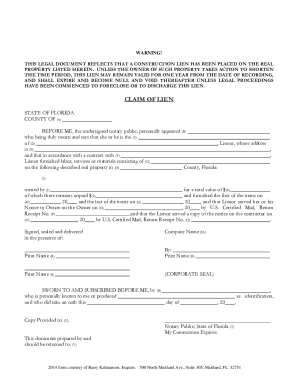

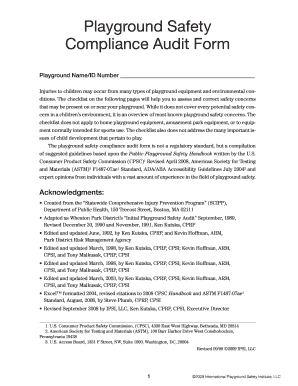
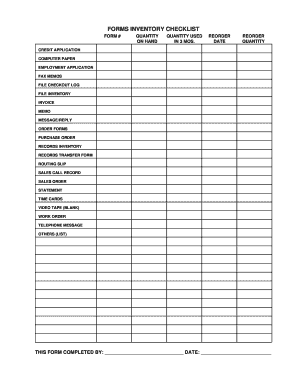

Baltimore City Department of Health (BCDH), most of the forms are now part of the electronic application package, so you will know whether they will apply to
by B Falkard 2013 Cited by 52 Plasmodium parasites have an active scavenging pathway. The BCDH-E2 protein localizes to the mitochondria in blood stages.


