
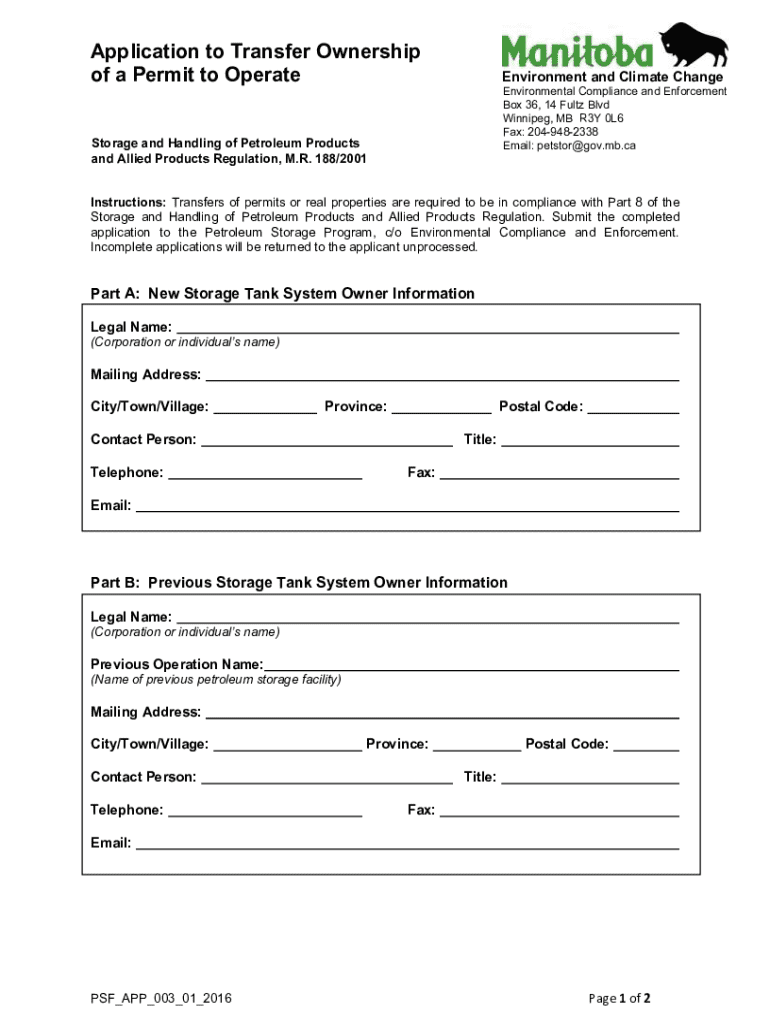







Understanding "Form Online"
An "online form" is a digital document that facilitates data collection, submissions, and interaction on the internet. Many organizations and individuals use online forms for various purposes, including registrations, applications, surveys, and feedback collection. Unlike paper-based forms, online forms offer a more accessible and streamlined way to gather information, making them an essential tool in today's digital age.
How to Use Forms Online
Using forms online is straightforward and efficient. Typically, these forms are hosted on websites or within applications, allowing users to fill out required fields quickly. The usual steps involve accessing the form through a web link, entering necessary information, and submitting it by clicking a button. Online forms often offer real-time validation, ensuring that the data entered meets the specified requirements, such as mandatory fields being filled out or email addresses being in the correct format.
How to Obtain Forms Online
Obtaining a form online generally involves visiting the website of the organization that provides the form. Many government agencies, businesses, and educational institutions offer downloadable forms on their websites. Users can often search for the specific form they need, download or complete it directly within a browser, and then submit it or save a copy for their records. Platforms like DocHub streamline this process by offering integrated services where users can quickly find, fill, and submit forms in various formats.
Steps to Complete a Form Online
- Access the Form: Locate and open the form on the desired website or application.
- Review Instructions: Carefully read any instructions or guidelines to ensure correct completion.
- Fill in the Information: Enter accurate data into each required field, ensuring all necessary information is provided.
- Attach Documents: If the form requires supplementary documents, attach them as directed.
- Review the Form: Double-check all entered information for accuracy and completeness.
- Submit the Form: Once satisfied, submit the form using the provided button or link.
- Confirmation: Await confirmation that the form has been successfully submitted. Save or print a copy of the confirmation for your records if possible.
Benefits of Forms Online
Forms completed online offer numerous advantages over traditional paper forms. They reduce the potential for errors, as many are designed to prevent the submission of incomplete or incorrectly formatted entries. The digital nature of these forms allows for immediate data processing and analysis, improving response times and organizational efficiency. Additionally, online forms are environmentally friendly, reducing the need for paper and physical storage space.
Important Terms Related to Forms Online
Understanding key terms associated with online forms can ease their use:
- Form Field: An area where users input data.
- Validation: The process of ensuring the correctness of submitted data.
- Submission: The act of sending completed form data to the intended recipient.
- Responsive Design: Ensures forms are viewable on multiple devices.
- Encryption: Protects the data collected from unauthorized access.
Legally Using Forms Online
Forms submitted online can have the same legal standing as paper forms if properly regulated. For example, many online forms include electronic signature fields compliant with acts such as the ESIGN Act, ensuring they are legally binding. It is essential for users to understand that completing and submitting a form online often signifies a legal agreement.
Key Elements of Forms Online
Effective online forms share several critical components:
- Clear Instructions: Provides users with guidance on completing the form correctly.
- Required Fields: Mandatory data fields that must be completed before submission.
- Interactive Elements: Dropdowns, radio buttons, and checkboxes that facilitate user interaction.
- Security Features: Ensures data integrity and privacy during and after submission.
Examples of Using Forms Online
Various sectors leverage online forms for different applications:
- Government: Tax filings, permit applications, and census data collection.
- Education: Student registrations, faculty evaluation forms, and event sign-ups.
- Business: Customer orders, feedback surveys, and job applications.
Utilizing these digital documents simplifies processes for both providers and respondents, offering a modernized approach to information management in the digital world.




