01. Edit your form online
Type text, add images, blackout confidential details, add comments, highlights and more.

Type text, add images, blackout confidential details, add comments, highlights and more.

Draw your signature, type it, upload its image, or use your mobile device as a signature pad.

Send it via email, link, or fax. You can also download it, export it or print it out.
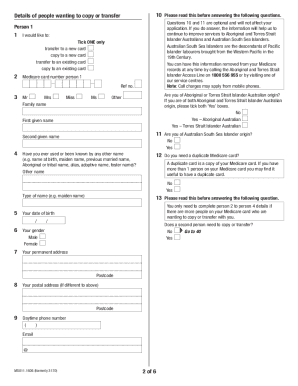
The term "form online" broadly refers to digital versions of documents that users can access, complete, and submit through internet-based platforms. These forms are integral to streamlining processes, allowing individuals and businesses to handle a myriad of tasks such as tax filings, applications, surveys, and contract agreements from the comfort of their devices. Unlike traditional paper forms, online forms can simplify data entry, enhance accuracy, and expedite the sharing of information across various platforms.
Using an online form involves several straightforward steps to ensure a seamless experience. First, users must access the platform hosting the form, which often can be done through a web browser on a computer or mobile device. Once the form is opened, users proceed to fill out required fields, which may include personal, financial, or business information. Dropdown menus, checkboxes, and text fields are typically employed to guide the user efficiently through the form. After completing the form, users click a "Submit" button, which triggers the process of sending their information to the intended recipient or storing it in a database.
Acquiring a form online usually begins by navigating to the website associated with the specific form's purpose. This might involve visiting government websites for tax forms, company portals for employment applications, or specialized document management services like DocHub. Searching for the form's specific name or number can help locate it quickly. Some platforms offer direct links through emails or official announcements that lead users straight to the needed documents. Downloads may be available for offline use or further distribution.
Utilizing online forms offers multiple advantages. Foremost is the convenience, as these forms can be filled out and submitted from any location with internet access. The digital format also supports automatic error checking, ensuring data accuracy by alerting users to incomplete or inconsistent entries. Furthermore, online forms reduce paper waste and are time-efficient, often integrating directly with electronic payment systems. These benefits collectively encourage a shift towards completing tasks digitally in both personal and professional contexts.
Online forms are utilized by a diverse set of users including individuals, businesses, and government entities. For individuals, online forms are common in applications for job positions, educational programs, and financial services. Small businesses and large corporations frequently use online forms to manage employee records, customer feedback, and service evaluations. Government agencies adopt online forms to streamline administrative processes like tax reporting, licenses, and social services enrollment, enhancing accessibility and processing speed.


Critical components of an online form include:
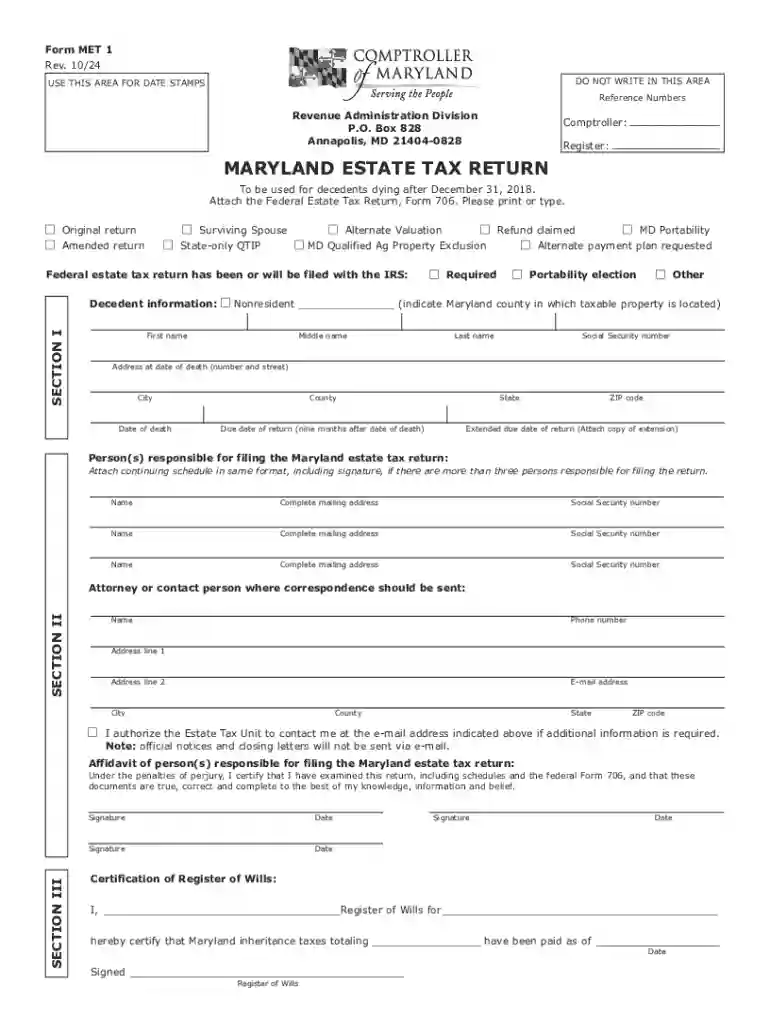
Certain forms, especially those related to legal and tax issues, may be subject to state-specific regulations. For instance, state tax forms require adherence to local tax codes and deadlines unique to that jurisdiction. Similarly, estate forms like the Maryland Estate Tax Return Form MET 1 must consider state-specific exemptions and rates. Users should ensure they are using the correct state version of a form to avoid compliance issues.
Consider an individual filing state taxes using an online form. The process involves retrieving the appropriate document from the state revenue department's website, completing sections on income and deductions, and attaching form W-2 for employment income verification. Once submitted, the taxpayer might receive a confirmation email with a reference number for follow-up. Another example is a business using an online form for new hire onboarding, which can incorporate electronic signatures and document uploads to streamline HR processes.
We've got more versions of the Maryland Estate Tax Return form. Select the right Maryland Estate Tax Return version from the list and start editing it straight away!
At DocHub, your data security is our priority. We follow HIPAA, SOC2, GDPR, and other standards, so you can work on your documents with confidence.