







Definition and Meaning
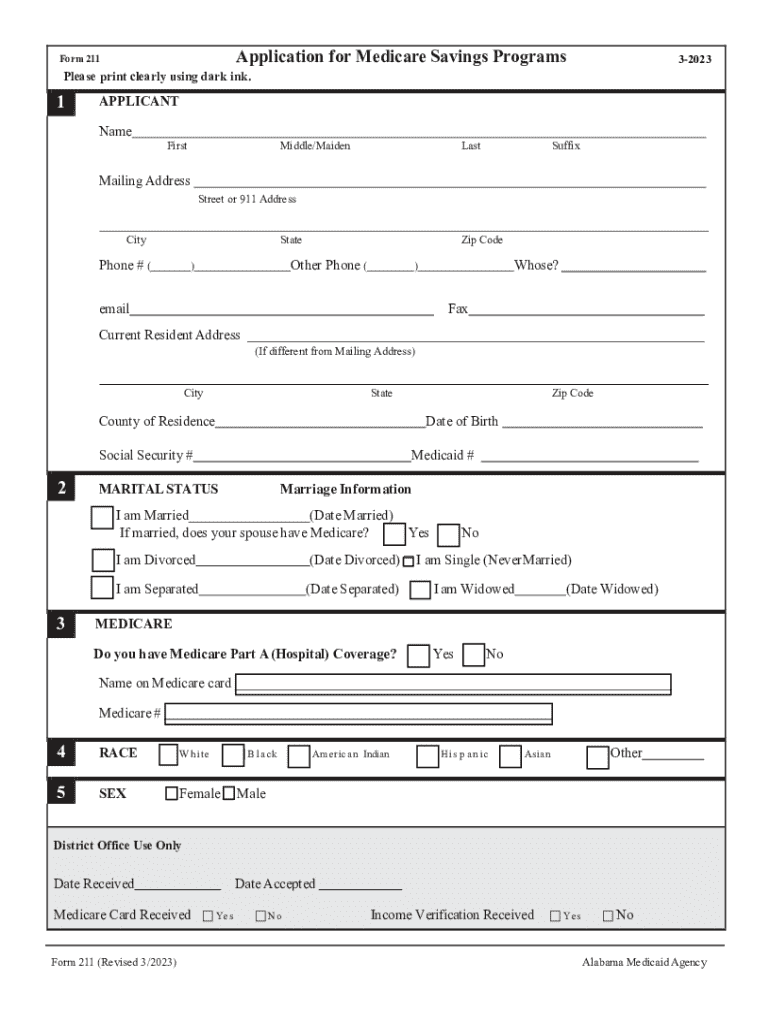
Creating a form online refers to the process of developing digital documents or templates that can be filled out electronically. These forms often include various fields such as text boxes, checkboxes, dropdowns, and signature fields, allowing users to input and submit information efficiently. Formulating such forms online simplifies data collection and streamlines workflows for both individuals and organizations. By leveraging online forms, users can facilitate communication, ensure accuracy, and enhance efficiency in various scenarios like applications, surveys, and feedback collection.
How to Use the Form Online
Using a form online involves several straightforward steps. To begin, access the desired form via a web platform that supports document editing and signing, such as DocHub. Once the form is open, users can:
-
Review the Instructions: Carefully read any guidelines or instructions associated with the form to ensure correct completion.
-
Enter Information: Use the designated fields to fill in the required data. This may include personal details, selections from dropdown menus, or checked options in a list.
-
Add a Signature: Where necessary, apply an electronic signature using tools provided by the platform, offering ways to draw, type, or upload a pre-existing signature image.
-
Verify Accuracy: Before submitting, review all input information for correctness to avoid errors.
-
Submit the Form: Once complete, submit the form as directed, either directly through the platform or by exporting it for email or other methods of submission.
Steps to Complete the Form Online
Completing a form online involves a series of actions designed to ensure the process is efficient and accurate:
-
Locate the Form: Access the form via a repository or document management system like an online cloud storage or service such as DocHub.
-
Fill Out the Form:
- Identification Information: Input your name, address, and contact information in the specified fields.
- Purpose of Form: Clearly indicate the reason for which the form is being filled in fields designated for such context.
- Additional Documentation: Upload or attach any supporting documents as required.
-
Review Content: Verify all entered data to minimize mistakes.
-
Submit the Form: Follow specific submission instructions, ensuring that all security steps, such as password protection, are enacted if necessary.
Why You Should Form Online
There are several compelling reasons to create and use online forms:
-
Efficiency: Online forms reduce the time required to gather and compile information compared to traditional paper forms.
-
Accessibility: They can be accessed from any device with internet connectivity, ensuring convenience for users.
-
Integration: Many platforms integrate with cloud services, enabling seamless data transfer and management.
-
Security: Online platforms often offer robust security features, such as encryption and password protection, safeguarding sensitive information.
Key Elements of the Form Online
Key components of an online form typically include:
-
Text Fields: Allow users to input free text, such as names or comments.
-
Checkboxes: Enable users to select one or more options from a predefined set.
-
Dropdown Menus: Allow users to choose a single option from a list.
-
Signature Fields: Facilitate the digital signing of documents to ensure legal compliance and authenticity.
-
Instructional Text: Provides guidance on how to complete the form correctly.
Important Terms Related to Form Online
Understanding specific terms is crucial when dealing with online forms:
-
Electronic Signature: A digital equivalent of a handwritten signature, capturing the intent to approve or agree to the document.
-
Form Field: An individual component of an online form where users input data.
-
Data Encryption: The process of converting data into a code to prevent unauthorized access during transmission and storage.
-
OAuth 2.0: An authentication protocol essential for secure access to online platforms.
Legal Use of the Form Online
Online forms are governed by legal standards to ensure their validity:
-
Compliance with the ESIGN Act: Ensures electronic signatures used in forms are legally binding in the United States.
-
Privacy Regulations: Forms must comply with data protection laws such as the GDPR or CCPA, ensuring that user information is collected and stored responsibly.
-
Audit Trails: Maintain a record of interactions with the form, documenting any changes or approvals.
Digital vs. Paper Version
Both digital and paper forms have their distinct features:
-
Digital Forms: Offer interactive elements, are easier to distribute and store, and include security measures that paper cannot provide.
-
Paper Forms: Serve as a physical backup but often require manual input and are less efficient in terms of space and environmental sustainability.
Digital versions frequently surpass paper in terms of ease of use and integration into digital workflows, making them a preferred solution for modern data collection needs.




