FTE Change Form (PDF, 567KB) - clas asu 2025

Get Form
FTE Change Form (PDF, 567KB) - clas asu Preview on Page 1

Here's how it works

01. Edit your form online
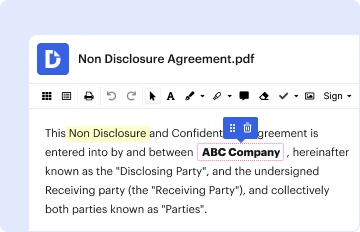
Type text, add images, blackout confidential details, add comments, highlights and more.
02. Sign it in a few clicks
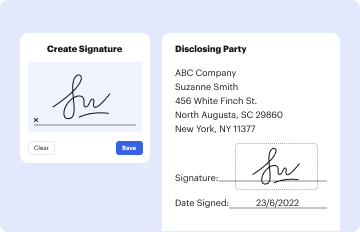
Draw your signature, type it, upload its image, or use your mobile device as a signature pad.
03. Share your form with others
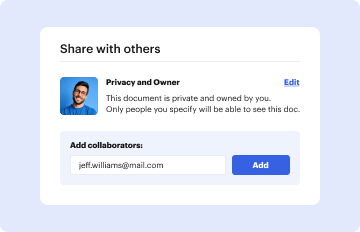
Send it via email, link, or fax. You can also download it, export it or print it out.

How to use or fill out FTE Change Form (PDF, 567KB) - clas asu with DocHub

Form edit decoration
9.5
Ease of Setup
DocHub User Ratings on G2
9.0
Ease of Use
DocHub User Ratings on G2
  1. Click ‘Get Form’ to open the FTE Change Form in our editor.
  2. Begin by entering your Employee Name and Employee ID in the designated fields. Ensure accuracy for proper identification.
  3. Fill in your Unit and Unit Code, which are essential for departmental tracking of the change.
  4. Specify the Effective Date of the FTE change, along with your Current Salary/FTE and Proposed Salary/FTE to reflect the adjustments.
  5. Complete both Job Title fields and indicate your Employee Type. This helps clarify your role within the organization.
  6. Input your Employee Record # and Position # for administrative purposes, followed by Total Salary and Total FTE calculations.
  7. List all relevant Account Numbers along with their corresponding percentages to ensure accurate financial tracking.
  8. Indicate whether this change affects benefits status by selecting 'Y' or 'N'.
  9. Provide a justification for the FTE change in the specified section to support your request.
  10. Finally, gather necessary signatures from CLAS Divisional BOM, Department Chair/Director, CLAS Dean, and acknowledge with your own signature and date.

Start using our platform today to streamline your form completion process for free!

be ready to get more

Complete this form in 5 minutes or less

Get form