
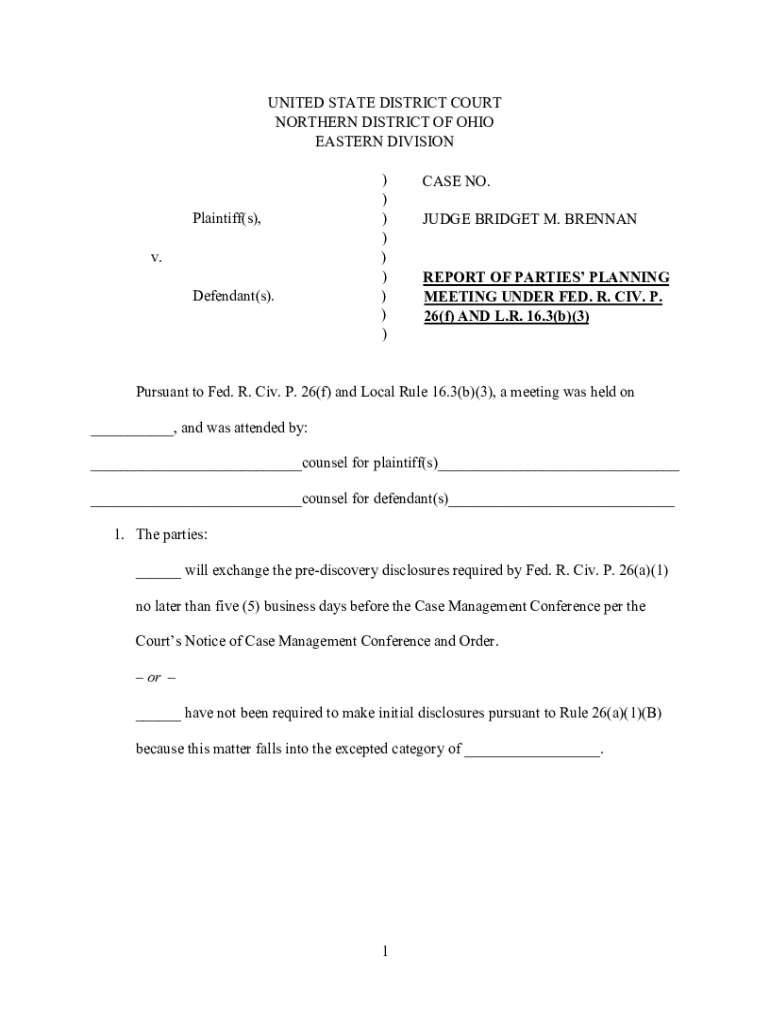







How to Use the Form Online
Using the online form effectively requires understanding several key features and functionalities, ensuring you maximize its utility. The first step involves accessing the form through a reliable platform like DocHub. Users can easily import existing templates or start with a blank form, depending on the specific requirements. The platform supports a variety of formats, which broadens the scope of customary files that can be utilized. Upon opening the form, you will encounter various interactive elements such as text boxes, checkboxes, and dropdown menus, which streamline data entry.
Interactive Features
- Text Boxes: Allow for entering text data. These are useful for names, addresses, and other written information.
- Checkboxes: Ideal for selections where multiple options might apply. Users can tick boxes, simplifying the decision-making process.
- Dropdown Menus: Provide predefined choices for quick selection, reducing input errors and speeding up the process.
- Signature Fields: Enable electronic signatures, ensuring authenticity and compliance with the ESIGN Act.
Real-Time Collaboration
With real-time synchronization, multiple users can work on a form simultaneously, making it particularly beneficial for teams. Comments and highlight features allow for efficient communication and review across contributors.
Steps to Complete the Form Online
Completing the form online can be a straightforward process if approached methodically. Begin by gathering all necessary information and required documents related to the form. Import the form into the platform, either through direct upload or from cloud storage options like Google Drive.
- Enter Information: Start by filling out the required fields using the provided text boxes, checkboxes, and dropdown menus. Ensure all data is current and entered accurately.
- Review: After entering the data, thoroughly review the information to check for omissions or errors. Utilize the platform's annotation tools to note any areas of concern.
- Signatures: Add electronic signatures if required. Platforms like DocHub provide tools to draw, type, or upload your signature.
- Collaboration: If necessary, share the document with peers or clients for input and signature. Assign specific fields to individuals to be completed sequentially.
- Finalize: Upon completion and approval from all parties involved, finalize the form for submission.
Legal Use of the Form Online
The legality of using online forms is anchored in the compliance with guidelines outlined in laws like the ESIGN Act and the Uniform Electronic Transactions Act (UETA). These laws ensure electronic signatures are valid and that documents hold the same legal status as paper equivalents.
Compliance Guidelines
- ESIGN Act: Confirms that electronically-signed documents and contracts are legally binding.
- Audit Trail: Provides a record of when the document was viewed and signed by each party.
Ensuring the form complies with these standards guarantees its legitimacy in business or personal affairs. Additionally, retaining audit trails can be crucial if any legal questions arise post-completion.
Key Elements of the Form Online
Online forms consist of several key elements designed for efficiency and convenience. Understanding these elements ensures the form serves its purpose efficiently. They facilitate straightforward data entry and reduce user errors.
Essential Components
- Header Section: Often includes title, date, and basic instructions.
- Body: Main content area where interactive fields reside.
- Footer: Includes additional notes, instructions, or contact information.
Each component collectively ensures the form is comprehensive and user-friendly, guiding the user through the process with minimal confusion.
Examples of Using the Form Online
Online forms are versatile and serve various needs across different sectors. Incorporating them into business processes can enhance efficiency.
Practical Applications
- Tax Filings: Use IRS forms online for quick submission.
- HR Onboarding: Streamline employee information gathering with interactive forms.
- Customer Surveys: Collect customer feedback efficiently using structured forms.
Each use case demonstrates how online forms can simplify otherwise complex processes, making them invaluable in business operations.
Who Typically Uses the Form Online
The scope of online form users is broad, encompassing both individuals and organizations. Those who benefit the most often seek to expedite processes that involve data collection, authentication, or document sharing.


Predominant Users
- Businesses: For contracts, invoices, or client data collection.
- Educational Institutions: For admission applications and student information management.
- Legal Professionals: Managing agreements and obtaining signatures efficiently.
Each subset of users leverages the unique functionalities of online forms to facilitate swift and secure transactions.
Software Compatibility
Compatibility with other software is a significant feature for online forms. It extends functionality and enhances interoperability between different systems and platforms.
Supported Platforms
- Google Workspace: Direct import/export capabilities through Google Drive and Gmail integration.
- Productivity Software: Interacts with platforms like QuickBooks, allowing for efficient accounting and financial management processes.
Ensuring software compatibility broadens the form's usability, integrating it into existing workflows seamlessly.
State-Specific Rules for the Form Online
Awareness of state-specific regulations is vital to ensure compliance with local laws. These rules can affect the specific information required or the manner in which forms are submitted.
Regional Variations
- Data Privacy Laws: Various states may have different data privacy requirements that impact form handling and submission.
- Electronic Signature Legality: While generally accepted, some states may require additional verifications for electronic signatures.
Understanding and adhering to these regional rules is crucial for legal compliance and the validity of the submitted forms.




