




Here's how it works

01. Edit your standard industrial commercial multi tenant lease form online
Type text, add images, blackout confidential details, add comments, highlights and more.

02. Sign it in a few clicks
Draw your signature, type it, upload its image, or use your mobile device as a signature pad.

03. Share your form with others
Send standard industrial commercial multi tenant lease via email, link, or fax. You can also download it, export it or print it out.
How to use or fill out STANDARD INDUSTRIAL/COMMERCIAL MULTI-TENANT LEASE - MODIFIED NET with DocHub

- Click ‘Get Form’ to open the lease document in our platform's editor.
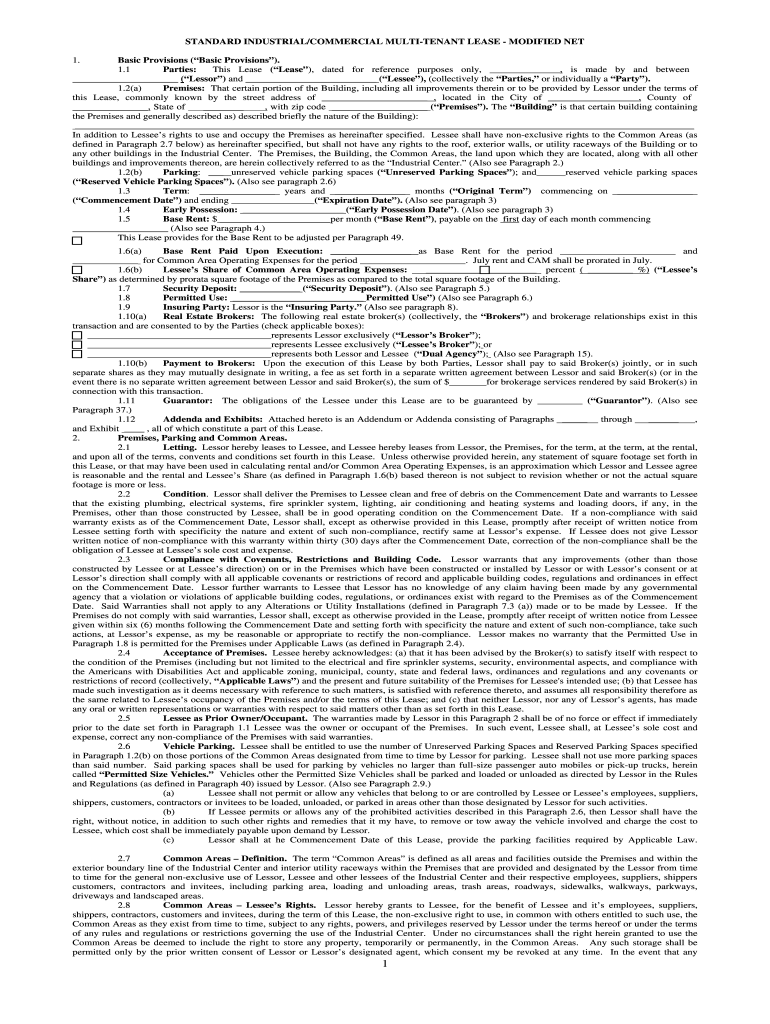
- Begin by filling in the Basic Provisions section. Enter the date, names of the Lessor and Lessee, and the address of the Premises.
- In the Premises section, specify details about the property, including any improvements and parking spaces as outlined in Paragraph 1.2.
- Complete the Term section by indicating the Original Term, Commencement Date, and Expiration Date as required in Paragraph 1.3.
- Fill out financial details such as Base Rent and Security Deposit amounts in their respective sections (Paragraphs 1.5 and 1.7).
- Review all sections for accuracy, ensuring compliance with any specific requirements related to Permitted Use and insurance obligations.
- Once completed, utilize our platform’s signing feature to electronically sign the document or send it for signature to other parties involved.
Start using our platform today to streamline your lease editing process for free!
Fill out STANDARD INDUSTRIAL/COMMERCIAL MULTI-TENANT LEASE - MODIFIED NET online
It's free
Security and compliance
At DocHub, your data security is our priority. We follow HIPAA, SOC2, GDPR, and other standards, so you can work on your documents with confidence.
Learn more


