
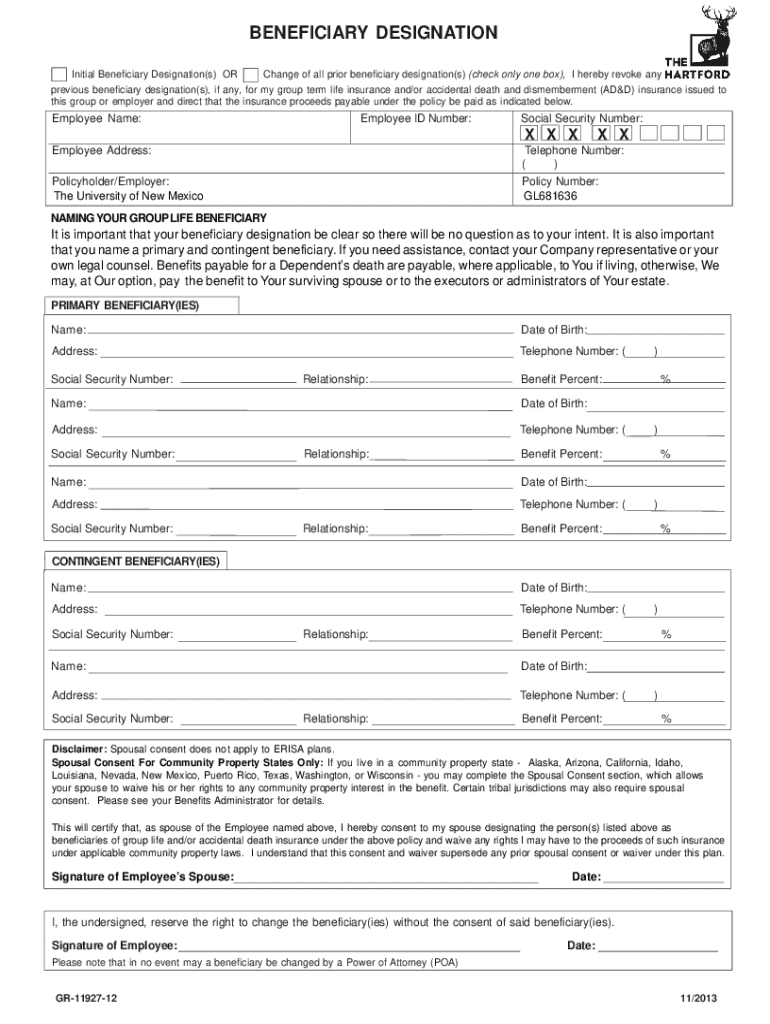







Definition and Meaning of Form Online
"Form online" generally refers to the digital versions of documents or applications that can be completed and submitted via the internet. These forms eliminate the need for physical paperwork and allow for efficient data entry and submission directly from a user's device. The use of forms online is increasingly popular in various sectors, including government, healthcare, legal, and business, primarily due to the convenience and accessibility they offer. In the case of DocHub, the platform facilitates the creation, management, and submission of such forms with ease, streamlining workflows significantly.
How to Use the Form Online
To effectively use a form online, you must begin by accessing the document through a platform that supports online forms, such as DocHub. Once the form is open, you can navigate through it using simple clicks or taps, filling in the required fields. These fields may include text boxes for personal information, checkboxes for selections, and signature fields for authentication. DocHub allows users to save their progress, making it possible to return and complete the form at a later time. It is crucial to validate all entered information for accuracy before submission to ensure that no errors impede the process.
Steps to Complete the Form Online
- Access the Form: Open the form through your chosen platform, such as DocHub, using a compatible device.
- Read Instructions: Carefully review any instructions provided with the form to understand the required information and submission procedures.
- Fill in Details: Enter the necessary information into the form fields, making use of options like text boxes, drop-down menus, and checkboxes.
- Attach Required Documents: If additional documents are needed, upload them directly into the platform as per the form's instructions.
- Review for Accuracy: Double-check all entries for accuracy to avoid mistakes that could delay processing.
- Submit the Form: Once satisfied with your entries, submit the form directly through the platform and, if needed, sign digitally with DocHub’s signature options.
- Confirmation: Look for a confirmation message or email to ensure the form has been successfully submitted.
Why Should You Form Online
Utilizing online forms provides numerous benefits, including speed and efficiency. Forms can be completed and submitted without the need for printing or mailing, reducing paper consumption and storage requirements. They often include built-in validation processes to prevent incorrect data entry, saving time and minimizing errors. Online forms are accessible from anywhere, enabling users to complete necessary paperwork from home or on the go. Additionally, digital submissions usually have faster processing times compared to traditional paper methods, leading to quicker results or responses.
Key Elements of the Form Online
- Interactive Fields: Forms typically include various fields such as text boxes, checkboxes, and drop-down menus to prompt specific types of data input.
- Instructional Guidance: Forms provide guidance and tooltips to assist users in completing fields accurately.
- Validation Features: Automated checks help ensure that all required information is provided and follows a correct format before submission.
- Digital Signature Fields: These fields allow users to insert legally binding electronic signatures directly into the form.
Legal Use and Compliance of the Form Online
Online forms must adhere to specific legal guidelines to ensure their validity. In the United States, the ESIGN Act sets the standards for electronic signatures and records, ensuring they are legally binding. The forms and signatures created through platforms like DocHub comply with these standards, making them suitable for various formal processes such as legal agreements, tax submissions, and employment applications. Additionally, confidentiality and data protection are paramount, with online forms often incorporating encryption and password protections to safeguard sensitive information.
Examples of Using the Form Online
Online forms find applications across various fields:
- Government: Tax filings, license applications, and compliance documentation can be submitted digitally.
- Healthcare: Patient intake forms and consents are often handled online to improve office efficiency and patient convenience.
- Education: School enrollment forms and consent slips are increasingly digital.
- Business: Employment applications, supplier forms, and partnership agreements are often processed via online forms, facilitating faster collaboration and record-keeping.
Software Compatibility for Form Online
When considering the use of online forms, compatibility with existing software and systems is crucial. Platforms like DocHub integrate seamlessly with popular software solutions such as Google Workspace, allowing users to import and export documents to and from their Google Drive and Gmail accounts. This compatibility ensures a smooth workflow, as documents can be edited and managed without leaving the digital ecosystem. Integration with productivity tools reduces the need for manual data entry and allows for automatic data updates across platforms when forms are edited or completed.




