PropSrvcTeam1108805 form 2025

Get Form
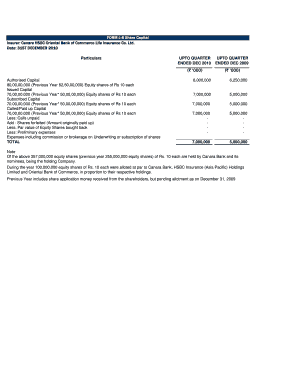
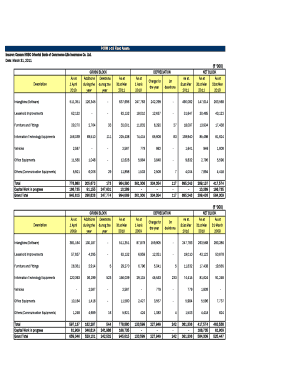
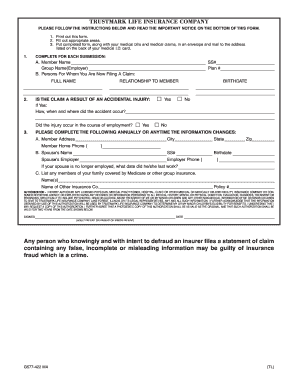
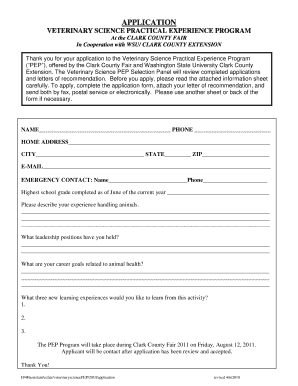
PropSrvcTeam1108805 form Preview on Page 1

Here's how it works

01. Edit your form online
Type text, add images, blackout confidential details, add comments, highlights and more.
02. Sign it in a few clicks
Draw your signature, type it, upload its image, or use your mobile device as a signature pad.
03. Share your form with others
Send it via email, link, or fax. You can also download it, export it or print it out.

How to use or fill out PropSrvcTeam1108805 form with our platform

Form edit decoration
9.5
Ease of Setup
DocHub User Ratings on G2
9.0
Ease of Use
DocHub User Ratings on G2
  1. Click ‘Get Form’ to open the PropSrvcTeam1108805 form in the editor.
  2. Begin by entering your personal information in the designated fields. Ensure that all details are accurate and up-to-date.
  3. Proceed to fill out the financial sections, including any relevant income and expense details. Use clear figures to avoid confusion.
  4. Review any checkboxes or options provided, making selections as necessary based on your situation.
  5. Once all fields are completed, utilize the signature feature to sign electronically. This ensures your submission is valid and recognized.
  6. Finally, save your completed form and choose to either download it for your records or submit it directly through our platform.

Start using our platform today for free and streamline your document editing experience!

be ready to get more

Complete this form in 5 minutes or less

Get form
be ready to get more

Complete this form in 5 minutes or less

Get form