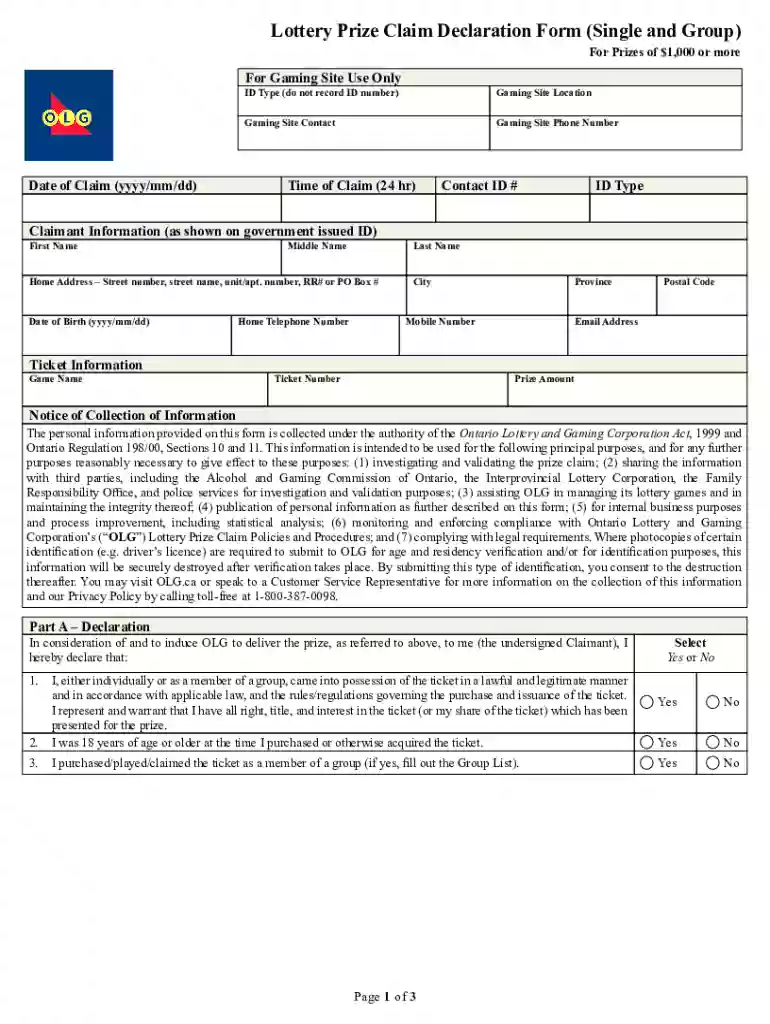
Definition and Meaning of "Form Online"
The term "form online" refers to any digital document or template that can be completed and submitted over the internet. This approach eliminates the need for printing and allows users to input data directly into the fields provided, enhancing efficiency and accuracy. The digital nature of online forms means they are frequently used for a variety of purposes, including applications, registrations, surveys, and legal documentation. Online forms can range from simple contact forms to complex legal agreements, making them versatile tools for gathering and processing information efficiently.
How to Use the Form Online
Using a form online typically involves accessing the form through a web portal or email link. Here's a step-by-step guide:
- Access the Form: Obtain the form URL from a website, email, or digital portal. Ensure you have a stable internet connection.
- Fill in the Details: Enter the required information into the designated fields. This may include personal data, selections from drop-down menus, or checking boxes.
- Review Your Entries: Before submission, review your entries to ensure accuracy. Many forms will highlight errors or omissions.
- Submit the Form: Click the submit button, which sends your entries to the intended recipient or database.
- Receive Confirmation: Look for a confirmation message or email that acknowledges your submission, providing peace of mind that your data has been successfully sent.
Steps to Complete the Form Online
Completing an online form involves several key steps:
- Preparation: Gather all necessary documents and information before starting. This may include identification numbers, names, addresses, and any supporting documents.
- Start Filling: Enter your details as prompted, moving sequentially from one section to another. Use the "Save" option if available to prevent data loss.
- Attach Documents: If the form requires additional files, such as photo IDs or certificates, upload these where specified.
- Verify Details: Before submitting, review your input for accuracy and completeness. Ensuring precision can prevent the need for resubmission.
- Completion: Submit the form and print or save a digital copy of your confirmation for future reference.
Key Elements of the Form Online
An online form typically contains several essential components:
- Instructions: Guidelines on how to fill out the form, including field descriptions and submission protocols.
- Fields for Input: Sections where users input their details. These fields may include text boxes, radio buttons, and drop-down lists.
- Validation Rules: Programming that checks data correctness or format, such as date fields requiring a MM/DD/YYYY format.
- Submit Button: A control that, when clicked, sends the completed form to the designated recipient or system.
- Confirmation Message: A prompt indicating successful submission, often with a reference number for tracking.
Legal Use of the Form Online
Legal use of online forms involves understanding and adhering to regulations that govern digital submissions:
- Compliance with Digital Signature Laws: Ensure any electronic signatures used comply with acts such as ESIGN or UETA, which validate the legality of digital endorsements.
- Privacy Regulations: Protect user data by adhering to privacy laws like GDPR or CCPA, ensuring personal information is collected and processed responsibly.
- Authentication Requirements: Verify the identity of form users through secure login protocols to prevent unauthorized access or submissions.
Why You Should Use Forms Online
Online forms offer numerous benefits:
- Efficiency: Streamlined processing saves time by eliminating paper handling and reducing manual entry.
- Accessibility: Available 24/7 from any location with an internet connection, thus increasing flexibility for users.
- Data Accuracy: Built-in validation reduces errors and ensures that collected information is consistent and complete.
- Environmentally Friendly: Reduces paper use, aiding in sustainability efforts.
Important Terms Related to Form Online
Understanding the terminology associated with online forms enhances usability and compliance:
- Digital Signature: An encrypted, electronic signature used to validate the authenticity and integrity of a digital message or document.
- Captcha: A tool that verifies a user is human, often by requiring them to type text from a distorted image.
- Encryption: A method of converting information into a secure format so that only authorized parties can read it.
- Submission Portal: The online interface through which forms are submitted to an organization or database.
Examples of Using the Form Online
Real-world applications of online forms include:
- Job Applications: Candidates fill out forms online to submit resumes and personal details to potential employers.
- Event Registrations: Participants use online forms to RSVP or register for conferences, webinars, and workshops.
- Surveys and Feedback: Organizations distribute online forms to collect customer insights or employee feedback efficiently.
- Tax Filings: Individuals can complete and submit tax forms electronically, expediting processing times.
IRS Guidelines for Form Submission
The IRS provides specific protocols for electronically submitting certain tax documents:
- e-Filing Options: Use IRS-approved software or third-party services to submit forms, enhancing accuracy and speed.
- Submission Deadlines: Adhere to IRS deadlines for electronic filings to avoid penalties.
- Form Revisions: Some forms may undergo updates; ensure you're using the latest version by checking the IRS website.
Required Documents for Online Form Submissions
Certain online forms necessitate additional documentation:
- Identity Proof: Photocopies of ID, such as a passport or driver's license, to validate identity.
- Financial Statements: Income or bank statements may be required for financial forms or applications.
- Supporting Documentation: Additional paperwork supporting your case or claim, like legal documents or references.
Form Submission Methods
Online forms can be submitted through multiple channels:
- Directly Online: Submit via the web without downloading, often the fastest and most common method.
- Email Submission: Some forms allow PDF downloads for completion and return by email.
- Portal Upload: Organizations may offer a dedicated portal for uploading completed forms and required documents.