
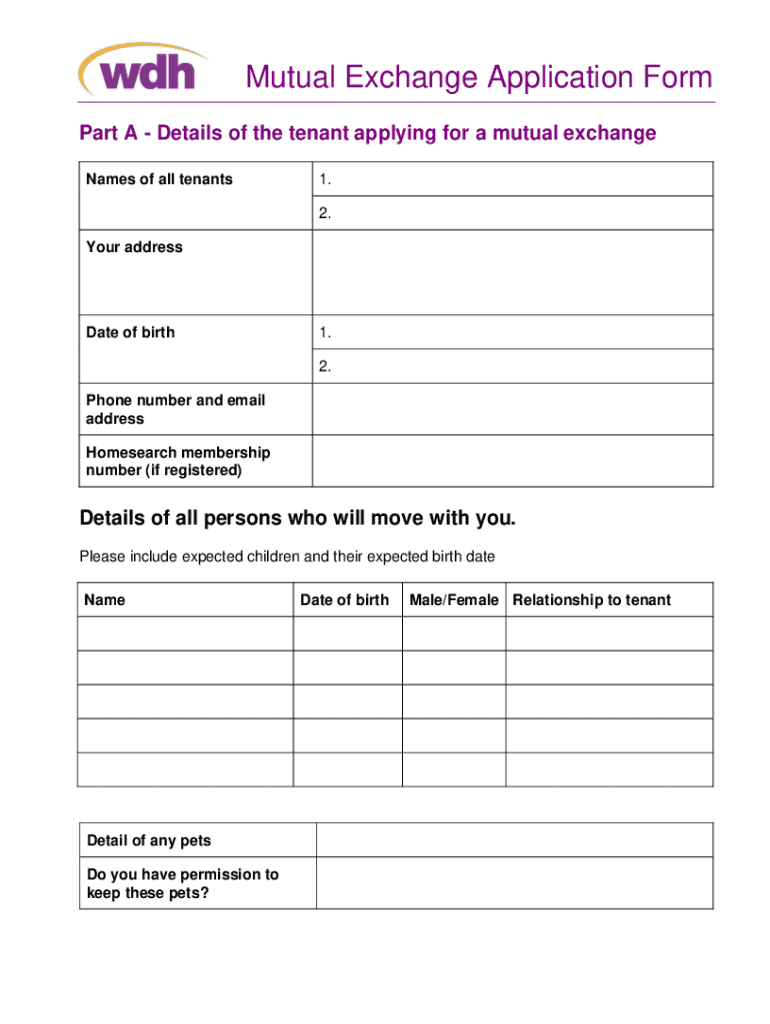







Definition and Meaning of Form Online
In today's digital age, an "online form" refers to a digital version of a traditional paper document that can be completed and submitted over the internet. These forms are designed to collect user information effortlessly and efficiently. They can range from simple contact forms to complex multi-page application forms. Online forms are crucial in numerous industries for streamlining data collection processes, reducing paperwork, and improving response times. By using forms online, users can engage with businesses and institutions remotely, saving time and resources.
How to Use the Form Online
Using an online form is a straightforward process that enhances accessibility and ease of use. Begin by accessing the web page where the form is hosted. Follow these steps for an optimal experience:
-
Open the Form: Access the online form via a web browser on any device. Ensure a stable internet connection to prevent data loss during submission.
-
Read Instructions: Before filling out the form, read any provided guidelines or instructions to understand what information is needed.
-
Input Details: Enter your details into the designated fields. This may include text fields for names, checkboxes for preferences, or dropdown menus for selections.
-
Submit the Form: Once completed, double-check your entries for accuracy. Click on the "Submit" button to send your information to the form's recipient.
Forms online are often equipped with features like autocomplete, conditional logic for fields that appear based on prior answers, and error notifications to ensure complete and correct submissions.
How to Obtain the Form Online
To obtain an online form, users can follow a straightforward set of guidelines:
-
Visit the Host Website: Navigate to the official website of the organization or entity issuing the form.
-
Download Link or Form Portal: Look for a link or portal specifically labeled for accessing forms. This is often found in sections titled "Resources," "Downloads," or "Services."
-
Search Functionality: Utilize the website's search functionality to find the specific form by name or related keywords.
-
Direct Access: Some websites allow direct completion and submission of the form online, while others may offer a downloadable PDF version that can be printed and filled manually.
Always ensure the legitimacy of the website before downloading or filling out sensitive information to protect your data.
Steps to Complete the Form Online
Completing an online form involves the following sequential steps to ensure accuracy and efficiency:
-
Preparation: Identify the required documents and information needed to complete the form.
-
Access the Form: Open the form using a compatible web browser on your device.
-
Fill Out Personal Information: Enter personal or required information in the appropriate fields. Ensure accuracy and completeness.
-
Add Necessary Attachments: If the form requires, upload any additional documents or evidence as attachments. Check the file format and size restrictions.
-
Review and Edit: Prior to submission, review all entered information for errors or omissions. Use form features for error checks if available.
-
Submit and Save: Submit the form electronically by clicking the provided button. Save a copy of the completed form and submission confirmation, if available, for personal records.
These steps help users to submit forms online efficiently while ensuring all necessary data is accurately captured.
Why You Should Use Forms Online
The advantages of using forms online are numerous, especially in the current technology-driven environment:
- Convenience: Access forms 24/7 from anywhere, lowering the need for physical office visits.
- Efficiency: Instant submission and processing speed up workflows and decision-making.
- Cost Savings: Reduces printing, postage, and administrative costs associated with paper forms.
- Environmentally Friendly: Less reliance on paper minimizes environmental impact.
- Error Reduction: Built-in validation checks help ensure information accuracy and completeness.
Using the form online aligns with modern expectations for prompt service and digital convenience.
Important Terms Related to Form Online
Understanding certain terms related to online forms can enhance user experience:
- Captcha: Security feature to verify human users and prevent automated submissions.
- Validation: Process ensuring that the data entered meets specific criteria before submission.
- Autocomplete: Feature that predicts and populates field entries based on previous input.
- Responsive Design: Forms that adapt their layout for optimal viewing across devices.
A grasp of these terms improves user navigation and ensures effective interaction with online forms.
Legal Use of Forms Online
Online forms can carry the same legal weight as their paper counterparts under certain conditions:
- Electronic Signatures: Governed by laws like the ESIGN Act in the U.S., they ensure electronic signatures are legally binding.
- Data Privacy: Must comply with regulations such as the GDPR or CCPA, protecting user data and privacy.
- Authenticity Verification: Use of secure login procedures to verify user identity, improving security and trust.
Understanding legal considerations helps ensure compliance and secure data management.
Key Elements of an Online Form
An online form typically comprises several key elements to facilitate functionality and usability:
-
Input Fields: Include text boxes, radio buttons, checkboxes, and dropdown menus for user entries.
-
Labels and Instructions: Clearly indicate the purpose of each field to guide users.
-
Navigation Controls: Buttons such as "Submit," "Next," and "Back" enable smooth transitions and form completion.
-
Validation Mechanisms: Ensure complete and valid entries through real-time checks and feedback.
These elements collectively provide a robust structure for collecting user input effectively and intuitively.




