
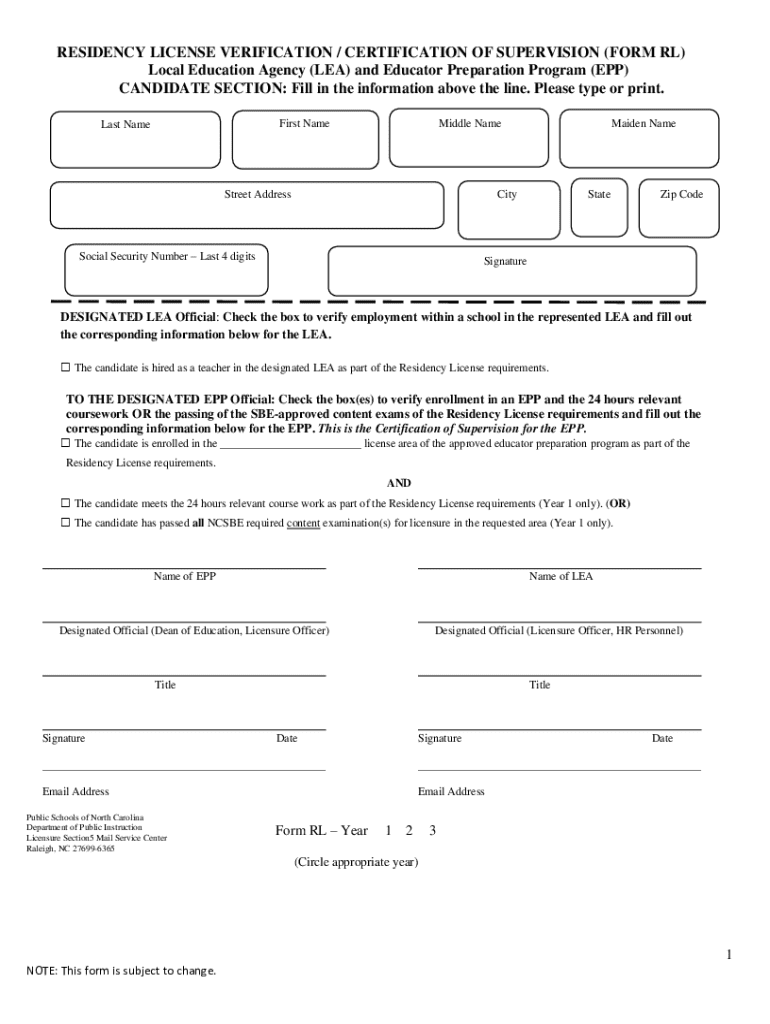







Definition and Meaning of Form Online
Online forms are digital versions of documents that allow users to input data through a web-based interface. These forms are designed to facilitate data collection, streamline processes, and ensure accessibility from any location with internet access. They are often used in various domains, including business, education, and government services, to collect personal information, survey responses, or application data.
- Accessibility: Users can complete forms from any device with an internet connection and a web browser, enhancing convenience and flexibility.
- Efficiency: Streamlines data collection by eliminating the need for physical paperwork and manual data entry.
- Versatility: Can be used for various purposes such as applications, surveys, registrations, and feedback forms.
How to Use the Form Online
To ensure efficient use of online forms, follow these guidelines:
- Access the Form: Visit the website hosting the form, such as DocHub, and locate the form you wish to fill out.
- Read Instructions: Carefully review all instructions and requirements before beginning to fill out the form.
- Enter Data: Input the required information in each designated field, ensuring accuracy and completeness.
- Review and Submit: Double-check all entered data for any errors before submitting the form.
- Confirmation: After submission, you may receive a confirmation email or reference number as proof of submission.
Steps to Complete the Form Online
Completing an online form requires careful attention to detail. Here is a step-by-step guide:
- Prepare Necessary Information: Gather all required documents and information before starting. This may include personal data, identification numbers, or financial details.
- Open the Form: Click on the link or button to open the form in your browser.
- Input Data: Enter your data systematically, starting from the top and working down through all sections.
- Use drop-down menus and checkboxes where applicable.
- Ensure fields marked as "required" are completed.
- Use Auto-Save Features: If available, use auto-save options to prevent data loss in case of interruptions.
- Proofread Entries: Carefully review your entries for spelling, accuracy, and completeness.
- Sign and Submit: If a signature is needed, use digital signature tools. Submit the form through the provided button.
Why Should You Use a Form Online?
Online forms provide multiple advantages over traditional paper forms:
- Cost-Effective: Reduces the need for printing, postage, and storage of physical documents.
- Eco-Friendly: Minimizes paper waste and supports environmental sustainability.
- Convenient: Allows users to complete forms at any time and from any location, accommodating various schedules.
- Time-Saving: Speeds up data processing and reduces turnaround time for responses and approvals.
Examples of Using the Form Online
Online forms are used across many sectors:
- Education: Enrollment applications, scholarship requests, and course evaluations.
- Healthcare: Patient intake forms, appointment scheduling, and feedback surveys.
- Government: Tax filings, permit applications, and voter registrations.
- Business: Job applications, customer feedback, and order forms.
Important Terms Related to Form Online
Understanding key terminology is crucial for navigating online forms effectively:
- Captcha: A tool used to distinguish human users from bots, preventing spam entries.
- Encryption: Security measure ensuring data protection during transmission.
- Submission Confirmation: Notification or reference number confirming form receipt.
- Responsive Design: Form layout that adapts to various screen sizes and devices.
State-Specific Rules for Form Online
Some forms may have variations based on state-specific requirements. Ensure you:
- Research Regulations: Check for any state-specific instructions or requirements that could affect form completion.
- Gather Appropriate Documentation: State laws may dictate additional documentation or information that must be included.
- Consult Local Authorities: If unsure about state-specific rules, seek guidance from local agencies or legal advisors.
Legal Use of the Form Online
Online forms must comply with legal standards to be valid:
- Data Privacy Laws: Ensure compliance with federal and state data protection regulations such as the GDPR or CCPA.
- Legally Binding Agreements: Use electronic signatures that comply with laws like the ESIGN Act.
- Record Keeping: Maintain a digital backup of submitted forms for auditing and legal purposes.




