




01. Edit your form online
Type text, add images, blackout confidential details, add comments, highlights and more.

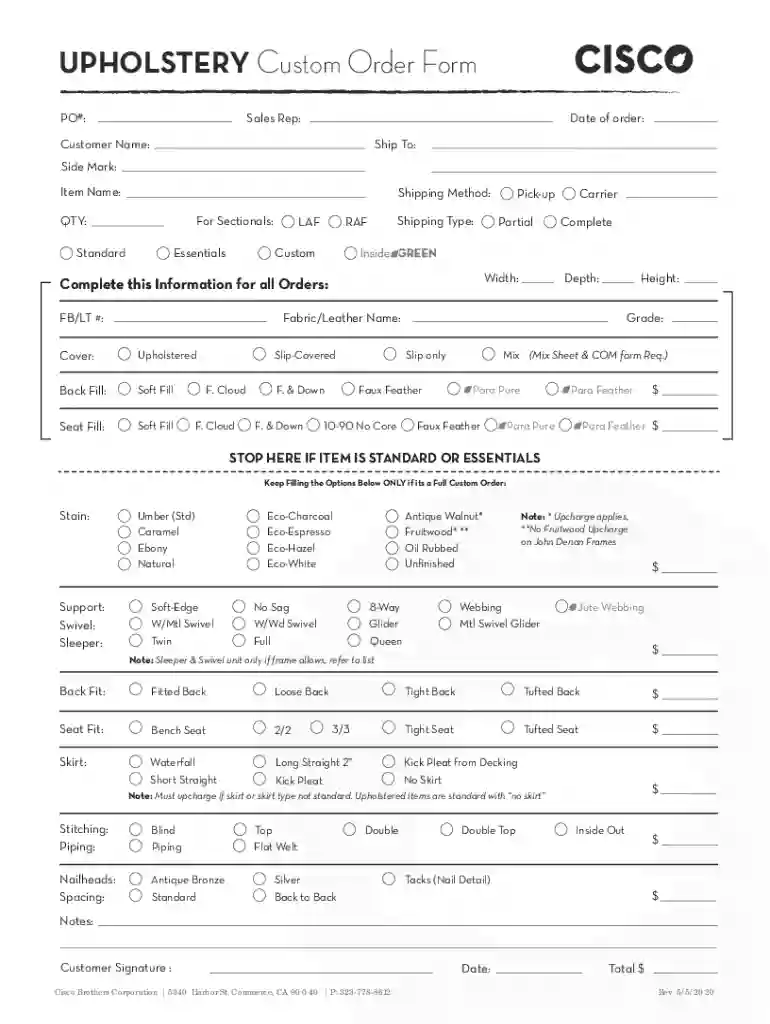
Type text, add images, blackout confidential details, add comments, highlights and more.

Draw your signature, type it, upload its image, or use your mobile device as a signature pad.

Send it via email, link, or fax. You can also download it, export it or print it out.
In-person ordering with pay later options provide businesses and consumers the flexibility to place an order and defer payment to a later date. This service is commonly seen in retail environments, hospitality, or any transactions requiring immediate service delivery with delayed financial settlement. Here, the customer selects items or services, confirms the order, and agrees to an outlined payment schedule. Businesses benefit from increased sales opportunities and enhanced customer satisfaction. Consumers enjoy financial flexibility, allowing them to manage cash flow without missing out on desired purchases.
Understanding the critical components of this system is crucial for success. Essential elements often include:
Each component ensures transparent transactions and mitigates financial risks for both parties.
To effectively implement this method, businesses can follow a strategic approach:
Successful implementation can enhance customer loyalty and increase sales.
Businesses offering pay later options often experience several advantages:
These benefits underscore why many establishments integrate pay later systems into their payment offerings.
Different consumer groups utilize pay later options for various reasons:
Understanding the demographic keen on these services can tailor marketing and service provision strategies effectively.
Operating a pay later system entails understanding and adhering to legal frameworks:
Legal foresight minimizes risks and enhances trustworthiness in consumer transactions.
Numerous real-world scenarios exemplify the application of in-person ordering with pay later options:
These examples illustrate the versatility and wide application of such financial services across industries.
Businesses often rely on specific software solutions to manage these complex systems. Relevant software could include:
Understanding software compatibility ensures seamless operation, effective management, and increased customer satisfaction.
Establishing eligibility standards ensures reliable payments and minimizes risks. Typical criteria include:
Such criteria not only safeguard businesses but also encourage responsible financial behavior among consumers.


We've got more versions of the Re: In person ordering and pay later options form. Select the right Re: In person ordering and pay later options version from the list and start editing it straight away!
At DocHub, your data security is our priority. We follow HIPAA, SOC2, GDPR, and other standards, so you can work on your documents with confidence.
Simplify payments for restaurants, bars, and delivery with one platform offering seamless checkout, loyalty, and reporting tools.
Dec 2, 2025 Financial experts say no fees and instant credit are making installment-payment apps more popular among young adults and holiday shoppers.Read more


