




01. Edit your academic history online
Type text, add images, blackout confidential details, add comments, highlights and more.

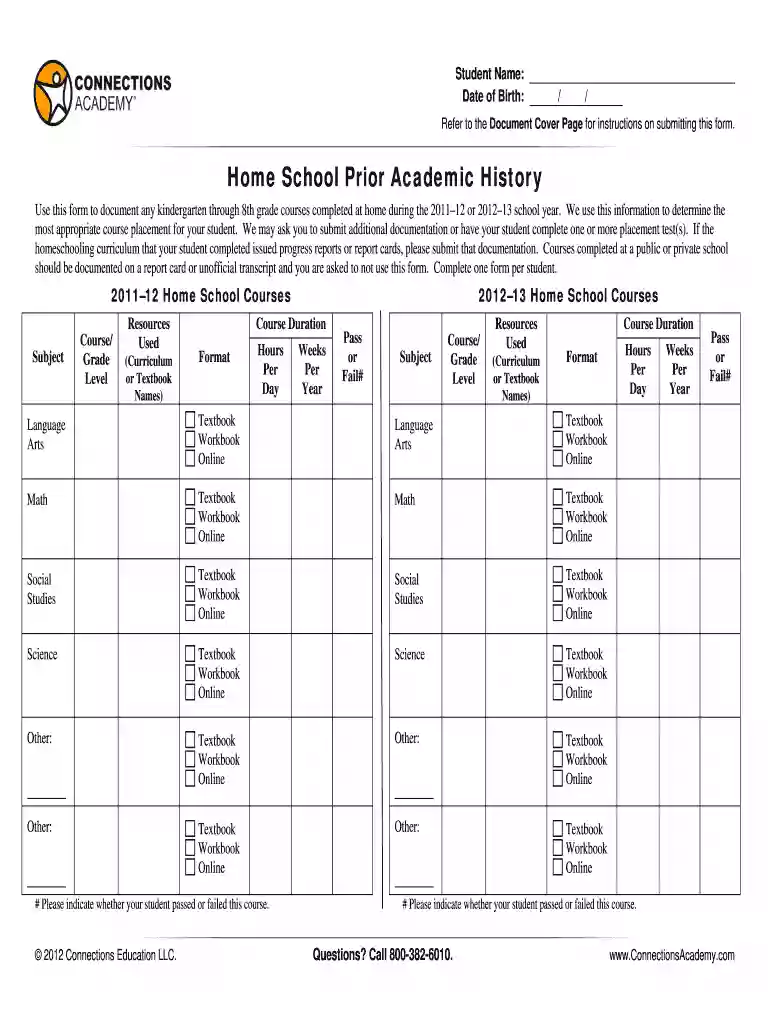
Type text, add images, blackout confidential details, add comments, highlights and more.

Draw your signature, type it, upload its image, or use your mobile device as a signature pad.

Send prior academic history form via email, link, or fax. You can also download it, export it or print it out.

Start filling out your prior academic history form today for free using our platform!
At DocHub, your data security is our priority. We follow HIPAA, SOC2, GDPR, and other standards, so you can work on your documents with confidence.
Student Forms On This Page Registration Academic Counseling Academic Records Grades Degree Progress Transfer Credit Veterans Certification.Read more
Historical scores in other courses can be used to adjust the 65% expected target based on the following factors: prior academic history. poverty level.Read more


