
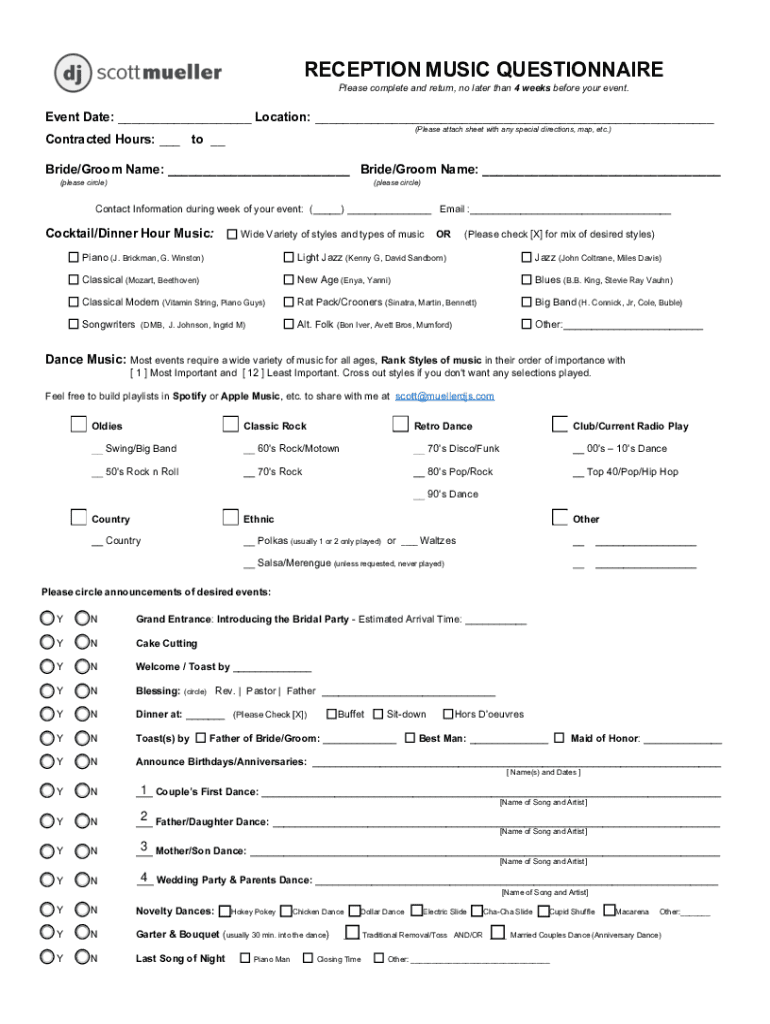







Definition and Meaning of Form Online
The term "form online" refers to electronic documents that can be filled out, submitted, and processed using internet-based platforms. These forms are digitized versions of traditional paper forms, designed to streamline data collection and storage. They are extensively used in various fields, including government, education, healthcare, and business, to facilitate processes that require user input or consent. Online forms can range from simple surveys to complex tax documents, offering a versatile solution for both individuals and organizations.
Examples and Real-World Scenarios
- Government Services: Many government agencies, including the IRS, offer forms online for tax returns, registrations, and applications. These forms reduce paperwork and improve processing efficiency.
- Healthcare: Hospitals and clinics use online forms to collect patient information, consent for treatments, and insurance details, ensuring quick and accurate data collection.
- Employment Applications: Companies utilize online forms to streamline their hiring process, allowing applicants to submit resumes and application details electronically.
- Education: Schools often use online forms for student registration, class enrollment, and feedback collection.
How to Use the Form Online
Using a form online generally involves a few straightforward steps that allow users to complete, review, and submit necessary information quickly and efficiently.
Step-by-Step Instructions
- Access the Form: Navigate to the website or platform that hosts the form. Forms are often found on official sites for institutions or businesses requiring your input.
- Fill the Fields: Input the required information into designated fields. Online forms automatically guide you through the completion process, highlighting mandatory fields.
- Review and Amend: Once all fields are filled, review your entries for accuracy. Most platforms provide options to edit and update your details before submission.
- Submit the Form: Click on the submit button to send your information. You may receive a confirmation email or message upon successful submission.
Practical Tips
- Ensure Internet Stability: A stable internet connection is crucial for submitting forms without errors.
- Save Progress Frequently: Some forms allow you to save your progress if they are lengthy or require gathering additional information.
- Use Secure Platforms: Always verify the security of the website before entering personal information to avoid phishing scams.
Steps to Complete the Form Online
Filling out online forms requires accuracy and attention to detail to ensure that all the required information is provided correctly.
Detailed Breakdown
- Prepare Required Information: Have all necessary documents and information ready before starting, such as identification numbers, dates, and any relevant names.
- Complete Sections Sequentially: Begin with the first section and proceed chronologically to ensure all areas are tackled systematically.
- Validate Entries: Use tools provided within the form platform to check for errors or missing information.
- Digital Signature Option: Many forms offer electronic signature options. Ensure you understand how this process works and is legally binding.
Key Elements of the Form Online
Online forms typically comprise several key elements designed to collect user information effectively while ensuring a smooth user experience.
Critical Components
- Input Fields: Spaces where users enter their data, including text boxes, radio buttons, and checkboxes.
- Instructions and Guides: Some forms provide on-screen instructions or hints to assist users in filling out fields correctly.
- Data Security Measures: Secure forms feature data protection mechanisms, such as encryption, to ensure user privacy.
- Submission Confirmation: Most platforms offer a confirmation message or email once a form is successfully submitted.
Examples and Variations
- Text Boxes: Used for open-ended responses, such as names and addresses.
- Dropdown Menus: Allow users to select from a predefined list of options, streamlining the response process.
- Check and Radio Buttons: Facilitate simple yes/no or single-option responses, common in surveys or assessments.
Legal Use of the Form Online
Compliance with local and national laws is critical when utilizing forms online, especially concerning data privacy and electronic signatures.
Legal Considerations
- Data Privacy Laws: Compliance with data protection regulations such as the General Data Protection Regulation (GDPR) in Europe or the California Consumer Privacy Act (CCPA) in the U.S. is essential.
- Electronic Signature Legality: The Electronic Signatures in Global and National Commerce Act (ESIGN) and the Uniform Electronic Transactions Act (UETA) in the United States establish the legal landscape for e-signatures.
Real-World Implications
- Documenting Consent: Online forms often serve as legal records of user consent for agreements or terms of service.
- Data Retention Policies: Organizations must adhere to legal requirements concerning the duration and conditions under which user data is stored and utilized.
State-Specific Rules for the Form Online
Different states may have varying regulations and rules regarding the use and submission of forms online, impacting compliance and procedural requirements.
Major Differences Across States
- Submission Protocols: Some states might require additional validation steps or specific forms for particular processes, such as business registrations.
- Tax Regulations: State-specific tax forms may differ significantly in content and submission guidelines.
Adapting to State Requirements
- Research Local Laws: Users and organizations must familiarize themselves with state-specific regulations that affect form submissions and implications.
- Consult Legal Experts: When in doubt, seeking professional legal advice ensures compliance with state-specific rules and avoids penalties.
Software Compatibility and Integration
Digital forms often interact with other systems and software, necessitating compatibility with various platforms to ensure data flows seamlessly between tools.
Supported Platforms
- Integration Capabilities: Many online forms integrate directly with systems such as Google Workspace, allowing seamless data exchange and greater efficiency.
- Compatibility with Third-Party Software: Compatibility with popular software like TurboTax or QuickBooks can significantly enhance utility by simplifying data entry processes.
Tips for Effective Integration
- Review Integration Options: Check the form platform’s compatibility list to ensure it aligns with your existing software ecosystem.
- Sync Data Automatically: Use built-in synchronization functions where available to maintain up-to-date records without manual intervention.
Business Types That Benefit Most from Form Online
Many businesses can realize significant efficiency improvements by transitioning to online forms for data collection and process management.
Beneficial Use Cases
- Small Businesses: Online forms streamline data acquisition, customer interactions, and inventory management, reducing administrative burdens.
- Service Providers: Professionals like event planners, consultants, and contractors use forms online to book services, collect client specifications, and manage customer feedback.
- Educational Institutions: Schools and universities benefit from streamlined registration processes, student surveys, and communication channels facilitated by online forms.
Strategic Advantages
- Cost Reduction: Minimize costs associated with paper forms, printing, and storage.
- Time Efficiency: Online forms reduce processing times and simplify workflows, allowing businesses to service more clients and improve productivity.
By addressing all relevant aspects of using online forms, businesses and individuals can enhance their operations, ensuring compliance and maximizing the benefits of digital transformation.




