
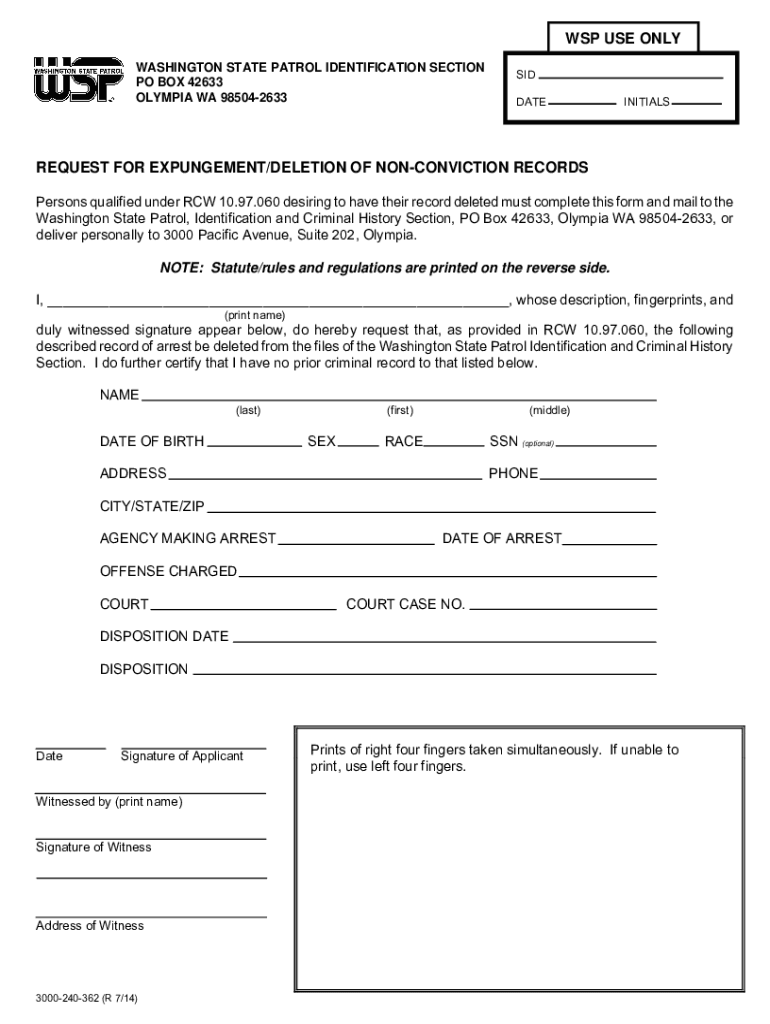







Definition & Meaning
The concept of "form online" refers to the electronic version of a document that allows users to fill, submit, and process information through digital means. It typically involves an interactive or fillable interface that simulates traditional paper forms but comes with advanced features for improved efficiency and accessibility. Forms online are designed for various purposes, including applications, requests, registrations, and surveys. They eliminate the need for physical paperwork and facilitate faster processing, storage, and retrieval of information.
Common Uses of Forms Online
- Applications: Job applications, college applications, and registration forms.
- Surveys and Feedback: Collecting opinions in customer satisfaction surveys or employee feedback forms.
- Requests: Request forms for services or information, such as vacation requests or information inquiries.
- Legal and Compliance: Filling out forms for legal filings or compliance-related paperwork.
- Transactions: Online order forms and payment processing.
Advantages of Forms Online
- Accessibility: Forms can be accessed from any location with an internet connection, making them more convenient for users.
- Efficiency: Automated data collection and processing save time and reduce errors compared to manual entry.
- Cost-Effective: Reduction of paper usage and administrative costs related to printing and storage.
How to Use the Form Online
Using an online form typically involves several steps, from accessing the form to submitting it. Here's a comprehensive guide on how to effectively use a form online:
Accessing the Form
- Locate the Form: Navigate to the website or platform that hosts the form. This could be through a direct link, a search query, or a section on the website dedicated to forms.
- Platform Compatibility: Ensure that you have a compatible web browser, such as Chrome, Firefox, or Safari, to access the form.
Filling Out the Form
- Input Fields: Enter the required information into various fields, such as text boxes, drop-down menus, and checkboxes.
- Attachments: Some forms may require you to upload additional documents, such as ID proof or certificates.
- Help Tips: Utilize any provided tooltips or help sections if you're unsure about specific fields.
Submitting the Form
- Review: Carefully review the form to ensure all information is correct and all necessary fields are completed.
- Submit Button: Click the submit button to send the form. Some platforms may provide a confirmation or reference number upon successful submission.
- Save a Copy: Download or print a copy of the submitted form for your records.
Steps to Complete the Form Online
Completing an online form involves structured steps to ensure accuracy and completeness. Follow these detailed steps for a seamless experience:
-
Preparation
- Identify the information required before accessing the form.
- Gather necessary documents that may need to be referenced or attached.
-
Filling the Form
- Start by entering basic personal information such as name, address, and contact details.
- Proceed to specific sections that require more detailed responses based on the form's purpose.
- Use validation checks if available to catch any immediate errors.
-
Review and Submission
- Review each entry for accuracy.
- Confirm that all required fields, marked with an asterisk or a note, are completed.
- Submit the form via the designated online button.
Why Should You Form Online
Opting to use a form online offers numerous benefits over traditional paper forms:
- Environmental Impact: Reduces the need for paper, contributing to environmental sustainability.
- Speed and Efficiency: Streamlines data processing and shortens turnaround times for applications or requests.
- Accuracy: Minimizes human errors through automated validation and standardized input methods.
Real-World Benefits
- Individual Users: Convenient for people with busy schedules, allowing them to fill out forms at their convenience without the need to visit an office or mail a document.
- Organizations: Businesses can improve customer satisfaction by offering quick, online processes and reduce the workload on administrative staff.
Who Typically Uses the Form Online
Online forms are widely used across various demographics and industries:


Individual Users
- Individuals applying for jobs, educational programs, or loans.
- Customers providing feedback or registering for events.
Organizations and Businesses
- HR departments for employee documentation and record-keeping.
- Educational institutions for student applications and alumni surveys.
- E-commerce platforms for order processing and customer inquiry management.
Government Agencies
- For public services applications, such as licenses, permits, and voter registration.
Key Elements of the Form Online
Understanding the essential components of an online form helps in better navigation and completion:
- Title and Instructions: Clear title with instructions aids users in knowing the form's purpose and usage guidelines.
- Fields: Include input fields for text, numbers, dates, and options via radio buttons or drop-down menus.
- Validation Features: Ensure data accuracy by providing real-time feedback and alerts for required fields.
- Submission Mechanism: A clear and functional submission button that sends the completed form for processing.
Additional Features
- Save and Resume Options: Many forms allow users to save progress and return later to complete unfinished sections.
- Interactive Elements: Such as progress bars that indicate completion percentage and guide the user through multi-step forms.
Legal Use of the Form Online
Online forms are often legally binding, subject to certain conditions and regulations:
Compliance with Laws
- Ensure forms adhere to data protection laws and regulations, such as HIPAA for health-related forms or data privacy standards for personal information handling.
- Terms and conditions or privacy policies should be clearly communicated and agreed upon by users engaging with the form.
Electronic Signatures
- Many online forms support electronic signatures that comply with legal standards such as the ESIGN Act in the U.S.
- Enable secure identity verification, usually through multi-factor authentication or verification links.
Form Submission Methods (Online / Mail / In-Person)
Understanding the various submission methods available for forms and the best practices associated with each:
Online Submission
- Primary Method: Preferred for speed and convenience.
- Confirmation: Typically immediate receipt or confirmation email is provided upon submission.
Mail Submission
- When Necessary: Use for forms requiring physical documentation or signatures not captured electronically.
- Process: Follow specific mailing instructions, include any required attachments, and send to the designated address.
In-Person Submission
- Relevant Cases: Needed when physical presence is mandatory, such as notarized documents or when delivering sensitive documents.
- Procedure: May require scheduling an appointment or visiting specific service points during working hours.
By following these guidelines and exploring each section thoroughly, individuals and businesses can confidently navigate the process of completing and submitting forms online, thus leveraging the full benefits of digital document processing.




