




01. Edit your sars tax number confirmation letter download online
Type text, add images, blackout confidential details, add comments, highlights and more.

Type text, add images, blackout confidential details, add comments, highlights and more.

Draw your signature, type it, upload its image, or use your mobile device as a signature pad.

Send sars tax number confirmation letter download via sms via email, link, or fax. You can also download it, export it or print it out.
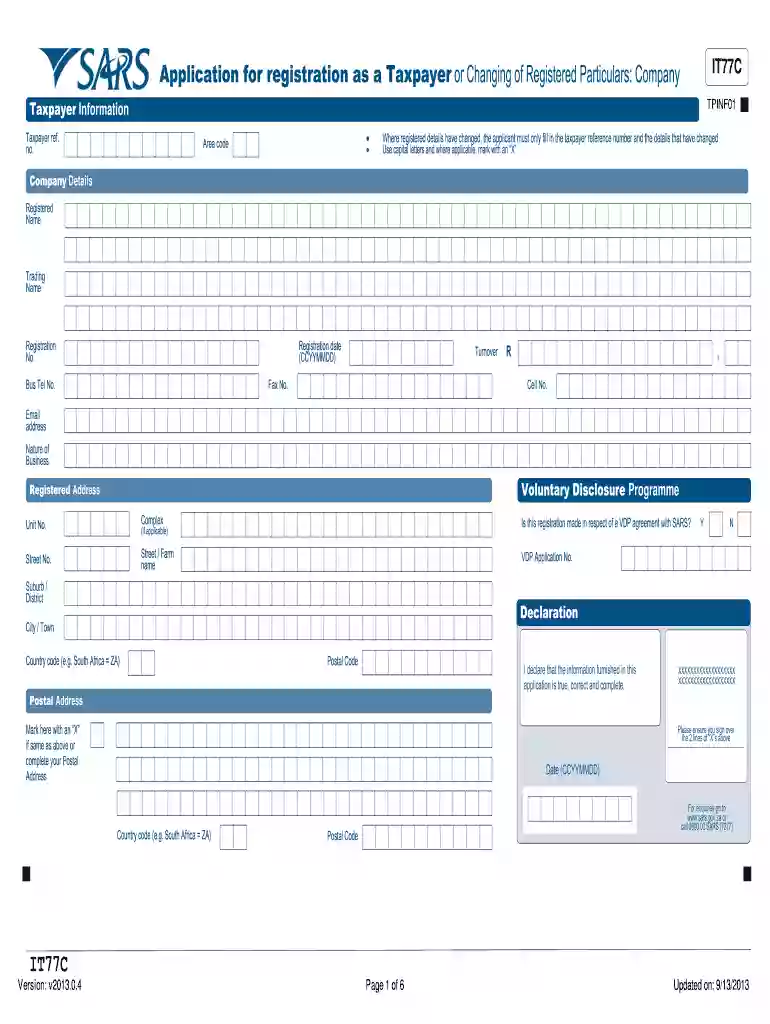
The IT77C form is specifically designed for companies in South Africa to register as taxpayers or update their registered particulars with the South African Revenue Service (SARS). This form is essential for businesses to ensure compliance with tax regulations. It contains sections to capture detailed information about the company, such as its public officer, partners, and directors, along with necessary documentation needed for submission.
Filing the IT77C is crucial for obtaining a SARS tax number, which is required for the company's operations. Without this tax number, a company may face difficulties in conducting business, including challenges in meeting tax obligations, opening bank accounts, or engaging in contracts with other entities.
Completing the IT77C can be straightforward if approached systematically.
Gather Documentation: Compile all necessary documentation including:
Fill Out Company Information:
Enter Public Officer Details: Include full names, identification numbers, and contact details of the public officer, who represents the company in tax matters.
List Directors and Partners:
Review and Submit: After completing the form, review all information for accuracy. Submit the form to SARS via the preferred method, ensuring that all required supporting documentation is attached.
The IT77C form is a legally mandated document. It must meet specific legal standards as set forth by SARS. Filing this form is not merely a procedural formality; it becomes part of the official record of the company. Companies must ensure that the information provided is accurate and up-to-date, as discrepancies can lead to penalties or difficulties in future tax filings.
Accurate reporting and adherence to IRS guidelines are vital:
To successfully complete and submit the IT77C form, certain documents are required to support the information provided. These include:
Ensuring these documents are complete and accurate can prevent delays in processing and issues with compliance.
Understanding the key components of the IT77C form can facilitate the completion process. The form consists of several important sections:
These elements should be completed thoroughly to ensure a smooth approval process.
Familiarity with terminology associated with the IT77C can aid in better understanding its function and requirements. Some important terms include:
Having a clear grasp of these terms enhances a company's ability to navigate the filing process successfully.
Awareness of filing deadlines is crucial for compliance. Companies must observe the following:
Failing to meet these deadlines can result in significant financial implications, including fines and interest on due taxes.
The IT77C form serves as a critical tool for businesses needing to register for tax purposes in South Africa. By understanding how to complete, submit, and maintain compliance with this form, companies can navigate the complexities of the tax system more effectively.
We've got more versions of the sars tax number confirmation letter download form. Select the right sars tax number confirmation letter download version from the list and start editing it straight away!
Sure, and it’s really straightforward! DocHub is an online PDF editor with advanced document management functions that allow you rapidly adjust your forms, fill out empty fields and insert new ones for other people to fill out, and create electronic signatures in several ways. Upload your sars tax number confirmation letter download pdf download, give information as requested, and decide how you want to eSign your template - by typing your name, drawing your signature, uploading its picture, or using a QR code.
You need only a web connection and a browser to complete your sars letter download on an iOS phone. Open the DocHub website and authenticate. Then, add your file or select it from the list in your dashboard. Then use our editing tools to complete your form and save all your adjustments. You can also send it to a specified recipient right away.
At DocHub, your data security is our priority. We follow HIPAA, SOC2, GDPR, and other standards, so you can work on your documents with confidence.


