
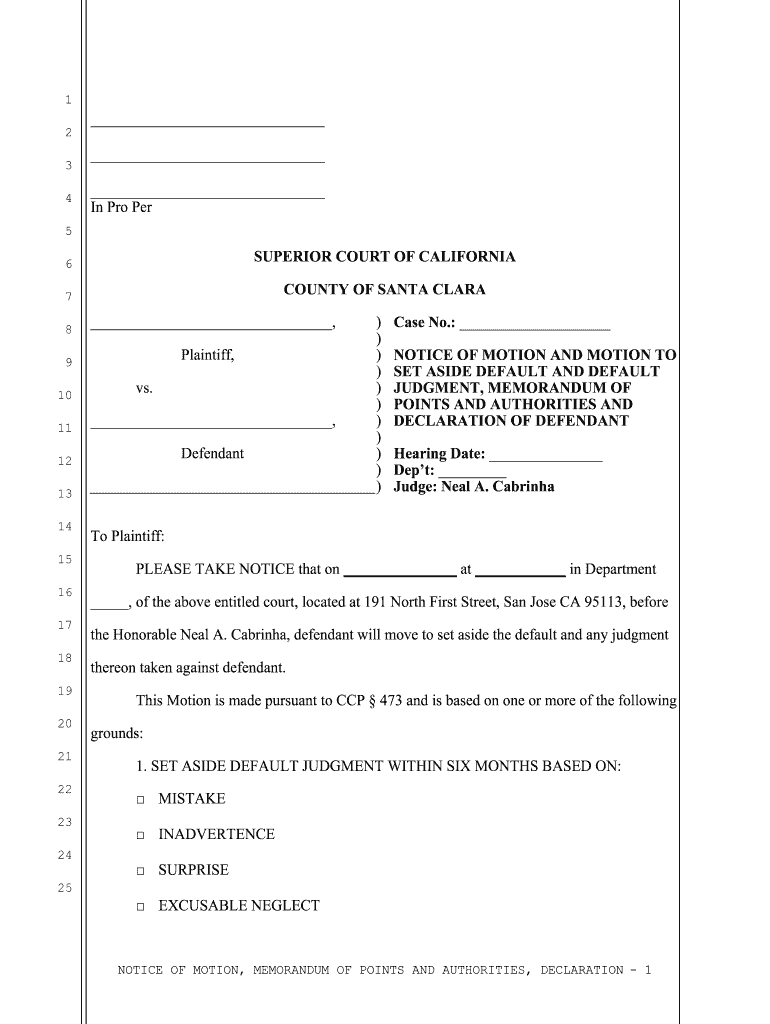




Here's how it works

01. Edit your default judgment online
Type text, add images, blackout confidential details, add comments, highlights and more.

02. Sign it in a few clicks
Draw your signature, type it, upload its image, or use your mobile device as a signature pad.

03. Share your form with others
Send motion to set aside california via email, link, or fax. You can also download it, export it or print it out.
How to use or fill out motion set aside default judgment with our platform

- Click ‘Get Form’ to open the motion set aside default judgment in the editor.
- Begin by filling in your name and contact information at the top of the form. This identifies you as the defendant.
- Enter the case number and hearing date in the designated fields. This information is crucial for court records.
- In the section regarding grounds for setting aside the default, check all applicable boxes such as 'Mistake', 'Inadvertence', 'Surprise', or 'Excusable Neglect'.
- Complete the Memorandum of Points and Authorities by summarizing your reasons for requesting relief from default, ensuring clarity and relevance.
- In the Declaration section, provide a detailed explanation of why you failed to respond timely, maintaining honesty and accuracy.
- Finally, review all entries for completeness and correctness before saving or printing your document.
Start using our platform today to easily fill out your motion set aside default judgment for free!
Fill out motion set aside default judgment online
It's free
It's free
Got questions?
We have answers to the most popular questions from our customers. If you can't find an answer to your question, please contact us.
Contact us
What does motion to set aside default judgment mean?
If you do not think the default judgment was appropriately entered against you, you must file a motion with the court asking the judge to set aside (void or nullify) the judgment. If the judge grants your motion, the case starts back up again.
How to oppose a motion for default judgment?
A defendant can challenge the entry of default by filing a motion pursuant to Federal Rule of Civil Procedure 55(c), which allows the court to set it aside for good cause shown. Under certain circumstances, the court is required to do so.
How do you set aside a default Judgement?
The court must set aside a default judgment if you: paid the whole amount owed (including any interest and costs) before the date the creditor entered judgment; sent back the acknowledgment of service form within the time limit; put in a defence within the time limit; or.
Security and compliance
At DocHub, your data security is our priority. We follow HIPAA, SOC2, GDPR, and other standards, so you can work on your documents with confidence.
Learn more


Related forms

Georgia contract sale
The document is a contract for the sale and purchase of real estate in Georgia, outlining the agreement between the Sell ...
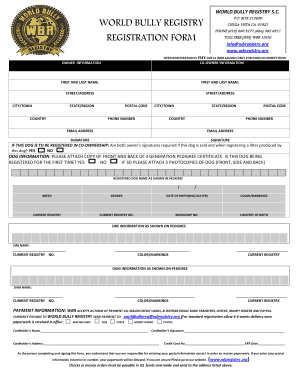
Wbr registry
The document is a registration form for the World Bully Registry, allowing owners to register their dogs for free during ...

V112 form

Labor md formspaidleavecomplaintMaryland Earned Sick and Safe Leave Complaint Form
The document is a complaint form for employees in Maryland to report violations related to the Earned Sick and Safe Leav ...
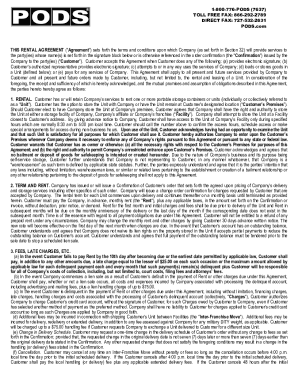
1-800-776-PODS (7637) TOLL FREE FAX: 866-292-2789
The document is a rental agreement between PODS Enterprises, LLC and the customer for the rental of portable storage con ...

Phtls flyer
The document outlines the PHTLS (Prehospital Trauma Life Support) course, which focuses on advanced trauma care for pati ...
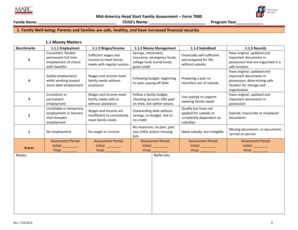
Mid-America Head Start Family Assessment Form 7000 - marc
The Mid-America Head Start Family Assessment Form 7000 evaluates family well-being across various domains, including fin ...