
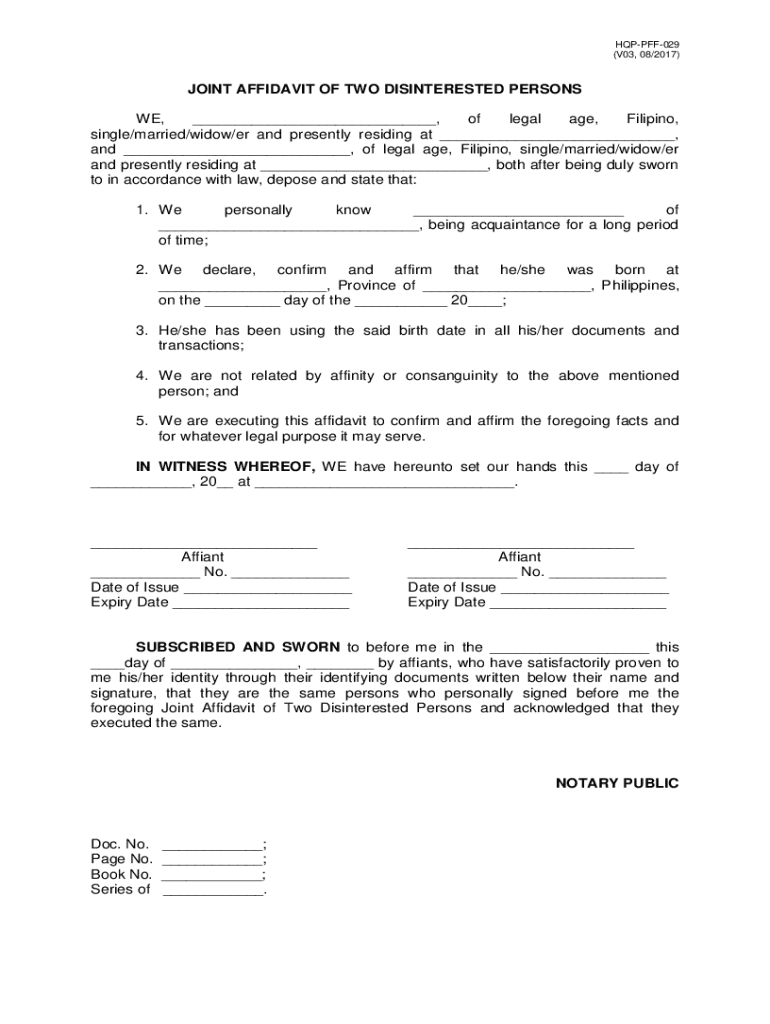







Definition & Meaning
Forms completed online serve as digital documents that individuals or businesses can fill out, submit, and store electronically. These forms facilitate various tasks such as applications, registrations, declarations, and surveys. Their digital nature allows users to complete required information from any device with internet access, enhancing convenience and efficiency. Online forms are designed to capture data accurately and securely, often featuring fields for input, checkboxes, and dropdown menus, which make them versatile for diverse needs.
How to Use the Form Online
To use a form online, users typically follow these steps:
-
Access the Form: Navigate to the website or platform hosting the form. This could be through a link provided via email or available on a corporate or governmental site.
-
Fill Out the Form: Enter the required information into the designated fields. This may include personal details, professional information, or specific data related to the form's purpose.
-
Review Submission Guidelines: Before submitting, check for any specific instructions or guidelines to ensure all fields are correctly completed and that there is no missing information.
-
Submit the Form: Use the submission button to send your form electronically. Many platforms will provide a confirmation message or email to acknowledge receipt.
-
Save a Copy: It is a good practice to save a copy of the completed form for personal records. Most online forms offer an option to download or print the filled form.
Steps to Complete the Form Online
Filling out a form online involves a series of organized steps to ensure all necessary information is accurately captured:
-
Identify the Form You Need: Understand the type of form required based on your purpose, whether for legal compliance, application, or data collection.
-
Prepare the Required Information: Gather all necessary information or documents referenced in the form, such as identification numbers or contact details.
-
Complete Each Section:
- Follow the form's sequence, section by section.
- Use clear and concise responses.
- Checkboxes and dropdowns often require specific selections. Ensure these accurately reflect your situation.
-
Verify Your Information: Double-check all entered data for accuracy and completeness to avoid delays in processing.
-
Correct Errors: Some forms allow for real-time error detection and provide prompts to correct highlighted fields before submission.
-
Submit and Confirm: Once satisfied with the accuracy, formally submit the form and await confirmation from the host platform.
Important Terms Related to Form Online
Understanding terminology associated with online forms can help streamline the completion process:
- Field: A placeholder for inputting information, such as a name or date.
- Mandatory Fields: Required sections that must be completed for the form to be accepted.
- Digital Signature: An electronic version of a handwritten signature, legally acceptable for verifying identity.
- Captcha: A security feature requiring users to input text or solve a puzzle to ensure they are human.
- Save Progress: An option allowing users to save incomplete forms and return later to continue completing them.
Legal Use of the Form Online
Online forms can hold legal significance and are often designed to comply with specific legal frameworks:
-
Electronic Signatures in Global and National Commerce (ESIGN) Act: Establishes the legality of electronic documents and signatures in commerce.
-
Data Protection: Forms must adhere to regulations such as GDPR or CCPA to ensure the protection of personal data collected.
-
Document Retention: Certain forms may need to be stored for specified durations for compliance or audit purposes.
Legality often requires users to read and agree to terms and conditions before form submission, effectively binding them legally with electronic consent.
Key Elements of the Form Online
Online forms typically comprise several key elements designed to capture data effectively:
-
Header Information: Includes the form's name, purpose, and issuing authority.
-
Interactive Fields: Such as text boxes for input, calendars for date selection, and lists for dropdown menus.
-
Instructions Section: Offers guidance on how to properly complete the form, including details on complex sections.
-
Help or Information Button: Provides additional tips or troubleshooting options for users encountering difficulties.
-
Submission Details: Outline any further actions required post-submission, such as attaching documents or confirming receipt.
Examples of Using the Form Online
Online forms serve various practical applications across different sectors:
-
Government Forms: Used for applications like social security or tax filing. These forms streamline processing for both citizens and officials.
-
Job Applications: Enables applicants to submit resumes, cover letters, and personal information to potential employers conveniently.
-
Customer Feedback Surveys: Businesses utilize these forms to collect customer experiences to enhance service quality.
-
Event Registrations: Facilitates the collection of attendee details, preferences, and payments for seamless event planning.
State-Specific Rules for Forms Online
Different states may impose unique regulations and requirements for filling out certain forms online:
-
Tax Forms: Each state can have specific guidelines on how tax forms are completed and filed electronically.
-
Business Licenses: State-specific forms might require varying supportive documents or information reflecting local requirements.
-
Legal Declarations: States may need distinct signing or notary procedures electronically endorsed to ensure compliance.
Understanding these nuances is vital for accurate and lawful online form submissions within the United States, particularly for business and legal documentation.




