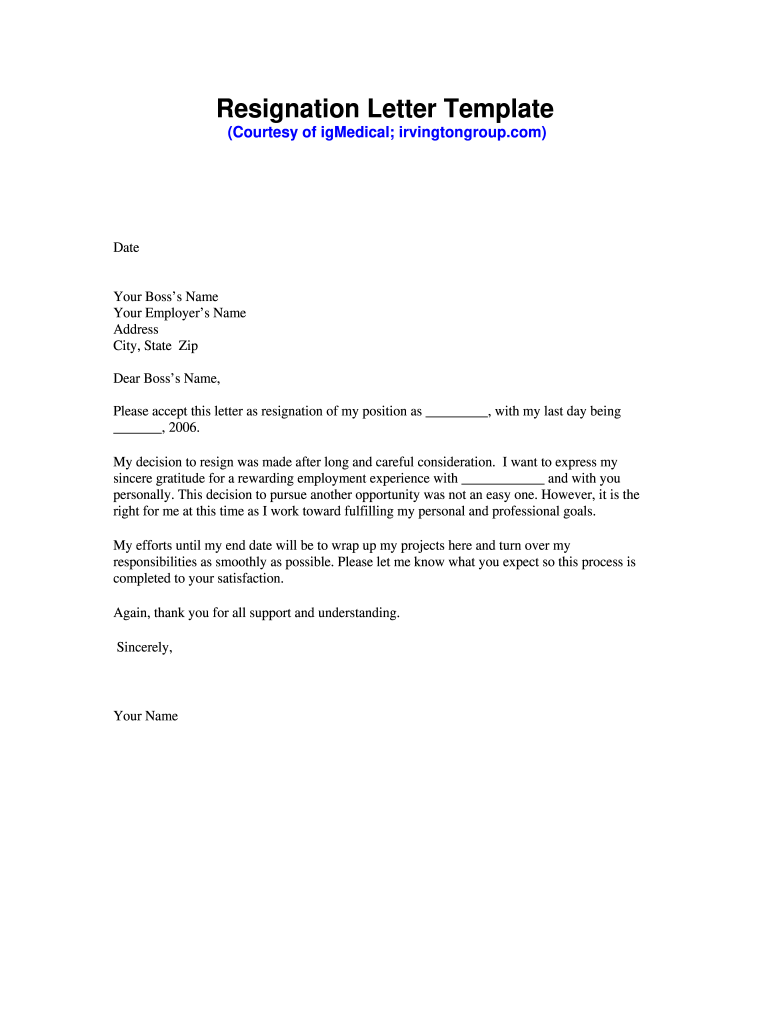
Resignation letter formatSimple resignation letter for personal reasonsSimple resignation letter templateSimple resignation letter Word formatShort resignation letterResignation letter for teacherResignation letter format for employeeResignation letter for school
Security and compliance
At DocHub, your data security is our priority. We follow HIPAA, SOC2, GDPR, and other standards, so you can work on your documents with confidence.
All resignations must be submitted in writing (email will suffice) and confirmed verbally. In some cases we may request a signed letter for our records.Read more
Thank you for the opportunities for professional and personal development that you have provided me during the last three years. I have enjoyed working forRead more
Sep 11, 2018 Please accept this letter as notice of my resignation from my position as . My last day of employment will be . I received an offerRead more
Cookie consent notice
This site uses cookies to enhance site navigation and personalize your experience.
By using this site you agree to our use of cookies as described in our Privacy Notice.
You can modify your selections by visiting our Cookie and Advertising Notice.