Bionic Needle Organizer Wallet - Amazon Web Services 2026

Get Form
Bionic Needle Organizer Wallet - Amazon Web Services Preview on Page 1

Here's how it works

01. Edit your form online
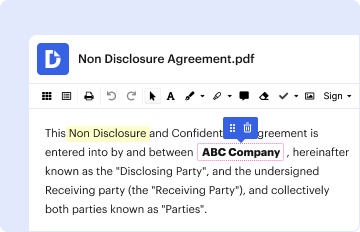
Type text, add images, blackout confidential details, add comments, highlights and more.
02. Sign it in a few clicks
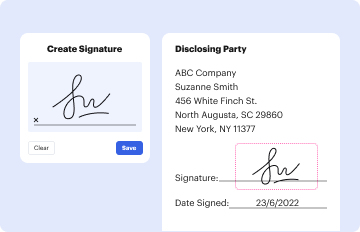
Draw your signature, type it, upload its image, or use your mobile device as a signature pad.
03. Share your form with others
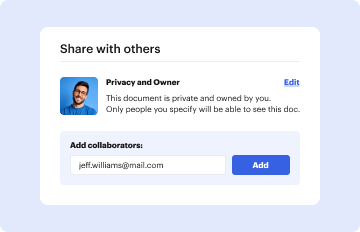
Send it via email, link, or fax. You can also download it, export it or print it out.

How to use or fill out Bionic Needle Organizer Wallet - Amazon Web Services with our platform

Form edit decoration
9.5
Ease of Setup
DocHub User Ratings on G2
9.0
Ease of Use
DocHub User Ratings on G2
  1. Click ‘Get Form’ to open the Bionic Needle Organizer Wallet in the editor.
  2. Begin by reviewing the materials list provided in the document. Ensure you have all necessary items ready for your project.
  3. Follow the instructions step-by-step, starting with cutting your fabric pieces as specified. Use our platform's annotation tools to mark any important notes directly on the PDF.
  4. As you progress through each section, utilize the text fields to jot down any adjustments or personal notes that may help you during assembly.
  5. Once you've completed filling out all sections, save your document. You can easily share it with friends or print it directly from our platform for convenience.

Start using our platform today to streamline your sewing projects and enjoy a hassle-free experience!

be ready to get more

Complete this form in 5 minutes or less

Get form
be ready to get more

Complete this form in 5 minutes or less

Get form