







Definition & Meaning
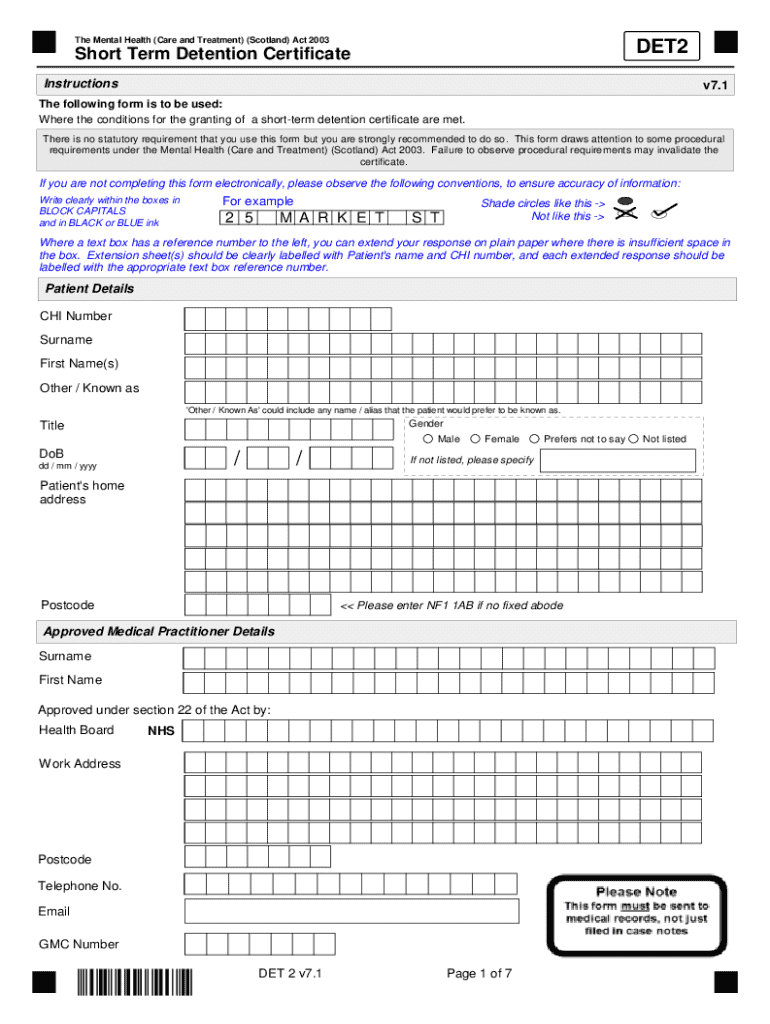
The "form online" refers to digital versions of traditional paper forms that can be completed and submitted over the internet. These online forms offer the same functionalities as their paper counterparts but provide added convenience, accessibility, and efficiency. They can range from simple contact forms to complex legal or financial documents, enabling users to input required information, collect digital signatures, and submit data electronically.
Online forms are essential tools for businesses, educational institutions, healthcare providers, and government agencies. They streamline data collection, reduce the need for physical paperwork, and facilitate smooth interactions between users and organizations. In this digital age, using forms online has become a fundamental aspect of document management and communication.
How to Use the Form Online
To effectively use a form online, users need to follow a structured approach:
-
Access the Form: Start by locating the specific form you need. This might involve visiting a website, login into an account, or receiving a direct link.
-
Understand the Requirements: Before filling out the form, review the instructions and requirements. This ensures you provide the correct information and have any necessary documentation on hand.
-
Fill in the Details: Enter your information accurately into the required fields. Use text boxes, checkboxes, dropdown menus, and other field types as instructed.
-
Add Attachments: If the form allows or requires it, upload any supporting documents using the designated attachment fields.
-
Electronic Signatures: If a signature is needed, provide your electronic signature using the options available, such as drawing with a mouse or uploading a scanned signature image.
-
Review and Submit: Double-check the entered information for accuracy and completeness before submitting the form. Some platforms may allow you to save a draft or print a copy for your records.
Steps to Complete the Form Online
Completing a form online is typically a straightforward process with guided steps available on digital platforms:
-
Registration or Login: Some forms require you to create an account or log in to access or submit them. This step is essential for security and tracking purposes.
-
Navigate to Forms Section: Locate the section labeled for forms, which is often found under a menu or tab labeled "Forms" or "Documents."
-
Open the Chosen Form: Find the specific form you need from a list of available forms and click to open it. Some platforms provide previews or descriptions to help you identify the correct form.
-
Complete Required Fields: Work through the form, filling out all mandatory fields. Pay attention to any form field validation alerts, such as incorrect formats or missing information.
-
Use Digital Tools: Leverage available tools like date pickers, calculators, and automatic field-fillers to simplify data entry.
-
Submit the Form: Once completed, click the "Submit" button. You may receive a confirmation message or email verifying that your form has been received.
Key Elements of the Form Online
Several key elements make online forms effective:
-
User-Friendly Interface: A clear, intuitive design that guides users through filling the form efficiently.
-
Variety of Data Inputs: Options such as text fields, radio buttons, checkboxes, and dropdown lists to cater to different data types.
-
Validation Features: Real-time checks that ensure data integrity and prompt users if corrections are needed.
-
Security Measures: Secure data handling features, including encryption and user authentication, to protect sensitive information.
-
Accessibility Options: Features like screen reader compatibility or keyboard navigation for users with disabilities.
-
Confirmation and Error Messages: Informative messages guide users through successful submission or alert them to errors.
Legal Use of the Form Online
The legality of using forms online hinges on several key factors:
-
Compliance with Regulations: Online forms must adhere to relevant laws and regulations, such as GDPR for data protection in the European Union or the ESIGN Act for electronic signatures in the United States.
-
Consent and Disclosure: Forms should clearly state terms and conditions, privacy policies, and any consent requirements for using collected data.
-
Electronic Signature Validity: Ensuring that electronic signatures are valid and legally binding according to jurisdiction requirements.
-
Audit Trails: Keeping records of form submissions and changes helps defend against disputes and ensures legal compliance.
State-Specific Rules for the Form Online
Depending on the jurisdiction, there might be state-specific requirements or variations:
-
Document Formatting: Some states may demand specific formatting or additional state department forms.
-
Certification Requirements: Certain forms might require notarization or certifications that adhere to state laws.
-
Tax Regulations: State tax forms often include unique fields or calculations based on state tax codes.
-
Residency Proof: Where applicable, users must provide valid evidence of residency, adhering to state guidelines for digital submissions.
Policies and requirements can change often, so it is crucial to verify current state-specific rules before submission.
Software Compatibility
To ensure smooth use, forms online must be compatible with various software and platforms:
-
Document Formats: Support for formats such as PDF, DOCX, and HTML caters to different submission and storage needs.
-
Integration with Cloud Services: Ability to import and export forms to cloud storage providers like Google Drive, Dropbox, or OneDrive.
Include considerations for cross-platform compatibility, ensuring forms function on both desktop and mobile browsers without loss of functionality.
- Third-Party Tools: Integration with accounting software like QuickBooks or tax services like TurboTax enhances utility.
Examples of Using the Form Online
Real-world examples illustrate the diverse utility of online forms:
-
Business Applications: Companies use online forms for employee onboarding, client intake, and supplier registration processes.
-
Healthcare: Medical facilities utilize forms online for patient information, appointment booking, and consent forms.
-
Education: Schools and universities handle student enrollment, feedback surveys, and standardized testing via digital forms.
This variety showcases the adaptability and necessity of forms online across multiple sectors, highlighting their role in modern workflows.




