




Here's how it works

01. Edit your form online
Type text, add images, blackout confidential details, add comments, highlights and more.

02. Sign it in a few clicks
Draw your signature, type it, upload its image, or use your mobile device as a signature pad.

03. Share your form with others
Send it via email, link, or fax. You can also download it, export it or print it out.
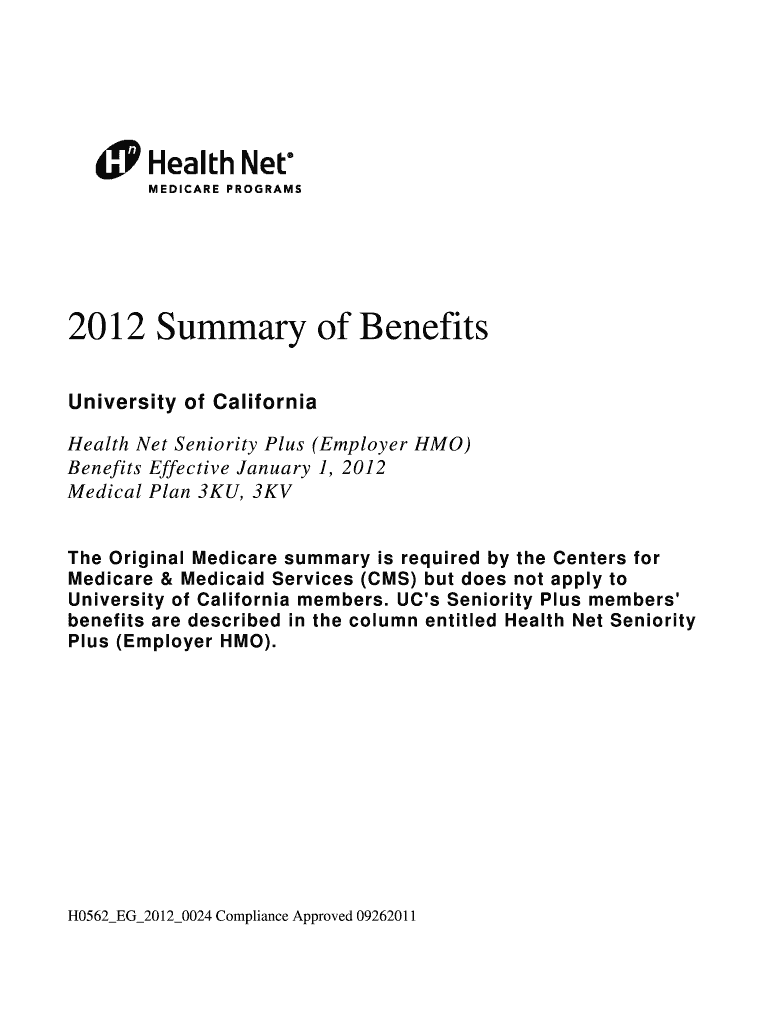
How to use or fill out Medical Plan 3KU, 3KV with our platform

- Click 'Get Form' to open the Medical Plan 3KU, 3KV document in the editor.
- Begin by reviewing the introduction section, which outlines the benefits and eligibility criteria for the Health Net Seniority Plus (Employer HMO) plan.
- Fill out your personal information in the designated fields, ensuring accuracy to avoid any issues with your application.
- Navigate through each section of the form, such as 'Inpatient Care' and 'Outpatient Services', and provide necessary details based on your healthcare needs.
- Review any additional benefits listed, like dental and vision services, to ensure you select all applicable options.
- Once completed, utilize our platform's signing feature to electronically sign your document before submission.
Start using our platform today for free to easily fill out your Medical Plan 3KU, 3KV!
Fill out Medical Plan 3KU, 3KV online
It's free
It's free
Security and compliance
At DocHub, your data security is our priority. We follow HIPAA, SOC2, GDPR, and other standards, so you can work on your documents with confidence.
Learn more




