




Here's how it works

01. Edit your negative std test results pdf online
Type text, add images, blackout confidential details, add comments, highlights and more.

02. Sign it in a few clicks
Draw your signature, type it, upload its image, or use your mobile device as a signature pad.

03. Share your form with others
Send negative std test results via email, link, or fax. You can also download it, export it or print it out.
How to use or fill out negative std test results 2021 with our platform

- Click ‘Get Form’ to open the negative std test results 2021 document in the editor.
- Begin by entering your ZIP CODE/APO/FPO/PAS in the designated field. This is essential for identifying the location of the test.
- Fill in your DOD COMPONENT and SERVICE COMPONENT by selecting the appropriate letters corresponding to your military branch.
- Input your SOCIAL SECURITY NUMBER, ensuring it is accurate as this is a critical identifier.
- Complete personal details such as NAME, DATE OF BIRTH, and SEX. Make sure these are entered correctly for proper identification.
- Proceed to fill out sections related to AUDIOMETRIC DATA, including frequency thresholds for both ears. Use the provided increments accurately.
- Finally, review all entries for accuracy before saving or sharing your completed form. Utilize our platform’s features to sign and distribute your document seamlessly.
Start using our platform today to easily manage and complete your negative std test results form for free!
Fill out negative std test results 2021 online
It's free
It's free
Security and compliance
At DocHub, your data security is our priority. We follow HIPAA, SOC2, GDPR, and other standards, so you can work on your documents with confidence.
Learn more


Related forms
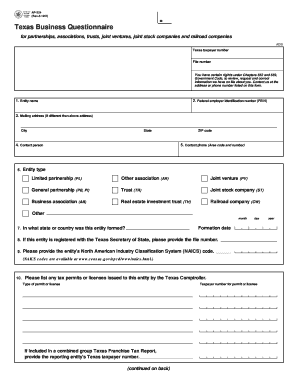
AP-224 Texas Business Questionnaire - Texas Comptroller of Public
The document is a Texas Business Questionnaire (AP-224) designed for various business entities such as partnerships, tru ...
Savannah ga dream maker in depth booklet form
The 'Dream Maker' program, offered by the City of Savannah's Department of Housing, provides financial assistance for ho ...

Engraved Brick Paver Order Form - wakeforestncgov
The document is an order form for engraved brick pavers offered by the Town of Wake Forest, allowing individuals to hono ...

Tank storage agreement sample
The document is a rental agreement for a propane tank from Thrifty Propane, outlining the terms of the lease, customer r ...
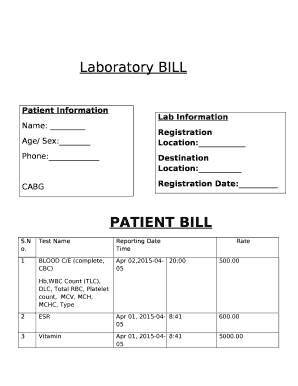
Pathology lab bill format in word
The document is a laboratory bill detailing patient information, lab registration, and test results. It includes a list ...

Weekly language review answer key
The document is a language homework assignment for students, focusing on various aspects of grammar including identifyin ...
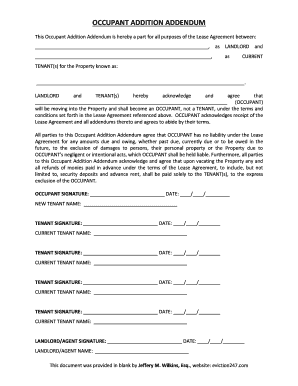
Blank addendum pdf
The Occupant Addition Addendum is a legal document that modifies a Lease Agreement to include a new occupant who will re ...