Start using our platform today to streamline your document editing and submission process for free!
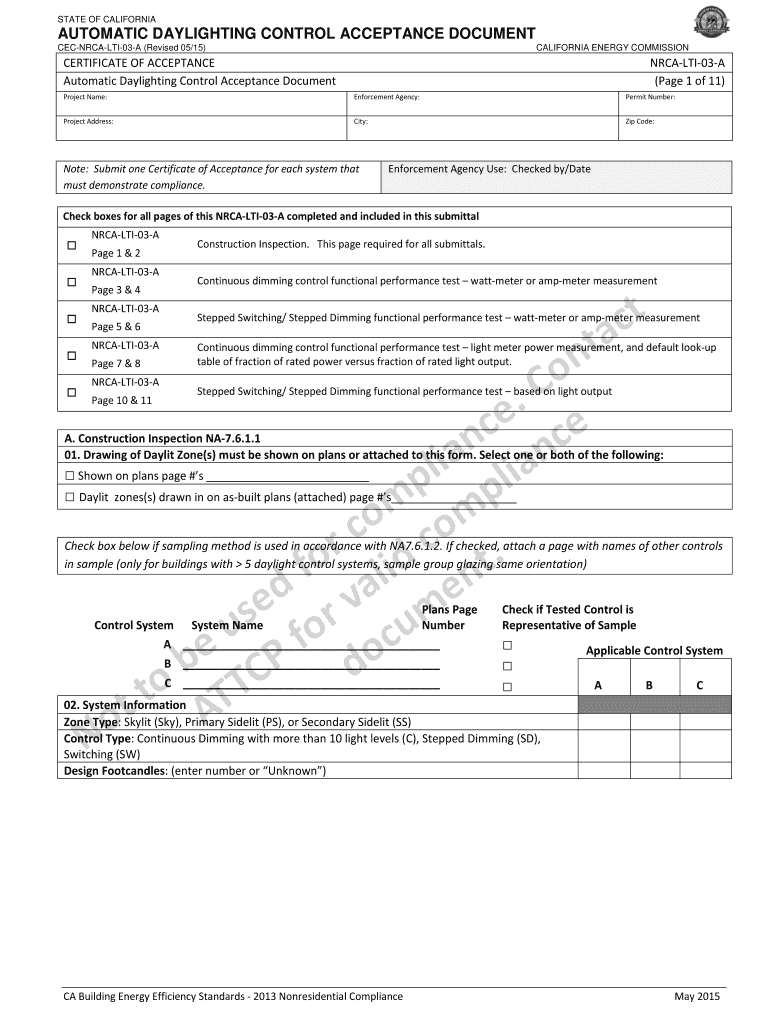
Yes, it is possible with DocHub. This reliable and compliant online solution has a phone-based signing option. When you log in to your DocHub account and add your nrca lti 03 a to our editor, fill out all blank fields and use the Sign feature on the top barf. Click on Create your signature and select Phone from the available choices. Here, you scan a QR code using your smartphone and draw your signature on your phone screen, as you normally do when signing physical papers. If you access DocHub right from your mobile device, you can eSign your document by drawing your electronic signature, uploading its picture, or simply with a typed name.
If you are using Chrome, there are two easy methods to modify your nrca lti 03 a online. First, go to the DocHub site, add your file, and modify it using our toolbar. You may also set up our Chrome extension and modify any document by dragging and dropping it in your browser window.
At DocHub, your data security is our priority. We follow HIPAA, SOC2, GDPR, and other standards, so you can work on your documents with confidence.
Learn more