Start using our platform today to streamline your document editing and ensure a smooth submission process!
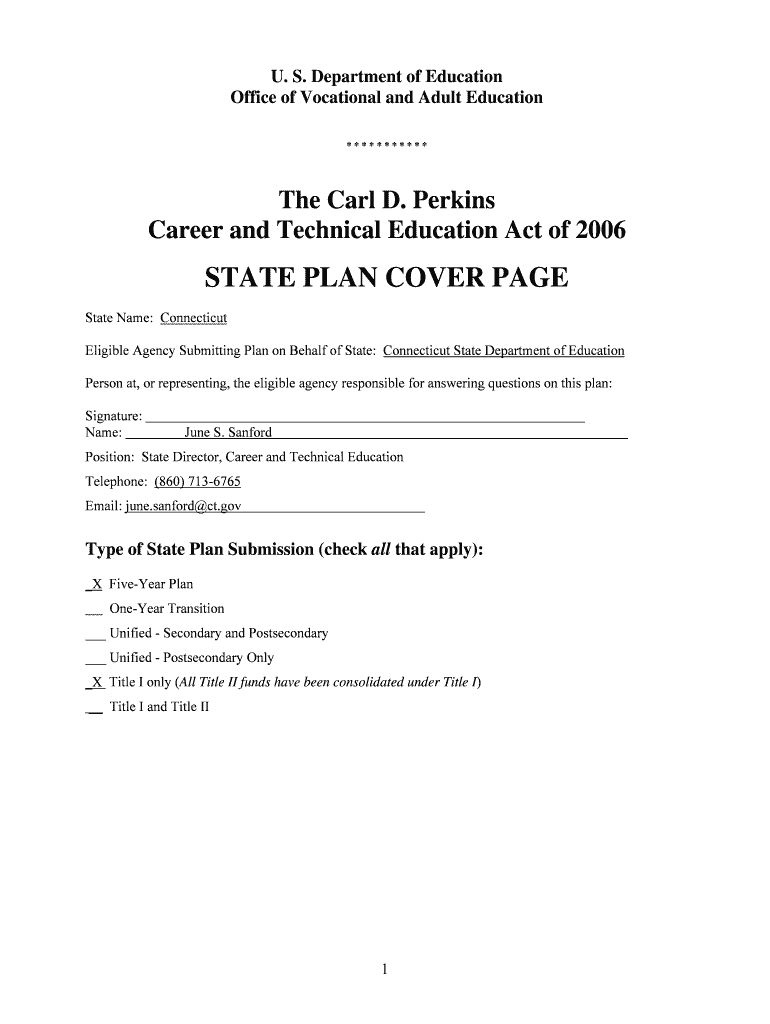
Sure, you’ll find many different apps for this on the web. Nevertheless, if you need to eSign your Connecticut's Five-Year State Plan - Connecticut State Department without installing extra software, DocHub is the optimum choice you can make. This robust editor works on mobile devices just as on desktops. Open our editor in any internet browser, register or sign in to your account, and start managing your documents.
If you choose analog ways of completing your Connecticut's Five-Year State Plan - Connecticut State Department, you can easily download your file for printing. Search DocHub’s Forms & Templates catalog to find the exact document template you require and open it for editing or download it on your device in the format of your choice. It is easy to complete your form electronically and put your handwritten signature on it after printing or eSign your document with DocHub.